

UI/UX Design Task Automator
Select a common design task below to see how much of it can be automated by AI versus where human empathy and strategy are required.
You’ve probably seen the headlines. "Generative AI is coming for your job." It’s a scary thought, especially if you’ve spent years mastering Figma, learning color theory, and obsessing over pixel-perfect alignment. But here’s the thing: while AI can generate interfaces in seconds, it still struggles to understand why a user feels frustrated after three clicks. As we move through late 2026, the question isn’t whether AI will replace designers-it’s whether designers who use AI will replace those who don’t.
Let’s be honest about what’s happening right now. Tools like Midjourney, Uizard, and integrated features in Adobe Firefly have changed the speed at which we work. You can type "dashboard for a fintech app with dark mode" and get ten viable layouts before your coffee gets cold. That used to take hours of sketching. But does that mean the UI/UX Designer role is dead? Absolutely not. It means the role is shifting from production to strategy.
The Shift From Pixel Pushing To Problem Solving
Think about what AI actually does well. It excels at pattern recognition and replication. If you feed it thousands of successful landing pages, it learns what usually converts. It can suggest button placements based on heatmaps from millions of other sites. This is efficiency, not empathy.
User Experience (UX) is fundamentally about understanding human behavior, emotions, and context. An AI doesn’t know that your elderly users struggle with small touch targets because of arthritis. It doesn’t know that your B2B clients are stressed by end-of-quarter deadlines and need a calm, reassuring interface. These insights come from talking to people, observing them, and synthesizing messy real-world data into clean solutions.
In 2026, the value of a designer lies less in drawing rectangles and more in defining the problem space. You’re no longer just executing visuals; you’re curating AI outputs. You’re the editor-in-chief of a very fast, very literal robot writer. Your job is to ask the right questions, validate assumptions, and ensure the final product feels human.
Where AI Currently Excels In Design Workflows
It’s helpful to look at specific tasks to see where the line is drawn. AI has taken over the tedious parts of our jobs, freeing us up for higher-level thinking. Here’s how the landscape looks today:
| Task | AI Performance | Human Role |
|---|---|---|
| Wireframing & Layouts | High - Generates variations instantly | Selecting best options, refining hierarchy |
| Color Palette Generation | High - Perfect contrast ratios automatically | Aligning with brand psychology and accessibility needs |
| User Research Synthesis | Medium - Summarizes transcripts quickly | Identifying emotional cues and unspoken pain points |
| Coding Handoff | High - Converts designs to React/Vue code | Ensuring maintainability and performance optimization |
| Strategic Direction | Low - Lacks business context | Defining KPIs, aligning with company goals |
Notice the pattern? AI handles the "what" and the "how." Humans handle the "why." When you use an AI tool to generate a navigation menu, it gives you standard patterns. But only you know that your specific audience hates dropdowns and prefers a mega-menu because of their mobile usage habits. That insight is irreplaceable.
The New Skill Set: Prompt Engineering And Curation
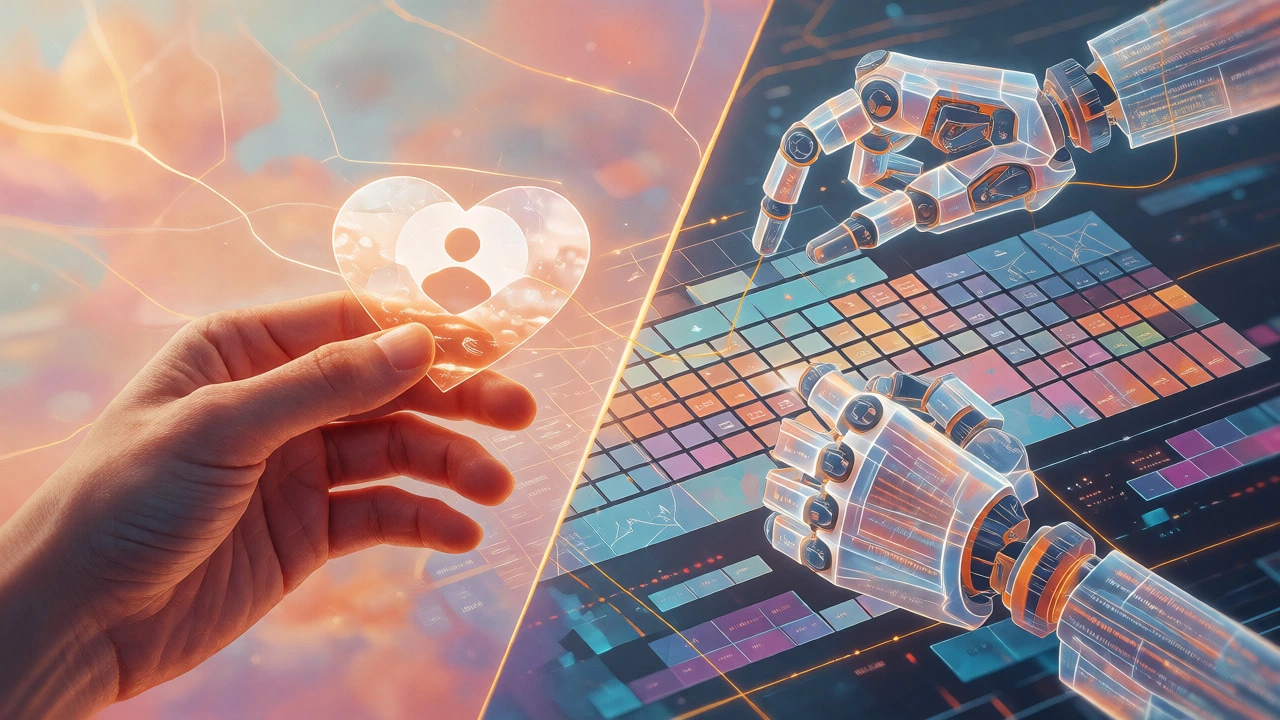
If you’re worried about staying relevant, focus on skills AI can’t easily replicate. First, learn to talk to machines. Knowing how to prompt effectively-giving clear constraints, style guides, and context-is now a core competency. A vague prompt gets generic results. A precise prompt gets usable assets.
Second, develop strong editorial judgment. When an AI spits out five different hero sections, you need to know which one aligns with the brand voice and which one might confuse users. This requires deep knowledge of Design Systems and cognitive load principles. You’re becoming a quality control manager for automated design.
Third, double down on soft skills. Stakeholder management, negotiation, and storytelling are harder for algorithms to fake. Convincing a CEO to change a feature because user testing showed friction? That’s pure human influence. AI can show the data, but it can’t read the room or build trust during a difficult conversation.
Why Empathy Is The Ultimate Moat
Design is service. It’s about solving problems for people. AI operates on logic and probability; humans operate on emotion and intuition. Consider a healthcare app. An AI might optimize the flow for speed, reducing clicks from five to two. But a human designer knows that patients receiving bad news need time to process. They might add a micro-interaction that slows things down intentionally, giving the user a moment to breathe. That nuance is subtle, hard to quantify, and nearly impossible to train into a model without massive, specific datasets.
Moreover, ethical considerations are growing. Who owns the copyright of an AI-generated image? How do we ensure our algorithms aren’t biased against certain demographics? These are philosophical and legal questions that require human oversight. We are the guardians of inclusive design, ensuring that technology serves everyone, not just the average user profile.

How To Future-Proof Your Career
So, what should you do tomorrow morning? Don’t quit your job. Instead, integrate these steps into your workflow:
- Automate the mundane: Use AI for asset generation, resizing, and basic copy suggestions. Save those hours for research.
- Learn the tech stack: Understand how developers use AI coding assistants. Speak their language to streamline handoffs.
- Focus on outcomes: Move your portfolio away from pretty screens and toward case studies that show measurable business impact driven by your decisions.
- Stay curious: Test new tools weekly. The landscape changes fast. What works in November 2026 might be obsolete by summer 2027.
Remember, the goal isn’t to compete with AI. It’s to collaborate with it. Think of AI as a junior designer who never sleeps, makes zero mistakes in syntax, but has zero common sense. Your job is to guide them, correct them, and give them purpose.
Frequently Asked Questions
Can AI completely automate the design process?
No. While AI can automate production tasks like layout generation and asset creation, it cannot independently define user problems, understand complex business contexts, or make strategic design decisions without human input.
Do I need to learn coding to survive as a UI/UX designer in 2026?
You don't need to be a developer, but understanding how AI-assisted code generation works helps. Familiarity with HTML/CSS basics allows you to better evaluate AI outputs and communicate effectively with engineering teams.
Which AI tools are most useful for designers right now?
Tools like Uizard for wireframing, Galileo AI for high-fidelity mockups, and integrated features in Figma and Adobe Creative Cloud are currently leading the market. They help speed up ideation and prototyping phases significantly.
Will entry-level design jobs disappear?
The nature of entry-level roles is changing. Junior designers will spend less time on repetitive tasks and more time on research support and prototype validation. Employers will expect juniors to be proficient in AI tools from day one.
Is there a risk of AI making all websites look the same?
Yes, this is known as "design homogenization." If everyone uses the same popular models with similar prompts, outputs tend to converge. Human creativity and unique brand strategies are essential to break this cycle and create distinct identities.