Wix Free Plan Suitability Checker
Define Your Project
Verdict
Feature Breakdown:
Select your options and click Analyze to see if the free plan works for you.
You’ve probably seen the "Start for Free" button on Wix is a popular drag-and-drop website builder that allows users to create websites without coding knowledge. It launched in 2006 and has grown into one of the largest platform providers for small businesses and personal portfolios. countless times. It’s tempting. You want a website, you don’t want to spend money upfront, and Wix promises exactly that. But here is the hard truth: while Wix still offers a free tier in 2026, it is not the same as having a fully functional, professional website. The "free" label comes with significant restrictions that can hurt your credibility and growth if you aren't aware of them.
If you are deciding whether to build your new project on Wix’s free plan or jump straight to a paid subscription, you need to understand what you are actually getting. This isn’t just about saving a few pounds; it’s about whether the free version supports your goals. Let’s break down exactly what the free plan includes, what it hides, and when it makes sense to upgrade.
What Does the Wix Free Plan Actually Include?
To answer the question directly: yes, Wix still has a free plan. However, calling it "free" requires some context. When you sign up for the free tier, you get access to Wix’s core editor, which is genuinely powerful. You can choose from hundreds of templates, drag elements around, add images, and write content. The technical infrastructure-servers, security patches, and basic uptime monitoring-is handled by Wix, so you don’t need to worry about server maintenance.
Here is what you get on the free tier:
- Unlimited Bandwidth: Your site won’t crash because too many people visited.
- 5GB Storage: Enough for text and a moderate number of images, but not for high-resolution video hosting.
- SSL Certificate: Your site will load over HTTPS, which is essential for basic security and browser trust.
- Mobile Optimization Tools:
- Basic SEO Tools: You can edit titles and descriptions, though with limited control.
The catch? You do not own your address. On the free plan, your URL looks like `username.wixsite.com/siteaddress`. This subdomain structure signals to visitors-and search engines-that this is not a primary, standalone business entity. It works for a hobby blog or a temporary landing page, but it struggles to compete in professional markets.
The Hidden Costs of "Free": Ads and Branding
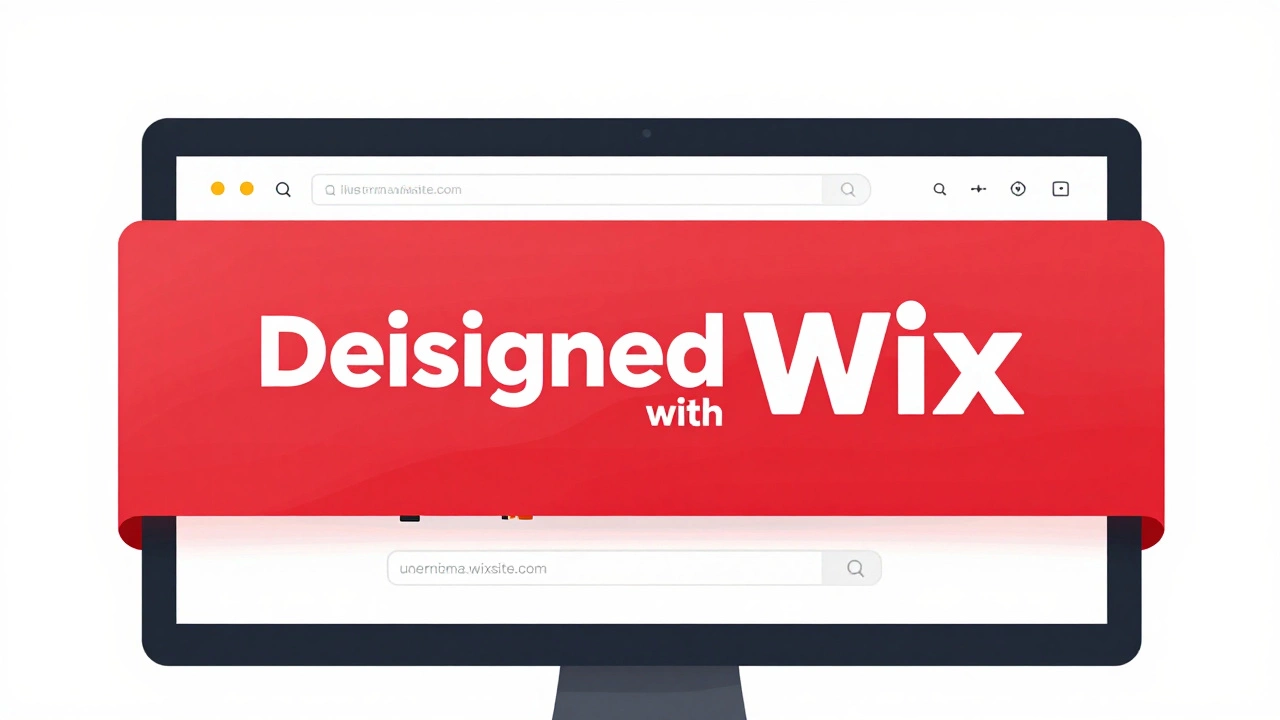
The most visible limitation of the Wix free plan is the branding. Wix places a prominent banner ad at the top of every page built on the free tier. This banner says "This site was designed with Wix." It is not subtle. It sits right above your navigation menu, pushing your actual content down the screen. For a personal portfolio or a fan club website, this might be tolerable. For a bakery, a consulting firm, or an e-commerce store, it looks unprofessional.
This ad serves two purposes for Wix. First, it acts as marketing for their platform. Second, it creates a psychological pressure point. As your site grows and you start taking it seriously, that banner becomes annoying. It reminds you daily that you are using a trial version. Most users remove it by upgrading to a paid plan, which is exactly what Wix wants.
Furthermore, the free plan does not allow you to connect a custom domain. You cannot use `yourbusiness.com`. You are stuck with the Wix subdomain. In the world of Search Engine Optimization (SEO) is the practice of improving a website's visibility on search engines like Google through organic methods. It involves technical optimization, content creation, and link building to rank higher in search results., owning your domain is critical. Search engines treat `.com` domains differently than subdomains. While Google can index Wix subdomains, they often struggle to pass authority back to your brand identity. If you want to build a recognizable brand, the free plan actively works against you.
When Is the Wix Free Plan Actually Useful?
Don’t dismiss the free plan entirely. It has specific use cases where it shines. If you are a student learning web design, the free plan is a risk-free sandbox. You can experiment with layouts, test animations, and learn the interface without entering a credit card. Once you graduate from learning to launching, you can delete the site or upgrade.
It is also useful for temporary projects. Maybe you are organizing a local community event and need a simple information page for three months. Building a full site with a custom domain and annual hosting fee is overkill. A Wix free site gets the job done quickly. Similarly, freelancers sometimes use free Wix sites as quick prototypes to show clients design concepts before building the final product elsewhere.
However, if your goal is any of the following, the free plan will fail you:
- Selling Products: Wix disables online store features on the free plan. You cannot accept payments.
- Professional Services: Clients expect a clean, branded experience. The Wix ad undermines trust.
- Long-Term Blogging: Without a custom domain, your audience cannot easily find you via direct URL recall.
Comparing Wix Free vs. Paid Plans in 2026
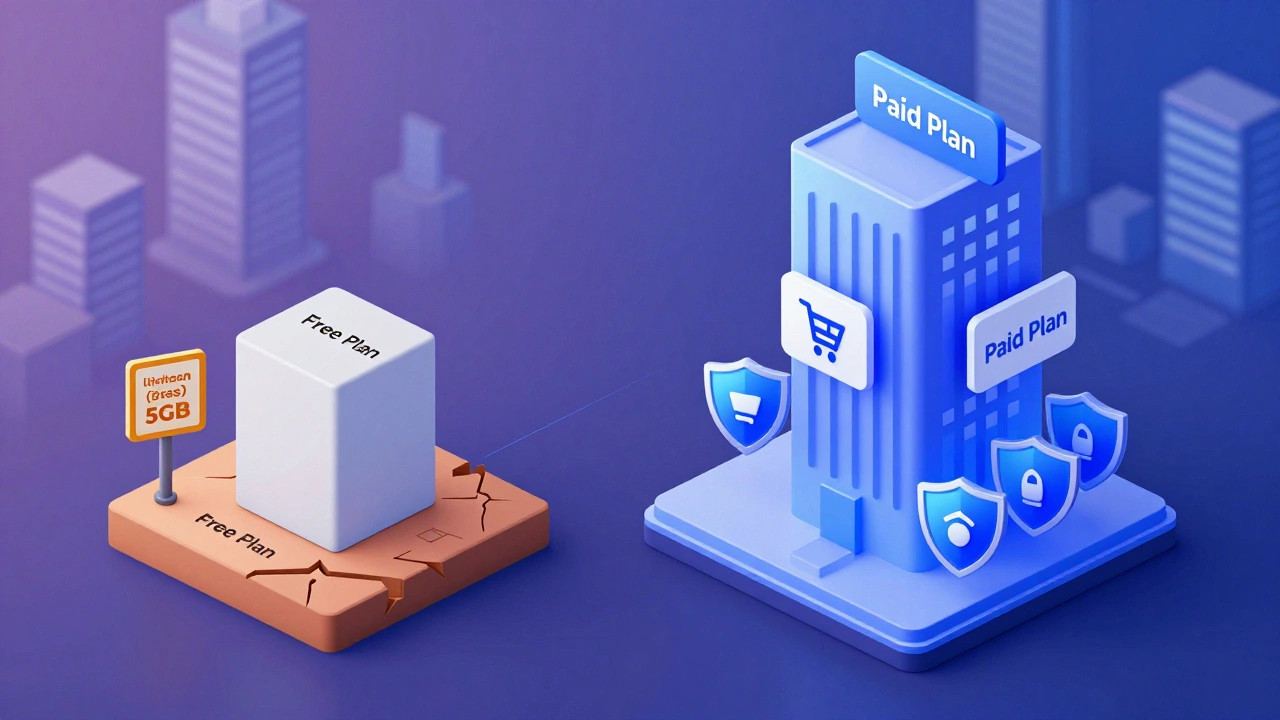
To make an informed decision, you need to see how the free stack up against the entry-level paid options. In 2026, Wix continues to refine its pricing tiers. The Light Plan is typically the first step up from free.
| Feature | Free Plan | Light Plan (Paid) |
|---|---|---|
| Custom Domain | No (`wixsite.com`) | Yes (`yourdomain.com`) |
| Wix Banner Ad | Visible | Removed |
| Storage | 5 GB | 10 GB |
| Bandwidth | Unlimited | Unlimited |
| Online Store | Disabled | Limited (up to 50 products) |
| Developer Tools | Limited | Full Access |
| Price | $0/month | ~$17/month (billed annually) |
The jump from free to paid removes the biggest friction points: the ads and the subdomain. For less than the cost of a monthly streaming service, you gain professional legitimacy. If you are serious about your website, the Light Plan is usually the minimum viable option.
Alternatives to Wix: Are There Truly Free Options?
If the Wix free plan’s limitations bother you, you might wonder if other platforms offer better free tiers. The short answer is no. Most website builders operate on a similar model: free to build, pay to publish professionally. However, some alternatives have different strengths.
WordPress.com is a managed hosting service for WordPress websites, distinct from self-hosted WordPress.org. It offers a free tier that also uses subdomains (`yoursite.wordpress.com`) and displays ads. However, WordPress.com’s free plan is even more restrictive regarding plugins and themes compared to Wix.
GitHub Pages is a static site hosting service provided by GitHub for hosting project pages and user pages directly from a GitHub repository. If you know how to code HTML, CSS, and JavaScript, GitHub Pages is truly free, has no ads, and allows custom domains. This is the best option for developers who want zero cost but are willing to handle the technical setup manually.
Carrd is a simple website builder focused on creating one-page websites for personal profiles, landing pages, and simple brochures. Carrd offers a generous free tier for single-page sites without ads, making it a strong competitor for simple contact pages or digital business cards.
For most non-technical users, however, Wix remains the easiest starting point. The barrier to entry is low, and the transition to a paid plan is seamless if you decide to grow.
Common Pitfalls to Avoid on the Free Plan
If you stick with the free plan, be aware of these common mistakes:
- Ignoring Mobile Preview: Just because you can’t customize the mobile view extensively on some older free templates doesn’t mean you should ignore it. Always check how your site looks on phones.
- Overloading Media: With only 5GB of storage, large video files will fill your quota quickly. Use YouTube or Vimeo embeds instead of uploading videos directly to Wix.
- Expecting E-commerce Functionality: Do not try to hack together a shopping cart on the free plan. It is disabled for security and policy reasons. Upgrade before adding products.
- Forgetting Backups: While Wix saves your work automatically, you cannot export your site data easily from the free plan. If you leave Wix later, moving your content to another platform can be difficult. Keep copies of your text and images locally.
Final Verdict: Should You Use Wix’s Free Plan?
Is Wix still free? Yes. But it is free only in the sense that you don’t pay cash. You pay with your brand credibility, your SEO potential, and your functionality. If you are testing the waters, learning the ropes, or building a temporary project, the free plan is a valuable tool. It gives you a taste of professional web design without financial commitment.
However, if you intend to run a business, sell products, or establish a long-term online presence, the free plan is a dead end. The limitations are designed to push you toward paid subscriptions, and for good reason. Professional websites require professional tools. Upgrading to a paid Wix plan or exploring alternative hosting solutions will save you time and headaches in the long run. Start free if you must, but plan to upgrade soon.
Can I remove the Wix ad from my free site?
No. The Wix banner ad is mandatory on all free plans. You can only remove it by upgrading to a paid subscription, such as the Light Plan or higher.
Does the Wix free plan include a custom domain?
No. Free sites use a Wix subdomain (e.g., username.wixsite.com/site). Custom domains (e.g., yourbusiness.com) require a paid plan.
Can I sell products on the Wix free plan?
No. E-commerce features, including the ability to add products and accept payments, are disabled on the free plan. You must upgrade to a Business or eCommerce plan to sell online.
How much storage do I get on the Wix free plan?
The free plan includes 5GB of storage. This is sufficient for text-based sites and moderate image usage but may be limiting for media-heavy projects.
Is Wix free forever, or is it just a trial?
Wix’s free plan is available indefinitely. You can keep your site on the free tier as long as you wish, provided you accept the limitations regarding ads, subdomains, and features.
Can I move my Wix free site to another platform?
Moving a Wix site to another platform is difficult because Wix uses proprietary code. You can copy text and download images, but you cannot export the site structure or design. It is easier to rebuild your site on the new platform.
Does the Wix free plan support SSL?
Yes. All Wix sites, including those on the free plan, come with a free SSL certificate, ensuring your site loads securely over HTTPS.
What is the cheapest paid Wix plan in 2026?
The Light Plan is typically the most affordable paid option, offering a custom domain and ad-free experience for approximately $17 per month when billed annually.