Online Store Startup Cost Calculator
Calculate Your Minimum Startup Costs
Based on the article "How Much Money Do I Need to Start an Online Store in 2026?", estimate your essential startup costs without unnecessary expenses.
Note: Payment processing fees are estimated at 2.9% + 20p per transaction
Estimated Startup Costs
Loading calculation...
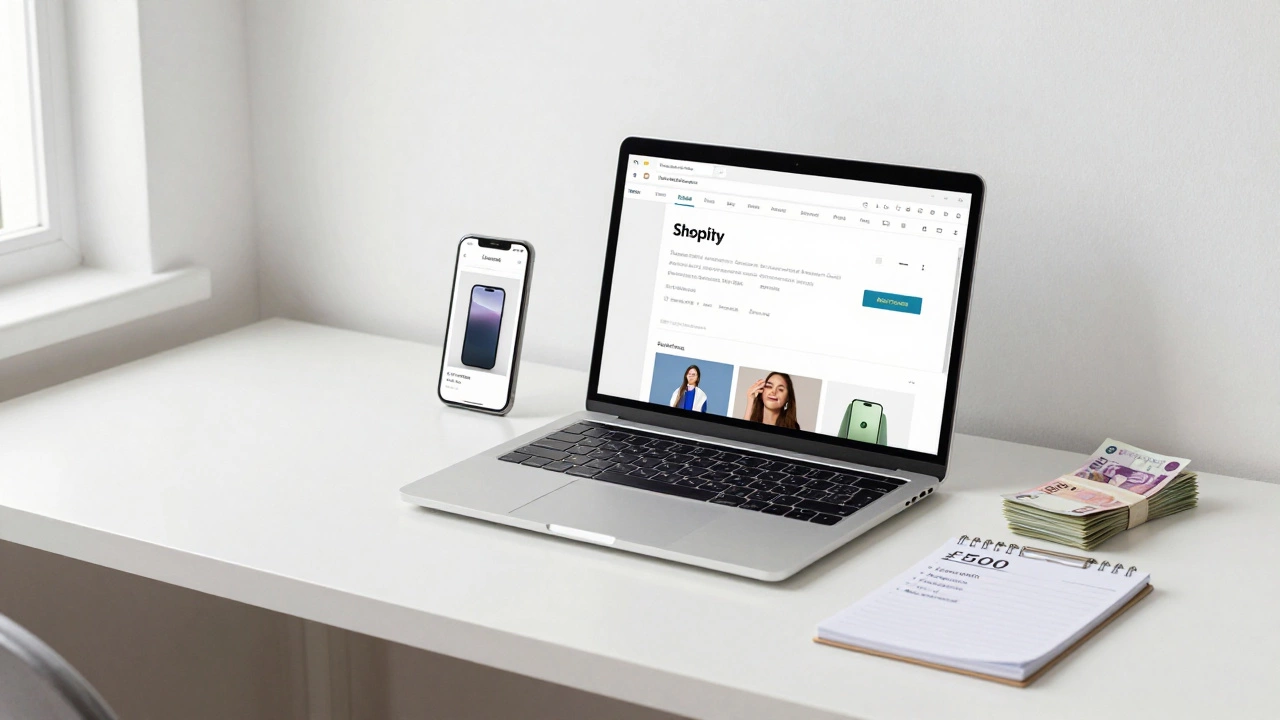
Starting an online store doesn’t have to cost thousands. In fact, you can launch a working store for under £500 - but only if you know where to spend and where to skip. Too many people think they need fancy websites, custom apps, or big ad budgets to sell online. That’s not true. What you actually need is a clear plan, the right tools, and enough cash to cover the essentials. Let’s break down exactly what you’ll pay for, and how to keep costs low without cutting corners.
Platform Fees: The Biggest Variable
Your online store needs a home. That’s where ecommerce platforms come in. The big names are Shopify, WooCommerce, and BigCommerce. Each has different pricing, and each changes how much else you’ll spend.
Shopify starts at £29/month. That includes hosting, security, and basic tools. It’s simple, but you’re locked into their system. WooCommerce is free to install - but it runs on WordPress, so you’ll need to pay for hosting, a domain, and maybe a theme. A decent hosting plan with WordPress costs around £5-£10/month. Add a premium theme (£60 one-time) and you’re looking at £65-£75 in the first month. BigCommerce starts at £29/month too, but it’s heavier on features, which can mean less need for extra apps.
Here’s the thing: Shopify is the easiest for beginners. WooCommerce gives you more control but more work. If you’re not tech-savvy, Shopify saves you hours - and that’s worth £20-£30 a month.
Domain Name and SSL: Non-Negotiable
You need a web address. Something like yourbrand.co.uk. That costs about £10-£15 a year. Most platforms bundle this with hosting, so if you’re on Shopify, you can buy it directly through them. Don’t skip the SSL certificate - it’s what makes your site secure (and trusted). Most platforms include it for free now. If you’re using WooCommerce, make sure your host gives it to you. Otherwise, you’ll pay extra.
Product Photos and Descriptions
This is where many new store owners underestimate costs. You can’t just copy product images from suppliers. Google and customers hate duplicate content. You need original photos and real descriptions.
If you’re selling your own products, take the photos yourself. A good smartphone camera and a white sheet as a backdrop work fine. Natural light is free. If you’re dropshipping or reselling, hire someone on Fiverr to take clean photos. A basic product photo set (5 images per product) costs £5-£10 per item. For 20 products? That’s £100-£200.
Writing descriptions? Do it yourself. Use simple language. Tell people why your product solves their problem. Don’t copy-paste from Amazon. Original content helps your SEO and builds trust.
Payment Processing: Fees You Can’t Avoid
Every time someone buys something, you pay a fee. Stripe and PayPal are the most common. Stripe charges 2.9% + 20p per transaction in the UK. PayPal is similar. So if you sell a £50 item, you pay about £1.65 in fees. That’s fine - but it adds up.
You don’t pay upfront for these. You pay per sale. But you must have a business bank account. If you don’t have one, open a free business account with Revolut or Starling Bank. They let you accept card payments and track income easily. No need to pay for expensive merchant accounts.
Apps and Plugins: Don’t Overbuy
Shopify and WooCommerce both have marketplaces full of plugins. Some are useful. Most are not.
Start with the basics: a shipping calculator, an email popup, and a contact form. That’s it. Don’t buy a £15/month app for "advanced analytics" if you’re selling 10 items a week. You don’t need it. Wait until you have data before spending.
Free alternatives exist. Use Mailchimp’s free plan for email. Use Google Analytics for traffic. Use built-in Shopify reports instead of buying a £30/month dashboard. Save money early. You’ll thank yourself later.
Marketing: Start Small, Think Long-Term
You don’t need to run Facebook ads on day one. In fact, you shouldn’t. First, build a list. Offer a 10% discount for email signups. Put a simple form on your homepage. Even 100 emails is a start.
Use Instagram or TikTok to show your products in real life. Post a 15-second video of you unboxing your product. Tag your location. Use hashtags like #UKSmallBusiness. It’s free. It works.
If you want to try paid ads, start with £5 a day. Test one ad for one product. See what clicks. Then double down on what works. Don’t spend £500 on ads before you know what sells.
Legal and Compliance: Don’t Skip This
You need a privacy policy and terms of service. If you’re in the UK, you must follow GDPR rules. Use a free template from Shopify or LawDepot. It takes 10 minutes to copy and paste.
If you’re selling physical goods, you need to handle returns. UK law says customers have 14 days to return items. You don’t need a fancy returns system. Just say: "Send it back to this address. We’ll refund you once we receive it." Clear. Simple. Legal.
Business insurance? Not needed at first. Unless you’re selling food, medical devices, or high-risk items, skip it. You can add it later when you hit £10k in sales.
Realistic Startup Costs: A Breakdown
Here’s what a real, lean online store costs in 2026:
- Shopify plan: £29/month × 3 months = £87
- Domain name: £12/year = £12
- Product photos (20 items): £10 each = £200
- Email marketing (Mailchimp free): £0
- Payment fees (first 50 sales at £50 each): 50 × £1.65 = £82.50
- Basic logo (Fiverr): £25
- Marketing (ads + content): £50
Total: £456.50
That’s it. You can launch with under £500. And you don’t need to spend more for six months - if you focus on sales, not perfection.
What Not to Spend On
Don’t pay for:
- A custom app (£3,000+)
- A "premium" theme with 50 features you won’t use (£150)
- Hiring a web designer to "make it look fancy" (£1,000+)
- Buying inventory upfront without testing demand
- Running ads before you have a clear product-market fit
These are traps. They make you feel like you’re investing - but you’re just wasting money.
How to Start With Even Less
If £500 feels like too much right now, start smaller.
Sell on Etsy or eBay first. Use those platforms to test what sells. Take photos, write listings, get your first 10 sales. Then use that money to fund your own store. You’ll know what customers want. You’ll have proof you can sell. And you’ll have cash to invest.
Or use print-on-demand. Upload a design to Printful or Teespring. They print and ship for you. No inventory. No upfront cost. You only pay when someone buys. Your profit? £10-£20 per item. That’s how many side hustles start.
Next Steps
Here’s what to do tomorrow:
- Choose one product you can sell. Not 10. One.
- Sign up for Shopify (14-day free trial).
- Take 5 photos of it with your phone.
- Write a 100-word description in your own words.
- Set up a simple email signup form.
- Post on one social media account - just once.
That’s it. You’ve started. You don’t need more. You just need to begin.