
UX vs. UI Design Impact Calculator
Design Improvements
Select the design practices you are implementing to see their estimated impact on your business metrics.
Estimated Business Impact
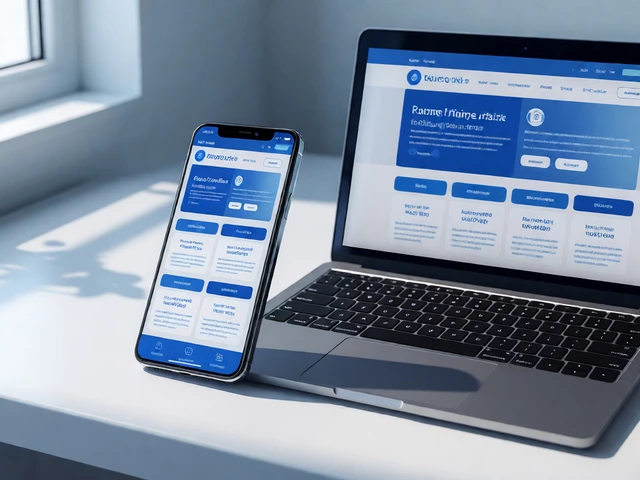
Have you ever clicked a button only to wonder where it took you? Or struggled to find the 'checkout' button on a shopping site because it was hidden behind a bright red banner that screamed for attention? That frustration isn't just bad luck. It’s a failure of UX UI design, which combines two distinct but deeply connected disciplines: User Experience (UX) and User Interface (UI). While these terms are often tossed around together in job postings and casual conversation, they solve different problems. Understanding the difference-and how they work together-is the key to building digital products people actually want to use.
Think of it this way: if a website were a car, UX would be the engine, the steering, and the suspension-the things that make the ride smooth and get you where you need to go. UI would be the paint job, the leather seats, and the dashboard layout-the things that make the car look appealing and tell you what speed you’re going. You can have a beautiful car that handles terribly, or a rugged truck with a dashboard so confusing you can’t turn on the radio. The best products balance both.
The Core Difference: Function vs. Form
To really grasp what UX UI design is, we need to pull apart the acronym. They are not synonyms. They are partners.
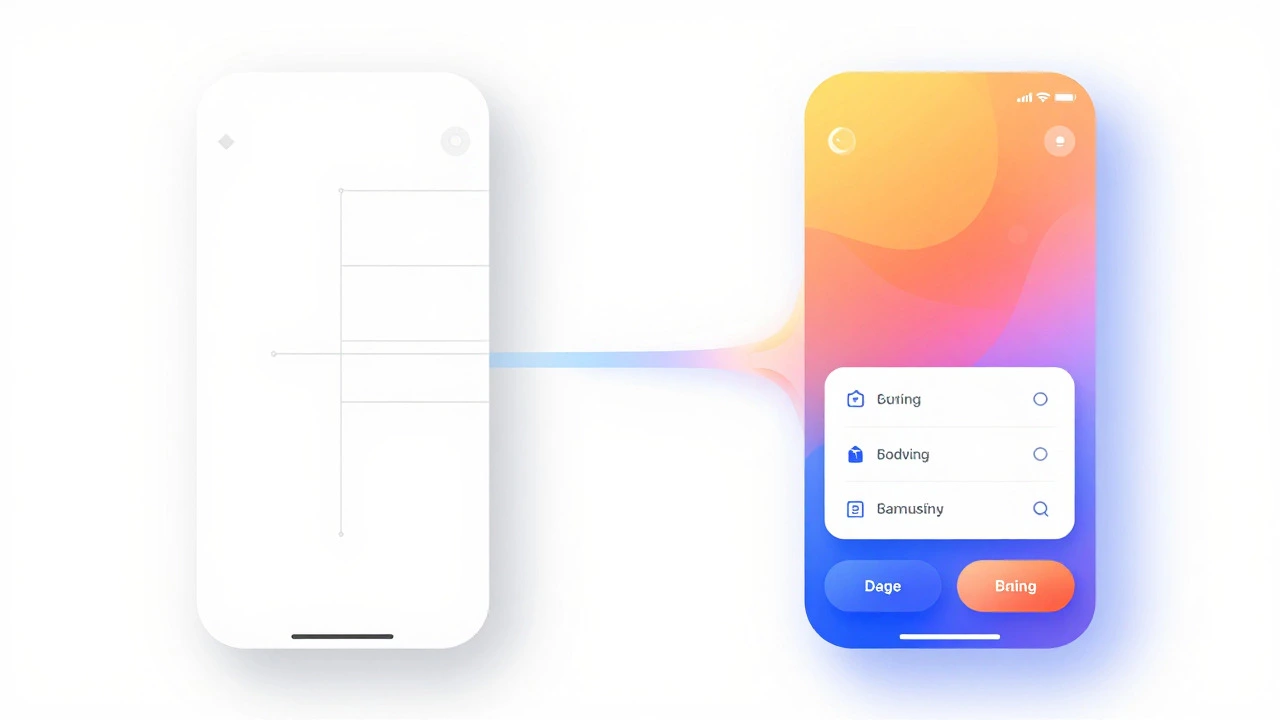
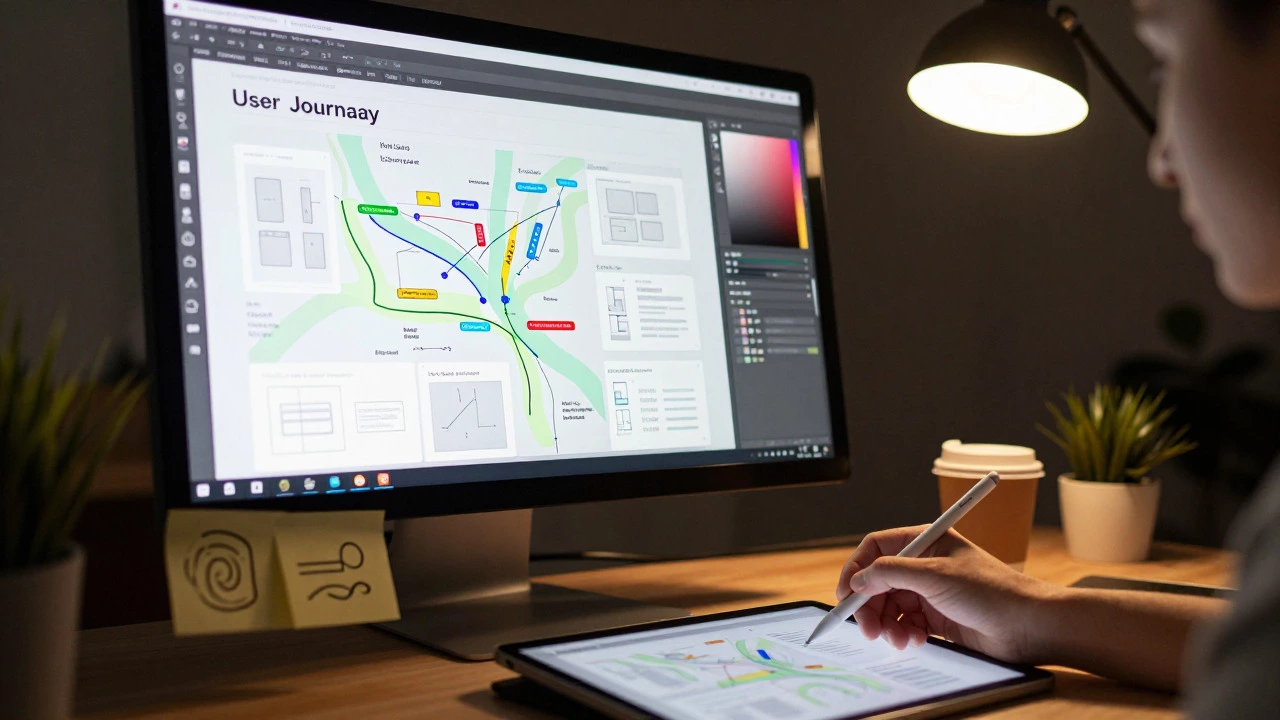
User Experience (UX) design is about logic, psychology, and structure. It asks questions like: What is the user trying to achieve? How many steps does it take to complete that task? Is the navigation intuitive? UX designers spend their time researching user behaviors, creating wireframes (basic blueprints of a page), and mapping out user journeys. Their goal is efficiency and satisfaction. If a user can buy a ticket in three clicks instead of seven, that’s a UX win.
User Interface (UI) design is about visual communication and interaction. It asks questions like: What color should the 'Buy Now' button be? Does this font size read well on a mobile screen? How does the animation feel when a form submits successfully? UI designers focus on aesthetics, consistency, and brand identity. They choose typography, color palettes, and spacing. If a user feels excited and confident clicking that 'Buy Now' button because it looks trustworthy and inviting, that’s a UI win.
When teams treat them as separate silos, things break. A UX designer might create a perfectly logical flow, but if the UI designer makes the buttons too small to tap on a phone, the experience fails. Conversely, a stunning UI with gorgeous gradients means nothing if the UX doesn’t guide the user to the right place. Good design happens when these two disciplines talk to each other constantly.
The UX Process: Solving the Right Problem
UX design starts long before any pixels are pushed. It begins with empathy. Before designing a feature, a UX designer needs to understand who will use it. This involves several key stages:
- User Research: Interviewing potential users, conducting surveys, and analyzing competitors. You aren’t guessing what people want; you’re finding out what they actually do. For example, you might discover that users don’t care about your new 'premium' features; they just want faster load times.
- Information Architecture: Organizing content so it makes sense. This is like planning the floor plan of a house. Where does the kitchen go? Where is the bathroom? In a website, this means deciding the menu structure and how pages link to one another.
- Wireframing: Creating low-fidelity sketches of the interface. These are black-and-white layouts that show where elements go without worrying about colors or images. Wireframes help test functionality early. If the layout doesn’t work in black and white, adding pretty pictures won’t fix it.
- Prototyping: Turning wireframes into interactive models. Tools like Figma or Adobe XD allow designers to click through a mockup. This lets stakeholders and users test the flow before developers write a single line of code.
- Usability Testing: Watching real people try to use the prototype. Do they get stuck? Do they misunderstand an icon? This feedback loop is crucial. It catches errors cheaply, before development begins.
The output of this process is a blueprint that prioritizes the user’s needs over the business’s assumptions. It ensures that the product solves a real problem in a usable way.
The UI Process: Crafting the Visual Layer
Once the UX structure is solid, UI design brings it to life. This stage is where the brand personality shines through. UI design isn’t just about making things 'pretty'; it’s about using visual cues to guide the user’s eye and reinforce the UX decisions.
- Visual Design System: Establishing a consistent set of rules. This includes defining primary and secondary colors, typography scales, button styles, and iconography. Consistency reduces cognitive load. If every button looks slightly different, users hesitate. If they all follow the same pattern, users act instinctively.
- Typography: Choosing fonts that are readable and align with the brand tone. A playful startup might use rounded sans-serif fonts, while a law firm might stick to traditional serifs. Font size, weight, and line height matter immensely for accessibility.
- Color Theory: Using color to create hierarchy and emotion. Red might signal an error or a discount. Blue often conveys trust. UI designers must also consider contrast ratios to ensure text is readable for users with visual impairments, adhering to standards like WCAG (Web Content Accessibility Guidelines).
- Interaction Design: Defining how elements behave. What happens when you hover over a link? How does a modal window fade in? Micro-interactions-small animations that provide feedback-make a product feel polished and responsive. A simple checkmark animation after submitting a form reassures the user that their action was successful.
- Responsive Design: Ensuring the interface adapts seamlessly to different screen sizes. A UI designed for a desktop monitor must collapse elegantly into a mobile view. This isn’t just shrinking images; it’s rethinking the layout for touch interactions and smaller viewports.
The result is a high-fidelity mockup that looks like the final product. Developers use these designs to build the actual interface, ensuring pixel-perfect implementation.
| Aspect | UX Design | UI Design |
|---|---|---|
| Primary Focus | Functionality and Logic | Aesthetics and Visuals |
| Key Question | "Does it work?" | "Does it look good?" |
| Deliverables | Wireframes, User Flows, Personas | High-Fidelity Mockups, Style Guides, Prototypes |
| Tools Used | Miro, Optimal Workshop, Hotjar | Figma, Sketch, Adobe Photoshop |
| Success Metric | Task Completion Rate, Time on Task | Brand Alignment, Visual Consistency |
Why Businesses Can’t Ignore UX UI Design
In the past, companies might have built a product first and worried about design later. Today, that strategy is risky. Users have zero tolerance for friction. If a competitor offers a smoother, more visually appealing experience, they will switch in seconds.
Good UX UI design directly impacts the bottom line. Here’s how:
Increased Conversion Rates: A clear call-to-action button, placed logically within the user journey, converts better than a hidden link. Removing unnecessary steps in a checkout process (a UX improvement) combined with a clean, trustworthy design (a UI improvement) can significantly boost sales.
Reduced Development Costs: Fixing a usability issue in a wireframe costs almost nothing. Fixing it after the code is written requires developer hours, testing, and potential delays. Investing in upfront UX research prevents expensive rework later.
Brand Loyalty: People remember how a product made them feel. A frustrating experience leads to negative reviews and churn. A delightful, seamless experience builds trust and encourages users to return. Apple didn’t become a trillion-dollar company just by selling hardware; they sold an experience that felt intuitive and premium.
Accessibility and Inclusivity: Good design works for everyone. By following accessibility standards, businesses open their products to users with disabilities, expanding their market reach and complying with legal requirements in many regions.

Common Pitfalls to Avoid
Even experienced teams stumble. Here are some common mistakes that undermine UX UI efforts:
- Designing for Yourself: Assuming your preferences match your users’. You might love a dark mode, but your target audience might prefer light mode for readability. Always validate with data.
- Ignoring Mobile First: More traffic comes from mobile devices than desktops. Designing for desktop first and then squeezing it onto a phone usually results in a poor experience. Start with the smallest screen.
- Overcomplicating Navigation: Trying to cram every feature into the main menu confuses users. Use progressive disclosure-show only what’s needed at the moment, and reveal more options as the user explores.
- Neglecting Load Times: A beautiful UI means nothing if it takes ten seconds to load. UX and UI must collaborate with engineers to optimize performance. Lazy loading images and minimizing code are part of the design conversation.
- Siloeing Design from Development: When designers hand off files and walk away, details get lost. Continuous collaboration between designers and developers ensures the final product matches the vision.
The Future of UX UI Design
The field is evolving rapidly. Voice user interfaces (VUI) are changing how we think about interaction. Instead of clicking buttons, users speak commands. This requires a completely different UX approach-conversational flows rather than visual hierarchies.
Artificial Intelligence is also reshaping design. AI tools can now generate UI components, suggest color palettes, and even predict user behavior based on historical data. However, AI lacks human empathy. It can optimize for metrics, but it can’t understand the subtle emotional nuances that make a product feel 'human.' The role of the designer is shifting from manual creation to curation and strategic oversight.
Augmented Reality (AR) and Virtual Reality (VR) are opening new frontiers. Designing for spatial computing requires thinking in three dimensions. How do you navigate a menu in VR? How do you provide feedback without physical buttons? These challenges demand a fresh blend of UX logic and UI creativity.
Regardless of the technology, the core principle remains the same: put the user first. Technology changes, but human psychology doesn’t. We still want things to be easy, fast, and understandable. Mastering UX UI design means mastering that balance.
Is UX design harder than UI design?
It’s not about difficulty; it’s about different skill sets. UX requires strong analytical, research, and problem-solving skills. You need to be comfortable with data and abstract thinking. UI requires a keen eye for aesthetics, detail, and visual communication. Both are challenging in their own ways. Many professionals specialize in one, but 'unicorn' designers who excel at both are highly valued.
Can I learn UX UI design without a degree?
Absolutely. The design industry values portfolios over degrees. You can learn through online courses, bootcamps, and self-study. Build a portfolio by redesigning existing apps, volunteering for non-profits, or creating case studies that show your process. Employers want to see how you think and solve problems, not just what you studied.
What tools do UX/UI designers use?
Figma is currently the industry standard for collaborative interface design. Other popular tools include Sketch (for Mac users), Adobe XD, and InVision. For UX research and wireframing, tools like Miro, Optimal Workshop, and Hotjar are essential.
How long does it take to become a UX/UI designer?
If you dedicate yourself fully, you can build a foundational portfolio in 6 to 12 months. However, mastery takes years. The field is vast, covering psychology, coding basics, visual design, and research methods. Continuous learning is required as tools and trends evolve.
Do I need to know how to code to be a UX/UI designer?
You don’t need to be a developer, but understanding basic HTML, CSS, and JavaScript helps immensely. It allows you to communicate effectively with engineers and design solutions that are feasible to build. Knowing the constraints of code prevents you from designing impossible animations or layouts.