Accessibility Contrast Checker
Check Your Color Contrast
Calculate if your text and background colors meet WCAG standards for accessibility. Perfect for designers working with Figma, UI components, or web interfaces.
People ask if Python is used in UI/UX design because they see Python everywhere - in data science, web backends, automation - and wonder if it’s also hiding in Figma prototypes or mobile app screens. The short answer: Python isn’t a design tool, but it’s quietly shaping how UI/UX teams work every day.
Python Doesn’t Build Buttons, But It Builds the Systems Behind Them
You won’t find Python in Adobe XD or Figma’s toolbar. You won’t drag and drop a Python widget to style a button. That’s not what it’s for. UI/UX design tools like Figma, Sketch, and Adobe XD are built for visual creation, collaboration, and prototyping - all things Python isn’t designed to do directly.
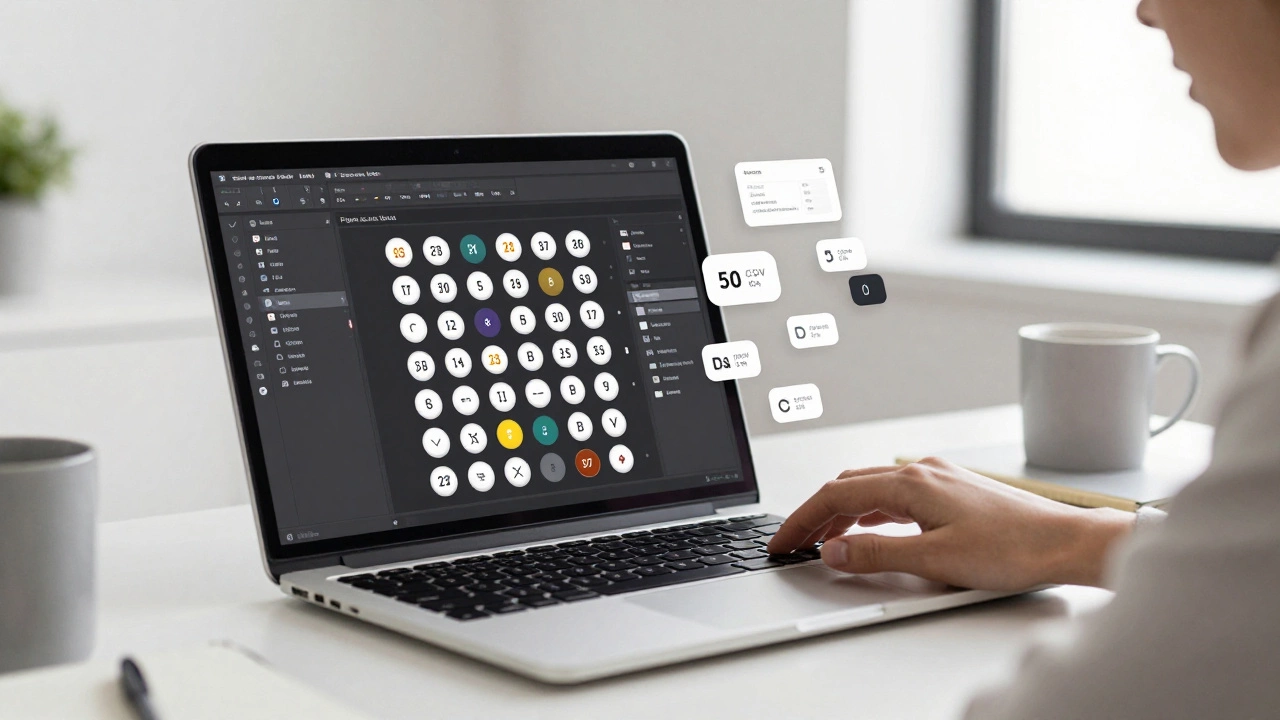
But here’s where Python steps in: behind the scenes. Teams that use Python automate repetitive design tasks. For example, a designer might need to generate 50 variations of a button with different colors and text sizes for A/B testing. Doing that manually takes hours. With Python, you can write a script that pulls data from a CSV file - color codes, font sizes, button labels - and auto-generates all 50 variations in Figma using its API. That’s not design. That’s efficiency.
Design Systems at Scale Need Python
Large companies like Airbnb, Netflix, and Spotify don’t just have one designer tweaking colors. They have teams of 20+ designers working on dozens of products. Keeping styles consistent across platforms is a nightmare without automation.
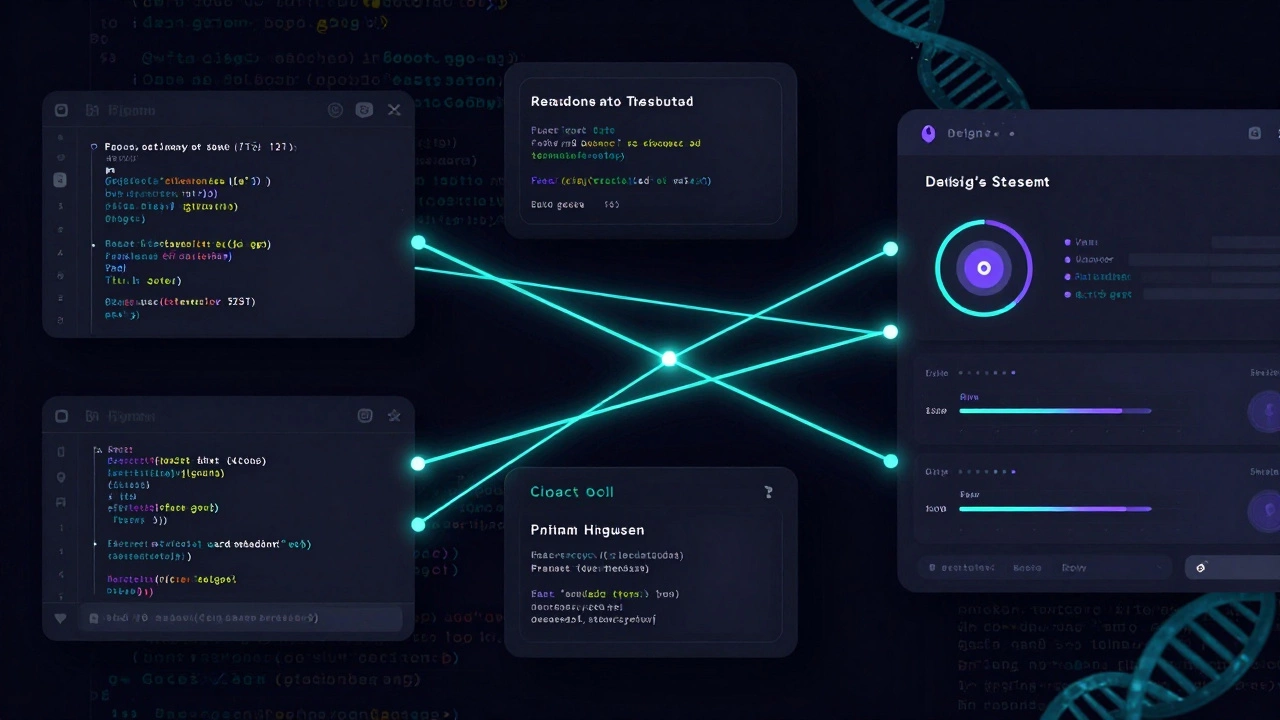
Python scripts help sync design tokens - like spacing values, color palettes, and typography scales - between design files and codebases. A designer updates a primary color in Figma. A Python script automatically updates the same value in the company’s design system library, then pushes it into the frontend codebase (React, Vue, etc.). No more mismatched buttons. No more “but the design said blue” emails.
Companies like IBM and Salesforce use Python to power internal tools that validate design system compliance. If a new component uses a font size that’s not in the approved list, the script flags it before it goes live. That’s not design. That’s quality control.
Prototyping With Real Data? Python Does That
Static prototypes feel fake. You click a button and it goes nowhere. Real users notice. That’s why some UX teams use Python to connect prototypes to real data.
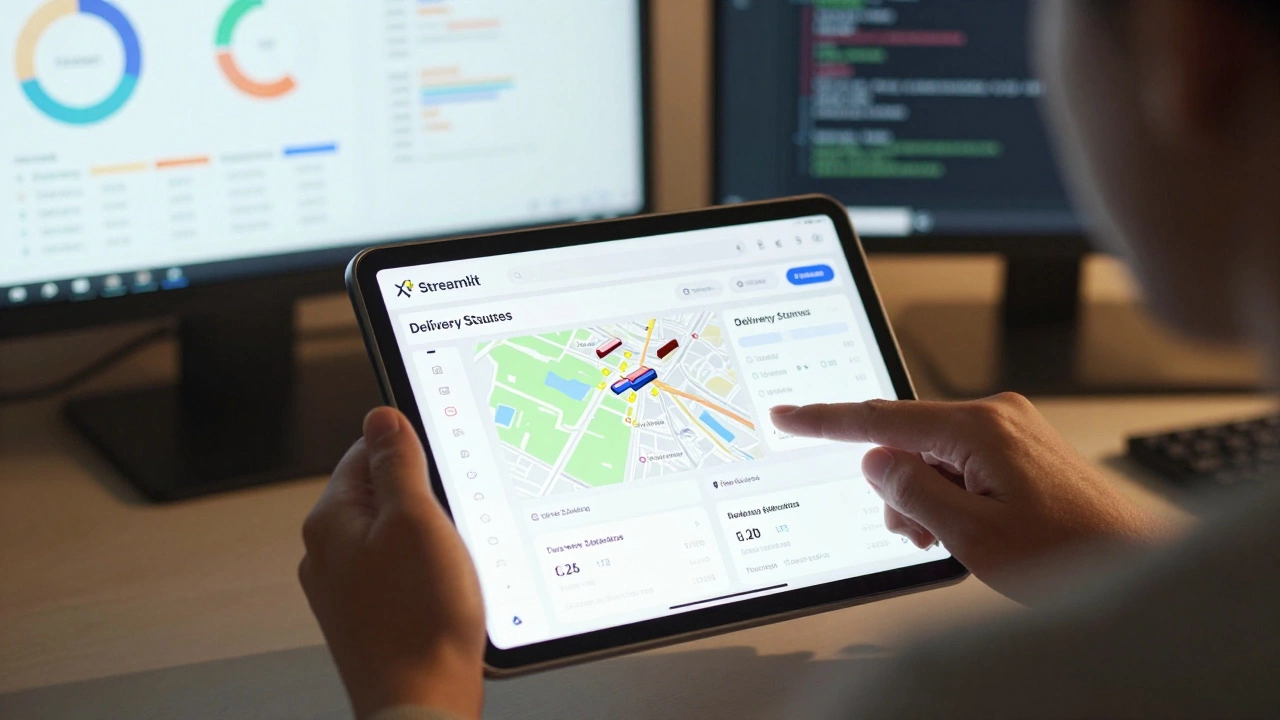
Imagine you’re designing a dashboard for a logistics app. You want to test how users react to different layouts of delivery status updates. Instead of using placeholder text like “Order #123,” you pull live data from a shipping API using Python. Your prototype shows real delivery times, real addresses, real delays. That’s not a mockup. That’s a simulation.
Tools like Streamlit let designers turn Python scripts into interactive web apps in minutes. A UX researcher can build a live prototype that lets users adjust filters - “Show only orders under 24 hours” - and see real-time changes. No developer needed. No codebase to touch. Just Python, some data, and a few lines of code.
Accessibility Testing? Python Helps There Too
WCAG compliance isn’t optional. But manually checking contrast ratios, alt text, and keyboard navigation across 100 pages is impossible.
Python scripts can scan a website’s HTML and flag issues: a button with insufficient color contrast, an image without alt text, a form field missing a label. Libraries like beautifulsoup4 and axe-core let you automate this. A designer runs the script before handing off a design to dev. It catches 80% of the obvious accessibility errors before they become bugs.
At a UK-based fintech startup I worked with, designers used a custom Python tool to scan their Figma exports. It checked if every interactive element had a proper semantic label. They cut accessibility review time by 70%.
Python Is for the Designer Who Codes - Not the One Who Doesn’t
You don’t need to know Python to be a great UI/UX designer. Most designers never touch a line of code. That’s fine. But if you’re the type who likes to automate, optimize, or dig into data - Python gives you superpowers.
Think of it like this: a painter doesn’t need to make their own paint. But if they could mix custom colors faster, or automate canvas prep, they’d do it. Python is that tool for designers who want to work smarter, not harder.
It’s not about replacing Figma. It’s about making Figma work better. If you’re spending more time on repetitive tasks than on user research, Python can free you up.
What About Python for Mobile or Web Interfaces?
Some might say: “But Python can build web apps with Django or Flask. Doesn’t that mean it’s used in UI?”
Technically, yes - but that’s frontend development, not UI/UX design. Django generates HTML templates. It handles server logic. It doesn’t design the layout. A designer still needs to create the visual structure in Figma or Sketch. Then a frontend developer translates that into HTML, CSS, and JavaScript.
Python’s role here is backend: serving data, handling authentication, managing databases. The UI? That’s still CSS and React. Python doesn’t touch the pixels.
Real Example: How a London-Based Health App Used Python to Improve Onboarding
A health tech startup in London was struggling with high drop-off rates during user onboarding. They had a 5-step form. Users were quitting at step three.
The UX team didn’t guess why. They used Python to pull anonymized usage data from their backend. They found that users who took more than 45 seconds on step three abandoned the flow. Step three asked for medical history - a free-text field.
They redesigned it into a series of toggles and sliders. Then they used Python again to simulate 500 user inputs based on real patient data. They tested the new flow with real users - but only after automating the data setup.
Drop-off dropped from 62% to 28% in two weeks. Python didn’t design the screens. But it gave them the insight to design better ones.
Where Should You Start If You Want to Use Python in Design?
If you’re a designer curious about Python, here’s a practical path:
- Learn to use Figma’s API with Python. Start with a script that exports all text layers to a CSV.
- Use Streamlit to turn a simple data visualization into an interactive prototype.
- Write a script that checks your design file for consistent spacing (e.g., all margins must be multiples of 8px).
- Automate accessibility checks using a library like
pya11y.
You don’t need to become a developer. You just need to solve one annoying problem with code. That’s enough to start.
What Tools Do You Actually Need?
You don’t need a fancy setup. Here’s what works:
- Python 3.12 - free, installed in minutes
- Figma API - free for teams, lets you read and write design files
- Streamlit - turn Python scripts into web apps with one command
- Pandas - for handling data from spreadsheets or surveys
- Beautiful Soup - to scrape and analyze HTML from live sites
All of these are free. All of them are used by teams in Leeds, Berlin, and San Francisco right now.
Final Thought: Python Isn’t the Designer’s Brush - It’s the Studio Assistant
Python won’t help you choose the right font. It won’t tell you if your layout feels balanced. That’s intuition. That’s empathy. That’s design.
But it will help you stop wasting time on copy-pasting, manual checks, and data entry. It will give you real user insights instead of guesses. It will let you test more, iterate faster, and ship better.
If you’re a UI/UX designer who wants to work with data, not against it - Python is your quiet partner. Not your replacement. Your amplifier.
Can I use Python to design apps in Figma?
No, you can’t design directly in Figma using Python. But you can use Python to automate tasks in Figma - like generating hundreds of design variants, exporting assets, or syncing design tokens. It’s automation, not creation.
Do UX designers need to learn Python?
No, not at all. Most successful UX designers never write code. But if you want to work with data, automate repetitive tasks, or build live prototypes without waiting for developers, Python gives you a huge edge. It’s optional, but powerful.
Is Python better than JavaScript for UI/UX?
They serve different roles. JavaScript runs in browsers and builds interactive interfaces. Python runs on servers or locally to process data, automate tasks, and generate insights. You don’t pick one over the other - you use both where they fit.
Can Python help with user research?
Yes. Python can analyze survey responses, clean up interview transcripts, or visualize user behavior data from analytics tools. Tools like Pandas and Matplotlib turn messy data into clear patterns - helping you spot real user pain points.
Is Python used in mobile app UI design?
Not directly. Mobile UIs are built with Swift, Kotlin, or React Native. But Python can help design teams by automating testing across devices, generating mock data for app screens, or syncing design specs with backend APIs before development starts.
What’s the easiest way for a designer to start using Python?
Install Python and try Streamlit. Write a script that reads a CSV of button labels and colors, then generates a simple interactive page showing them. That’s it. No framework. No server. Just a script that turns data into a live preview. You’ll see how useful it is in under an hour.
Next Steps for Designers
If you’re curious, start small. Pick one task you hate doing - like exporting 30 button styles or checking contrast ratios - and see if Python can do it in 10 minutes. You don’t need to be a coder. You just need to be willing to try.
And if you’re a developer working with designers? Offer to write one automation script. You’ll save them hours. They’ll thank you. And you’ll both build better products.