
Next.js Full-Stack Decision Tool
Compare the architectural differences between a traditional React/Express stack and the modern Next.js full-stack approach.
Traditional Stack
React + Express- Separate repositories for frontend/backend
- Manual CORS configuration required
- Client-side rendering (CSR) by default
- Complex state management (Redux/Context)
- Duplicate types/interfaces
- Two distinct deployment pipelines
Next.js Full-Stack
Unified Codebase- Single repository & deployment
- Built-in API Routes / Route Handlers
- Server-Side Rendering (SSR) & Static Generation
- Direct DB access in Server Components
- Shared utilities & Zod schemas
- File-system based routing
Answer these questions to see if a full-stack Next.js architecture is right for your specific project needs.
Recommendation
Common Pitfalls to Avoid:
Here is the short answer: Yes, Next.js is a full-stack framework.
If you are coming from a background of pure client-side React, this might feel like a slight shift in perspective. For years, we treated React strictly as a View library. You built components, sent them to the browser, and let JavaScript do the heavy lifting. Then came the rise of Server-Side Rendering (SSR), and frameworks like Next.js blurred the lines between frontend and backend.
But calling it "full-stack" requires understanding what that actually means in 2026. It doesn't mean Next.js replaces your database or your authentication provider. It means it provides the infrastructure for both the user interface (the frontend) and the server logic (the backend) within a single codebase.
The Evolution: From Client-Side to Full-Stack
To understand why Next.js is considered full-stack, we have to look at how web development has changed. In the early days of the modern web, you had a clear separation. Your backend was PHP, Ruby on Rails, or Node.js with Express. Your frontend was HTML, CSS, and eventually React. They lived on different servers, often spoke via REST APIs, and required two different deployment pipelines.
This setup worked, but it created friction. You had to manage CORS issues, handle separate build processes, and deal with the complexity of deploying two distinct applications. Enter Next.js, originally released by Vercel in 2016. Initially, it was just a tool to add server-side rendering to React. But over time, it evolved.
With the introduction of API Routes in 2020, Next.js officially crossed the threshold into full-stack territory. Suddenly, you could write a function inside your `pages/api` folder (or now, the `app` directory route handlers) that acted exactly like a backend endpoint. This meant you could fetch data from a database directly within your Next.js application without needing a separate Express server.
How Next.js Handles the Backend
When developers say Next.js is full-stack, they are primarily referring to its ability to run code on the server. Let's break down the mechanisms that make this possible.
Route Handlers (The New API Routes)
In earlier versions of Next.js, you used `pages/api`. In the current App Router (introduced in Next.js 13 and stabilized in 14+), you use Route Handlers. These are files named `route.ts` or `route.js` placed in any folder under `app`.
For example, if you create a file at `app/users/route.ts`, Next.js automatically exposes an endpoint at `/users`. Inside this file, you can export functions for HTTP methods like `GET`, `POST`, `PUT`, and `DELETE`.
export async function GET() {
  const users = await db.user.findMany();
  return Response.json(users);
}

export async function POST(request: Request) {
  const body = await request.json();
  const newUser = await db.user.create({ data: body });
  return Response.json(newUser);
}
This looks like standard backend code, right? You are interacting with a database (`db.user`) and returning JSON responses. That is because it is backend code. It runs on the server, never exposing your database credentials to the client.
Server Components vs. Client Components
This is where things get tricky for beginners. Next.js introduces the concept of React Server Components (RSC). By default, all components in the App Router are Server Components. This means they render entirely on the server and send only HTML to the browser. No JavaScript bundle is sent for these components unless they contain interactive elements.
Why does this matter for being "full-stack"? Because Server Components can access backend resources directly. You can import a database driver, read environment variables, and query your database directly inside a component file.
- Server Component: Can access databases, file systems, and environment variables. Sends zero JavaScript to the client for static content.
- Client Component: Uses hooks like `useState` and `useEffect`. Runs in the browser. Cannot directly access secrets.
This architecture allows you to keep your data fetching logic close to your UI, reducing the need for complex state management libraries like Redux or Context providers for global data.
What Next.js Does NOT Do
It is crucial to set realistic expectations. While Next.js is full-stack, it is not a monolithic solution. It does not replace every backend technology you might be used to.
1. It is not a Database. You still need PostgreSQL, MySQL, MongoDB, or SQLite. Next.js provides the layer to interact with them, but it doesn't store the data itself. Most developers pair Next.js with an ORM like Prisma or Drizzle to simplify database queries.
2. It is not an Authentication Provider. While you can build auth from scratch using sessions and cookies in Next.js, most teams use specialized services like Auth.js (formerly NextAuth), Clerk, or Supabase Auth. Next.js handles the session storage and middleware protection, but the credential verification often relies on external providers.
3. It is not a General-Purpose Backend Framework. If you need long-running processes, WebSockets for real-time chat, or heavy CPU-intensive tasks, running everything inside Next.js might not be optimal. For those cases, you might still need a separate service (like a Node.js worker or a Go microservice) that communicates with your Next.js app via API calls.
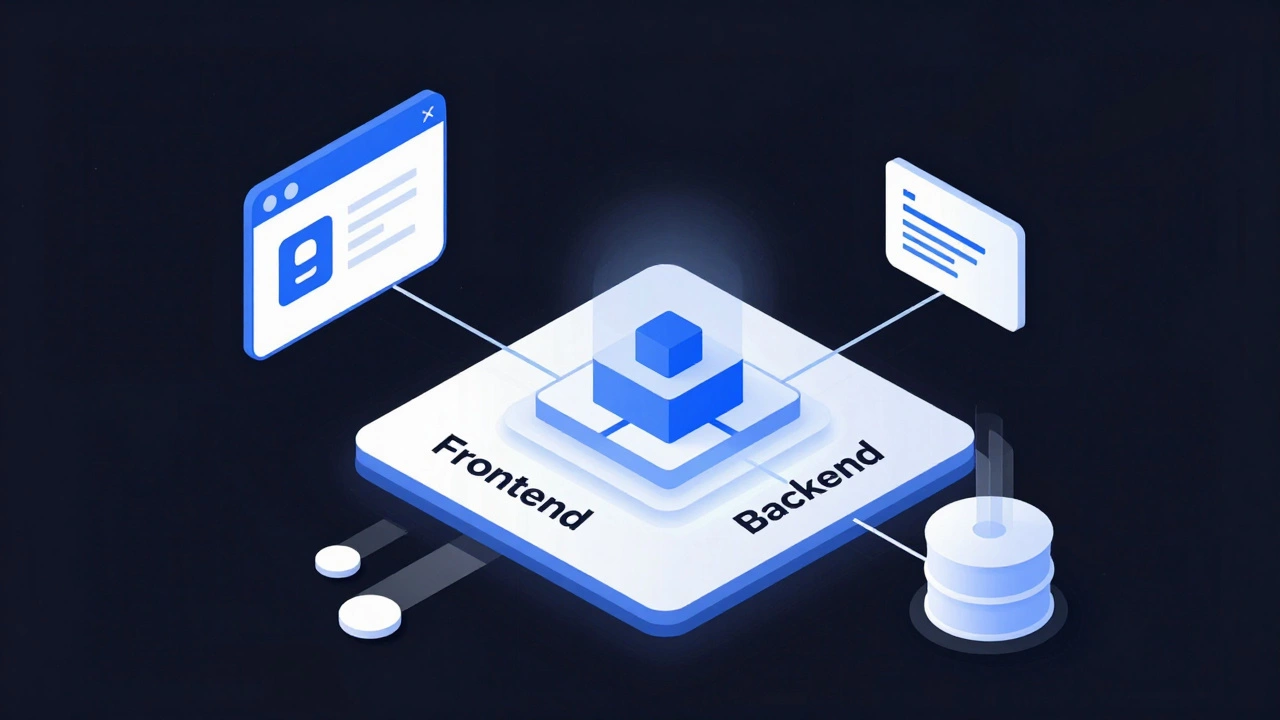
Comparison: Next.js vs. Traditional Full-Stack
To see where Next.js fits, let's compare it to a traditional setup using React + Express + PostgreSQL.
| Feature | React + Express | Next.js |
|---|---|---|
| Data Fetching | Separate API endpoints; manual state management | Direct DB access in Server Components or Route Handlers |
| Deployment | Two deployments (Frontend CDN + Backend Server) | Single deployment (Edge/Node.js runtime) |
| SEO | Requires SSR configuration or pre-rendering | Built-in SSR, SSG, and ISR out of the box |
| Code Sharing | Duplicate types/interfaces between frontend and backend | Shared utilities, types, and validation schemas |
| Routing | Client-side routing (React Router) | File-system based routing (App Router) |
The biggest advantage here is cohesion. In a traditional stack, if you change a data structure in your database, you have to update your Express models, your API response types, and your React TypeScript interfaces. In Next.js, you can share a single Zod schema or Prisma type across both your API routes and your UI components.
When Should You Use Next.js as a Full-Stack Solution?
Not every project needs a full-stack framework. Here is a quick decision tree:
- Use Next.js Full-Stack if:
- You are building a marketing site, blog, or e-commerce store where SEO is critical.
- You want to reduce development overhead by maintaining one repository.
- Your backend logic is relatively simple (CRUD operations, form submissions).
- You want to leverage Edge Functions for low-latency responses globally.
- Stick to a Separate Backend if:
- You have a complex microservices architecture.
- You need heavy real-time features (video streaming, multiplayer games).
- Your team is split between frontend and backend specialists who prefer different languages (e.g., Python/Django backend).

Performance Implications
One reason Next.js dominates the full-stack conversation is performance. By rendering pages on the server, you improve Core Web Vitals significantly. The Time to First Byte (TTFB) is faster because the server sends HTML immediately, rather than waiting for the browser to download, parse, and execute JavaScript to render the page.
Additionally, Next.js supports Incremental Static Regeneration (ISR). This allows you to statically generate pages at build time but update them after deployment. This is perfect for blogs or product catalogs where you want the speed of static sites but the flexibility of dynamic data.
Common Pitfalls to Avoid
Moving to a full-stack Next.js app isn't without challenges. Here are three common mistakes I see developers make:
- Mixing Server and Client Logic Incorrectly: Trying to use `useState` in a Server Component will throw an error. Remember: if you need interactivity, mark the component with `"use client"` at the top of the file. If you need database access, keep it in a Server Component or a Route Handler.
- Overusing Client Components: By default, assume everything is a Server Component. Only switch to Client Components when you absolutely need browser APIs or event listeners. This keeps your JavaScript bundle size small.
- Ignoring Security: Just because you can access your database directly in a Server Component doesn't mean you should expose raw SQL queries. Always use parameterized queries or an ORM to prevent injection attacks. Also, ensure your environment variables are properly secured.
Conclusion: Is It Right for You?
So, is Next.js fullstack? Yes. It provides the tools to build the entire user experience, from the pixel-perfect UI to the data-fetching backend logic. It simplifies the developer experience by unifying the stack.
However, "full-stack" doesn't mean "do-it-all." You will still choose your database, your hosting provider (Vercel, AWS, Netlify), and your authentication strategy. Next.js acts as the glue that holds these pieces together efficiently.
If you are starting a new project in 2026 and you know JavaScript, Next.js is likely the most efficient way to ship a complete web application. It reduces context switching, improves performance, and offers a robust ecosystem for scaling.
Can I use Next.js without a backend?
Yes. You can use Next.js purely for frontend rendering, fetching data from third-party APIs. However, its full potential is unlocked when you utilize its server capabilities for internal API routes and server-side rendering.
Does Next.js replace Express.js?
For many applications, yes. Next.js Route Handlers provide similar functionality to Express endpoints. However, if you need advanced middleware, custom server configurations, or non-HTTP protocols, you might still need Express or another framework alongside Next.js.
Is Next.js good for large enterprise applications?
Absolutely. Companies like Netflix, Tidal, and TikTok use Next.js. Its modular architecture, support for TypeScript, and performance optimizations make it suitable for large-scale applications. Enterprise teams often use it in conjunction with microservices for complex backend logic.
Do I need to learn Node.js to use Next.js?
While Next.js runs on Node.js (and Edge runtimes), you don't need deep Node.js expertise to start. Basic knowledge of asynchronous JavaScript (async/await) is sufficient. However, understanding how servers work helps when debugging server-side issues.
How does Next.js handle database connections?
Next.js does not manage database connections directly. You typically use an ORM like Prisma, Drizzle, or Sequelize. These libraries handle connection pooling and query generation. In Server Components, you can import the ORM client and query the database directly, ensuring the connection is established securely on the server.