WordPress Developer Readiness Checker
Check off the skills you have mastered to see your professional readiness score.
1. The Foundation
2. WordPress Engine (PHP)
3. Development Workflow
4. Professional Implementation
Analyzing Your Profile...
Keep learning the listed skills to reach professional status!
Quick Start Guide for Aspiring Developers
- Master the Fundamentals: Learn HTML, CSS, and basic JavaScript before touching PHP.
- Understand the Core: Learn how the WordPress database and file structure work.
- Build Custom Themes: Move from page builders to coding your own templates.
- Develop Plugins: Learn to extend functionality using the WordPress Plugin API.
- Modern Tooling: Get comfortable with LocalWP, Git, and the WP-CLI.
The Essential Technical Foundation
You can't build a house without a foundation, and you can't build a professional site without knowing the core languages of the web. HTML is the standard markup language used to create the structure of web pages. Without it, there is no content. Pair this with CSS, which handles the visual presentation. In 2026, you should specifically focus on CSS Grid and Flexbox to create responsive layouts that work on everything from a foldable phone to a 4K monitor.
Then comes the logic. JavaScript is no longer optional. With the shift toward the Block Editor, you need to understand how JS handles the frontend experience. If you've never used it, start with the basics: variables, loops, and DOM manipulation. Once you're comfortable, move into React.js, since the modern WordPress editing experience is built almost entirely on it.
Mastering PHP: The Engine of WordPress
While the frontend is flashy, PHP is what actually makes WordPress work. It is a server-side scripting language that tells the server how to pull data from the database and display it to the user. You don't need to be a PHP genius, but you must understand how to write functions, handle arrays, and manage conditional statements.
In the context of WordPress, you'll spend a lot of time with the "Loop." This is the mechanism WordPress uses to iterate through posts. If you can't write a custom loop to display only 'Featured' products from a specific category, you aren't yet a developer. You also need to get familiar with Hooks (Actions and Filters). Hooks allow you to "hook into" the WordPress core code to change how it behaves without actually editing the core files-which you should never do, as your changes would be wiped out during the next update.
Moving from User to Developer: Local Environments
Stop developing on a live website. It is a recipe for disaster. If you make a typo in a PHP file on a live site, you'll get the dreaded "White Screen of Death," and your clients will panic. Instead, use a local development environment. LocalWP is the gold standard here; it lets you spin up a WordPress site on your laptop in seconds.
While you're at it, start using Git for version control. If you break a feature while experimenting with a new plugin, Git allows you to roll back to a working version with one command. Professional teams don't use FTP to upload files one by one; they use deployment pipelines and version control to ensure stability.
The Art of Theme Development
Many beginners start with a "Starter Theme" like Underscores (_S). This is a great way to learn because it provides the basic structure without any styling. Your job is to build the design on top of it. You need to understand the WordPress Template Hierarchy-the set of rules WordPress uses to decide which file to show. For example, if a user visits a category page, WordPress looks for category.php; if that doesn't exist, it falls back to archive.php, and eventually index.php.
| Approach | Skill Level | Control | Performance |
|---|---|---|---|
| Page Builders (Elementor/Divi) | Beginner | Medium | Lower (Bloated code) |
| Block Themes (FSE) | Intermediate | High | High |
| Custom PHP Themes | Advanced | Total | Highest (Optimized) |
In the current era of Full Site Editing (FSE), themes are moving toward a block-based approach. You'll spend less time in header.php and more time creating theme.json files. This file is the brain of a modern theme, controlling everything from the color palette to the typography and layout widths.
Building Custom Plugins
When you need to add a feature that stays with the site regardless of the theme, you build a plugin. A WordPress Plugin is essentially a package of PHP files that extend the core software. To be a strong WordPress developer, you must move beyond simple "snippets" and learn how to create robust, secure plugins.
You'll need to master the WordPress Plugin API. This includes learning how to create Custom Post Types (CPT) and Custom Taxonomies. For instance, if you're building a real estate site, you wouldn't use standard "Posts" for houses; you'd create a 'Property' post type with its own custom fields for price, square footage, and number of bedrooms.
Security is where most amateur developers fail. Always sanitize your inputs using functions like sanitize_text_field() and escape your outputs with esc_html(). If you don't, you're leaving the door wide open for SQL injection attacks that could take down an entire server.
Working with the Database and WP-CLI
WordPress stores everything in a
MySQL database. While the admin dashboard is great, sometimes you need to make changes to thousands of posts at once. This is where
WP-CLI (WordPress Command Line Interface) becomes your best friend. Instead of clicking through a GUI, you can run a command like wp post list or wp plugin install woocommerce --activate directly from your terminal.
Learning the database schema-how the wp_posts and wp_postmeta tables relate-allows you to write complex queries using the WP_Query class. Being able to efficiently pull data without crashing the server is what separates a junior developer from a senior one.
How to Get Your First Paid Project
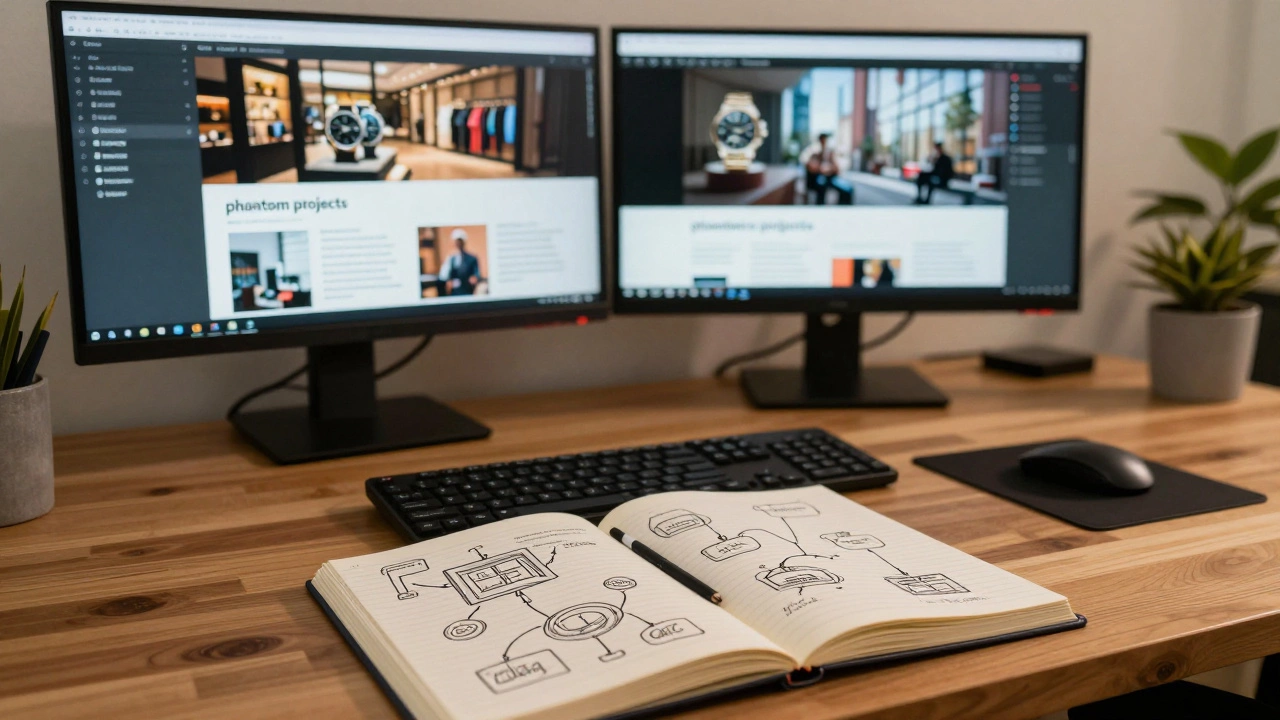
The biggest hurdle is the "no experience" paradox. You can't get a job without a portfolio, but you can't build a portfolio without a job. The solution? Build "phantom projects." Create a high-end e-commerce store for a fictional luxury watch brand or a complex directory for a fake city. Document your process: explain why you chose a specific hook or how you optimized the database queries.
Start by offering your services on platforms like Upwork or Fiverr, but don't stay there too long-the race to the bottom on pricing is brutal. Instead, target local businesses in your area. A local bakery doesn't need a $50k agency; they need someone who can build a fast, secure site that converts visitors into customers. Once you have three solid case studies, you can start charging professional rates.
Do I need to learn PHP to be a WordPress developer?
Yes. While you can build sites using page builders without a single line of code, that makes you a site builder, not a developer. To create custom themes, build plugins, or fix complex bugs, PHP is the primary language of WordPress and is absolutely essential for professional work.
Is WordPress still relevant in 2026?
Absolutely. WordPress powers a massive percentage of the web. With the evolution of Full Site Editing and the integration of headless CMS architectures (using WordPress as a backend for a React or Next.js frontend), it remains a dominant force in both the freelance and corporate markets.
What is the difference between a theme and a plugin?
A theme controls the appearance (the "skin") of your site. A plugin adds functionality (the "features"). A good rule of thumb: if a feature should remain active even if you change the design of the site, it belongs in a plugin. If it's purely about layout and style, it belongs in a theme.
How long does it take to become proficient?
Depending on your starting point, it usually takes 6 to 12 months of consistent practice. If you already know HTML/CSS, you can get a handle on the basics in a few months, but mastering the WordPress API and security best practices takes time and real-world project experience.
What is the best way to learn the WordPress API?
The official WordPress Developer Documentation (the Codex and Handbook) is the best source of truth. The best way to learn is by doing: pick a small feature (like a custom social share button) and try to build it from scratch using the API, searching the docs whenever you get stuck.
Next Steps for Your Career
Once you've mastered the basics, don't stand still. The web is always moving. Explore Headless WordPress, where you use the REST API or GraphQL to send your content to a completely separate frontend. This allows you to build lightning-fast apps that still have the easy management of the WordPress dashboard.
If you're hitting a wall with your current setup, check your PHP version. Many developers struggle with "mysterious" bugs simply because their server is running an outdated version of PHP. Updating to the latest stable version usually solves a surprising number of performance and security issues.