

Ecommerce Payment Fee Estimator
Estimate how much you actually keep after the payment processors take their cut.
Transaction Details
Estimated Breakdown
Live EstimateEnter amount and select method to see breakdown.
You click "Buy Now," enter your card details, and boom-your order is confirmed. But what actually happened in those three seconds? Did the money fly through a fiber-optic cable straight from your bank to the seller’s account? Not quite. The journey of an ecommerce payment is a complex relay race involving banks, gateways, processors, and networks, all happening faster than you can blink.
If you’re running an online store, understanding this machinery isn’t just trivia-it’s critical for your cash flow. If payments fail, you lose sales. If they’re slow, customers abandon carts. If they’re insecure, you risk fines and reputation damage. Let’s break down exactly how money moves in the digital world, stripped of the jargon that usually makes finance people sound like robots.
The Core Players in the Payment Chain
To understand how ecommerce pay works, you need to know who is holding the baton at each stage. It’s not just you (the merchant) and the customer. There are four key entities involved in every single transaction.
First, there’s the Cardholder, which is obviously your customer. They initiate the purchase by entering their payment details. Next is the Merchant, which is you or the business selling the goods. You provide the website where the transaction happens.
Then we have the Payment Gateway. Think of this as the digital point-of-sale terminal. It securely captures the customer’s payment information and transmits it to the payment processor. Popular examples include Stripe, PayPal, and Square. Finally, there’s the Acquiring Bank (or Merchant Bank), which processes the transaction on behalf of the merchant and deposits the funds into your account.
On the other side, the customer has an Issuing Bank, which issued their credit or debit card. Between these two banks sits the Card Network (like Visa, Mastercard, or American Express), which acts as the communication highway carrying the data back and forth.
Step-by-Step: What Happens When You Click Buy
So, you’ve got the players. Now, let’s watch the game unfold. This entire process usually takes less than three seconds, but here is the detailed sequence of events.
- Authorization Request: The customer enters their card details on your checkout page. Your website sends this encrypted data to the Payment Gateway.
- Gateway Relay: The gateway forwards this request to the Acquiring Bank.
- Network Check: The Acquiring Bank passes the request through the Card Network to the Issuing Bank.
- Fraud & Balance Check: The Issuing Bank checks if the card is valid, if there are sufficient funds, and runs fraud detection algorithms. If everything looks good, they approve the transaction.
- Response Loop: The approval code travels back up the chain: Issuing Bank → Card Network → Acquiring Bank → Payment Gateway → Your Website.
- Confirmation: Your website displays a "Thank You" page to the customer, confirming the order.
At this point, the money hasn’t actually moved yet. The bank has simply placed a hold on the funds, ensuring the customer won’t spend them elsewhere. This stage is called authorization. The actual movement of cash happens later during settlement.
Settlement vs. Authorization: When Do You Get Paid?
This is where many new store owners get confused. Getting a green checkmark on your dashboard doesn’t mean the cash is in your bank account today. It means the promise of payment is secured.
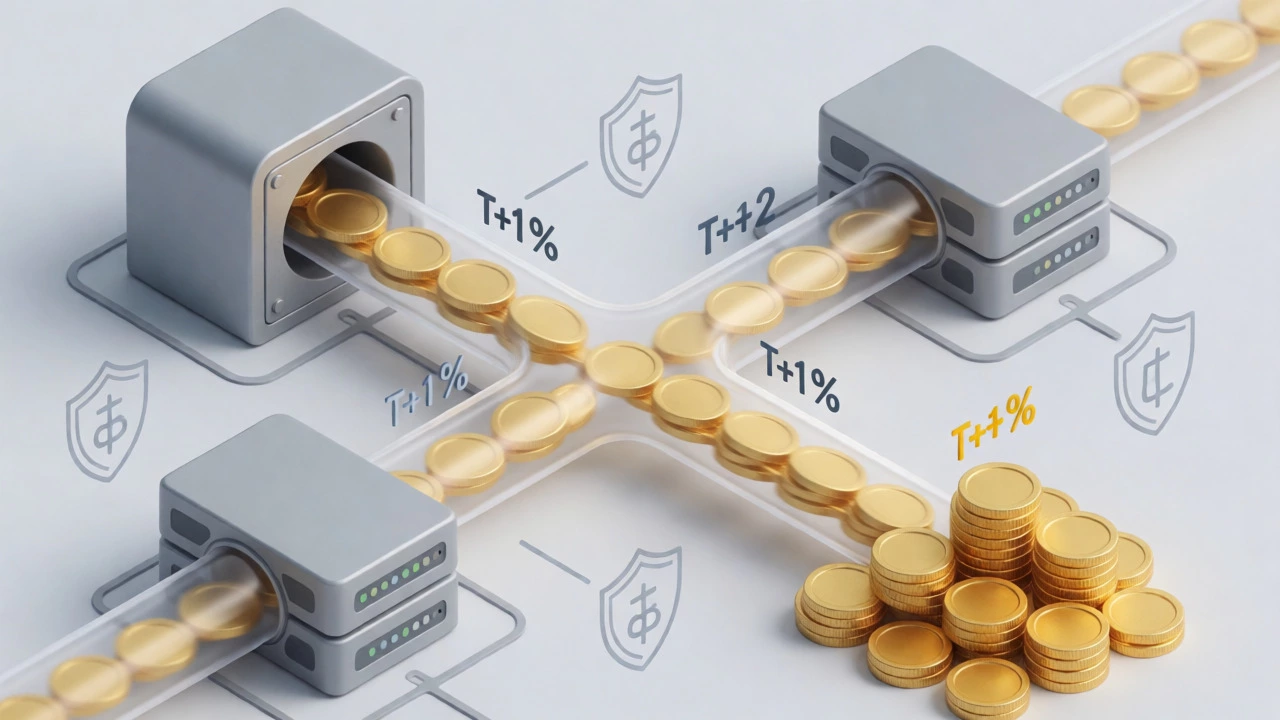
After authorization, the merchant batch-processes these approved transactions at the end of the day. This triggers the settlement phase. The Acquiring Bank requests the actual funds from the Issuing Bank via the Card Network. Once the Issuing Bank releases the money, the Acquiring Bank deposits it into your merchant account.
How long does this take? Typically, it’s between one to three business days, depending on your payment provider. Some modern providers offer instant payouts for a small fee, but the standard cycle remains T+1 or T+2 (Transaction date plus one or two days). Remember, weekends and holidays don’t count. If you sell heavily on Friday night, you might not see that cash until Tuesday.
Alternative Payment Methods Beyond Credit Cards
While credit cards are still king, they aren’t the only way customers want to pay. In fact, ignoring alternative methods can cost you conversions, especially in international markets.
Digital Wallets like Apple Pay, Google Pay, and Samsung Pay have surged in popularity. They work by tokenizing card numbers, meaning the actual card number isn’t shared with the merchant, adding a layer of security. For mobile users, these are often faster than typing in 16 digits.
Then there’s Buy Now, Pay Later (BNPL) services like Klarna, Afterpay, or Affirm. These allow customers to split purchases into installments. From a payment processing perspective, the BNPL provider pays you upfront (minus a fee), and then collects the installments from the customer. This shifts the risk of non-payment from you to the provider.
In Europe, direct bank transfers via systems like SEPA Instant Credit Transfer are common. In the Netherlands, iDEAL is dominant; in Germany, Giropay or Sofort. If you’re targeting global sales, you must integrate local payment methods. A US-centric checkout with only Visa/Mastercard options will alienate a significant portion of European shoppers.
| Method | Speed to Merchant | Customer Preference | Security Level |
|---|---|---|---|
| Credit/Debit Cards | 1-3 Days | High (Global) | PCI Compliant Standards |
| Digital Wallets | 1-3 Days | Very High (Mobile) | Tokenized & Biometric |
| PayPal | Instant (to PayPal Balance) | Medium-High | Buyer Protection Focus |
| BNPL (e.g., Klarna) | Immediate (Provider pays) | Growing (Gen Z) | Provider Handles Risk |
| Bank Transfers | 1-5 Days (Varies) | Regional Specific | Bank-Level Security |
The Hidden Costs: Who Takes a Cut?
Every time a customer pays, someone takes a slice of the pie. Understanding these fees helps you price your products correctly so you don’t accidentally give away your profit margin.
The biggest chunk usually goes to the Interchange Fee. This is set by the card networks (Visa/Mastercard) and paid to the Issuing Bank. It covers the cost of extending credit and managing risk. Interchange rates vary based on card type (premium rewards cards cost more to process than basic debit cards) and whether the transaction is online or in-person (online is higher due to fraud risk).
Next is the Assessment Fee, also known as the network fee, which goes directly to the card brands for using their infrastructure. Finally, there’s the Processing Fee charged by your Payment Gateway or Processor. This is often a flat monthly fee plus a percentage per transaction (e.g., 2.9% + $0.30).
Be wary of hidden costs like chargeback fees. If a customer disputes a charge and claims they didn’t receive the item, you get hit with a fee (usually $15-$25) regardless of whether you win the dispute. Frequent chargebacks can lead to your account being terminated by the processor.
Security and Fraud Prevention
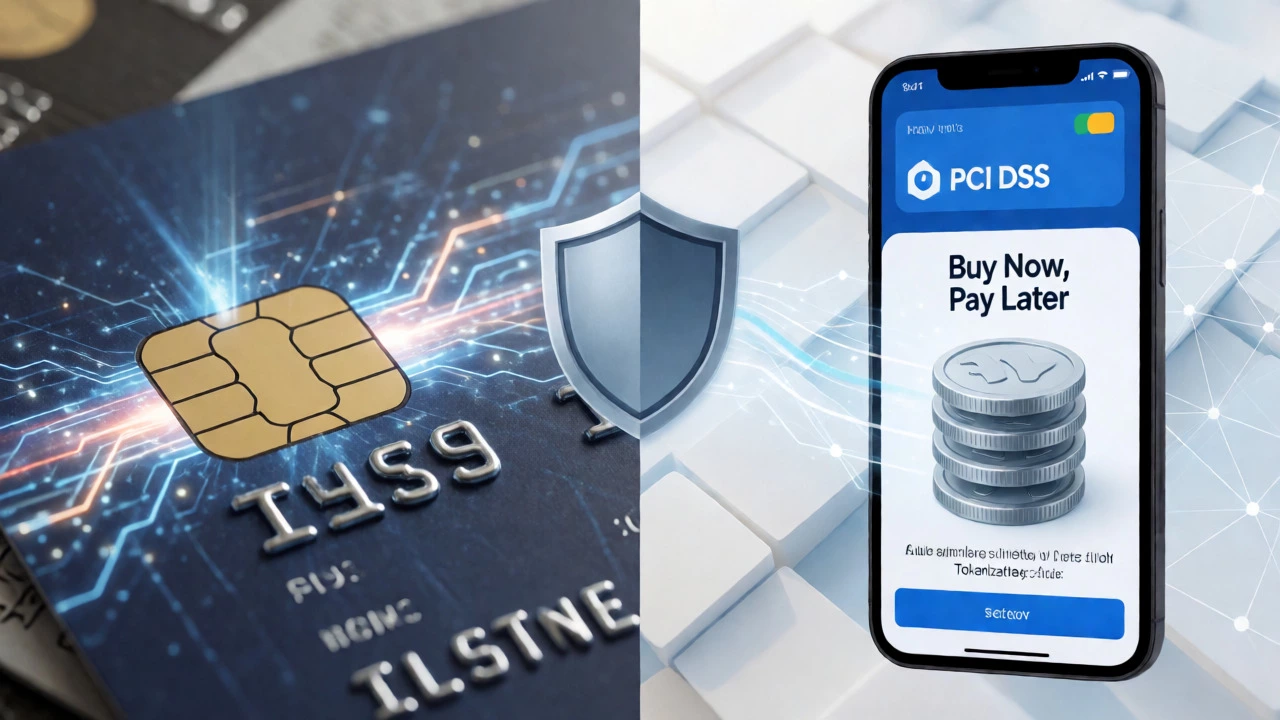
Since the customer isn’t physically present, you can’t ask for ID. This opens the door to fraud. To combat this, the industry uses PCI DSS (Payment Card Industry Data Security Standard). If you handle raw card data, you must comply with strict encryption and storage rules. Most small businesses use hosted payment pages (where the customer enters data on the gateway’s site, not yours) to offload this compliance burden.
Beyond compliance, you need active fraud detection. Tools like Address Verification Service (AVS) check if the billing address matches the one on file with the bank. CVV/CVC verification requires the customer to enter the three-digit code on the back of the card, proving they physically possess it. More advanced systems use machine learning to flag unusual patterns, such as a sudden large order from a new country or multiple failed attempts followed by a success.
Common Pitfalls That Kill Conversions
Even if your backend is perfect, bad UX can stop payments dead in their tracks. One major issue is forcing account creation. Studies consistently show that requiring guests to create an account before checking out increases cart abandonment rates. Always offer a "Guest Checkout" option.
Another killer is unexpected costs revealed only at the final step. If shipping and taxes pop up after the customer has entered their address, they’ll likely leave. Show estimated totals early. Also, ensure your payment forms are mobile-friendly. Auto-fill capabilities for names and addresses save users from typing on small screens, significantly speeding up the process.
Finally, don’t ignore error messages. If a payment fails, tell the user exactly why. "Error 502" means nothing to a shopper. "Your card was declined by your bank. Please try another method" does. Clarity reduces frustration and retry rates.
Why do some payments take longer to settle?
Settlement times depend on several factors, including the type of card used, the specific agreements between the acquiring and issuing banks, and whether the transaction occurred on a weekend or holiday. International transactions often take longer due to currency conversion and cross-border banking regulations. Additionally, new merchants may face longer holds initially while the payment processor assesses their risk profile.
What is PCI Compliance and do I really need it?
PCI Compliance refers to adhering to the Payment Card Industry Data Security Standard, a set of security standards designed to ensure that all companies that accept, process, store, or transmit credit card information maintain a secure environment. Yes, you need it. Non-compliance can result in heavy fines from card brands and liability for fraudulent charges. Using a reputable payment gateway that handles the encryption and storage of card data can significantly reduce your compliance scope.
Can I accept cryptocurrency payments?
Yes, many ecommerce platforms now support cryptocurrencies like Bitcoin, Ethereum, and stablecoins. However, accepting crypto introduces volatility risk unless you use a processor that instantly converts crypto to fiat currency (USD/EUR/GBP). You also need to consider tax implications, as crypto transactions are treated differently from traditional sales in many jurisdictions. It’s best suited for tech-savvy audiences or niche markets.
What happens if a customer gets a refund?
When you issue a refund, the process reverses. You initiate the refund through your payment gateway, which sends a request to the acquiring bank. The acquiring bank contacts the issuing bank to return the funds to the customer’s account. Note that interchange fees are typically not refunded to you, so you may lose a small percentage of the original transaction value. Refunds usually appear on the customer’s statement within 3-10 business days.
Is it safer to use a hosted payment page or embed the form?
A hosted payment page (redirecting the user to the gateway’s site) is generally safer and easier for compliance because the sensitive data never touches your server. Embedded forms (iframe or direct API integration) offer a smoother user experience since the customer stays on your site, but they require careful implementation to maintain security and PCI compliance. For most small to medium businesses, a hybrid approach using iframes balances UX and security well.