Web Development Readiness Calculator
Input Your Study Time
Enter the total hours you have dedicated to each phase of the 2-month roadmap.
Roadmap Status
Current Phase:
Starting out...
Next Milestone:
Master semantic HTML tags.
Enter your study hours above to see where you stand on the 60-day sprint.
Two months. That’s sixty days. It sounds like an eternity when you’re staring at a blank text editor, but it feels like a blink of an eye when you realize you need to learn HTML, CSS, JavaScript, version control, and deployment all before your next job interview. The short answer is yes, you can learn the fundamentals of web development in two months. But the long answer requires us to define exactly what "learning" means in this context.
You won’t be building the next Facebook or Amazon by day sixty. Those platforms rely on complex distributed systems maintained by hundreds of engineers. However, you absolutely can build functional, responsive websites, understand how the web works under the hood, and create a portfolio that proves you have the skills to get hired as a junior developer or land freelance gigs. The key isn't magic; it's ruthless prioritization.
The Reality Check: What "Knowing" Web Development Means
Before we dive into the schedule, we need to manage expectations. In the tech world, "knowing" a language often implies years of experience handling edge cases, performance optimization, and legacy code maintenance. For a two-month sprint, we are aiming for "job-ready competence." This means you can read documentation, debug basic errors, and build features without getting stuck for hours.
Think of it like learning to drive. After two months of lessons, you aren't a Formula 1 driver. You might not even know how to change a tire. But you can get from point A to point B safely, follow traffic laws, and park in a tight spot. That is the goal here. You want to be able to take a design mockup and turn it into a live website.
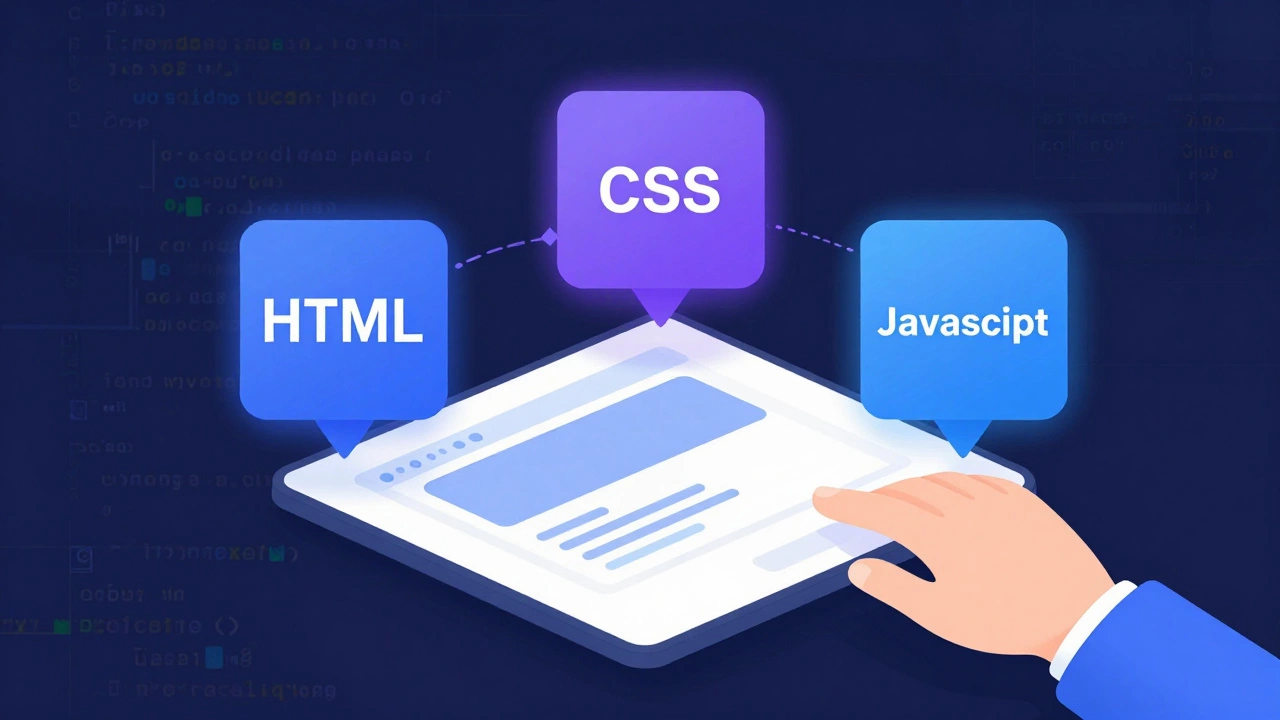
Most people fail this timeline because they try to learn everything. They watch tutorials on React, Vue, Angular, Node.js, Python, Ruby, SQL, NoSQL, Docker, and Kubernetes simultaneously. This is recipe for burnout. To succeed in eight weeks, you must ignore 90% of the technology stack and focus entirely on the core trio: HTML, CSS, and JavaScript.
Weeks 1-3: The Foundation (HTML & CSS)
Your first three weeks are about structure and style. If you skip this, your future self will hate you. Many beginners rush to JavaScript because it feels more "powerful," but if you can't build a clean layout with CSS, your JavaScript apps will look broken and feel unusable.
HTML5 is the standard markup language for documents designed to be displayed in a web browser. It provides the skeleton of your page. You need to master semantic tags. Don't just use <div> for everything. Use <header>, <nav>, <main>, <article>, and <footer>. This matters for accessibility and SEO. Search engines and screen readers rely on these tags to understand content hierarchy.
Next comes CSS3 which handles the presentation, formatting, and layout of web pages. Forget float-based layouts. Focus exclusively on Flexbox and CSS Grid. These two modules allow you to create complex, responsive designs with minimal code. Spend time understanding the box model, specificity, and inheritance. These concepts cause more bugs than any other part of frontend development.
- Day 1-7: Learn HTML semantics, forms, and tables. Build a static resume page.
- Day 8-14: Master CSS selectors, colors, fonts, and the box model.
- Day 15-21: Deep dive into Flexbox and Grid. Recreate the layout of a popular news site.
By the end of week three, you should be able to open a Figma design or a screenshot and rebuild it pixel-perfectly in your browser. If you can't do this, don't move to JavaScript yet. Go back and practice layouts until it clicks.
Weeks 4-6: Bringing It Alive (JavaScript)
Now things get interesting. JavaScript is a high-level, interpreted programming language that conforms to the ECMAScript specification. It adds interactivity. Without JS, a website is just a digital brochure. With JS, it becomes an application.
In this phase, ignore frameworks like React or Vue. They are tools built on top of JavaScript. If you don't understand the underlying language, the framework will confuse you. Focus on vanilla JavaScript. Learn variables, data types, functions, loops, and conditionals. Then, move quickly to the DOM (Document Object Model). The DOM is how JavaScript interacts with HTML. You need to know how to select elements, listen for events (like clicks or key presses), and manipulate styles dynamically.
A common pitfall here is getting stuck on syntax. Don't memorize every method. Instead, learn how to read the MDN (Mozilla Developer Network) documentation. Professional developers spend half their day looking up how to do specific tasks. Your job is to know what to search for.
- Day 22-28: Core logic: loops, arrays, objects, and functions.
- Day 29-35: DOM manipulation: changing text, adding/removing classes, event listeners.
- Day 36-42: Fetch API: pulling data from a public API (like weather or movie data) and displaying it on your page.
Build a interactive project. A todo list is cliché but effective. Better yet, build a currency converter that fetches real-time rates, or a quiz app that tracks your score. These projects demonstrate that you can handle user input and external data.
Weeks 7-8: Tools, Deployment, and Portfolio
You have the skills. Now you need to prove them. Employers don't care about certificates; they care about code. This final stretch is about professional workflow and visibility.
First, learn Git and version control system used to track changes in source code during software development. You don't need to be a Git wizard, but you must know how to initialize a repo, commit changes, push to GitHub, and resolve basic merge conflicts. Every developer uses Git. If you don't, you're working in isolation, which doesn't happen in real jobs.
Second, deploy your work. Code sitting on your laptop is invisible. Use a free service like Netlify or Vercel to host your projects. These platforms connect directly to your GitHub repository. When you push code, your site updates automatically. This is called Continuous Integration, and it's a standard industry practice.
Finally, curate your portfolio. Do not include ten mediocre projects. Include three excellent ones. Each project should solve a real problem. Write a brief case study for each: what was the goal, what technologies did you use, and what challenges did you overcome? This shows your thought process, not just your typing speed.
| Timeline | Focus Area | Key Deliverable |
|---|---|---|
| Weeks 1-3 | HTML & CSS | Responsive static website clone |
| Weeks 4-6 | JavaScript & DOM | Interactive app using an API |
| Weeks 7-8 | Git, Deployment, Portfolio | Live portfolio with 3 polished projects |
Common Pitfalls That Derail Beginners
I’ve seen countless students fail this timeline, usually for the same reasons. Avoid these traps to stay on track.
Tutorial Hell: This happens when you watch video after video without typing code yourself. Watching someone else code gives you a false sense of competence. You think you understand it until you open a blank file and freeze. Rule of thumb: for every hour of watching, spend two hours building something original.
Framework Fatigue: You’ll see ads for React, Next.js, Svelte, and Astro. Ignore them for now. Frameworks change every year. Fundamentals last decades. Once you master vanilla JavaScript, picking up React takes about two weeks. If you start with React, you’ll spend six months confused.
Perfectionism: Your first code will be messy. That’s okay. Refactoring is part of the job. Don’t spend three days trying to make a button animation perfect. Make it work, then move on. Speed comes with repetition, not deliberation.

Is a Bootcamp Worth It?
If you struggle with self-discipline, a coding bootcamp might help. Bootcamps provide structure, accountability, and career support. They compress this two-month roadmap into an intensive full-time schedule. However, they cost thousands of dollars. Free resources like freeCodeCamp, The Odin Project, and MDN Docs offer the same curriculum for zero cost. The difference is motivation. Ask yourself: Can I stick to a daily schedule without a teacher watching over my shoulder? If yes, go self-taught. If no, consider a bootcamp.
What Comes After Two Months?
Once you hit the sixty-day mark, you have two paths. You can start applying for junior frontend roles, or you can continue learning backend technologies like Node.js and databases to become a full-stack developer. Most companies hire juniors who are strong in one area (frontend) and willing to learn the rest. Don’t wait until you know everything to apply. Start applying when you have three solid projects and a clear understanding of the basics.
Do I need to know math to learn web development?
Not really. Basic arithmetic and logical thinking are sufficient. You don't need calculus or advanced algebra unless you plan to work in game development, data science, or graphics rendering. Standard web development relies more on pattern recognition and problem-solving than mathematical formulas.
Should I learn React in my first two months?
No. React is a library built on JavaScript. If you don't understand core JavaScript concepts like closures, promises, and the DOM, React will be confusing and frustrating. Master vanilla JavaScript first. It will make learning React much faster and easier later on.
How many hours a day should I study?
To finish in two months, aim for 4-6 hours of focused coding daily. Consistency beats intensity. Studying 1 hour every day is better than studying 10 hours once a week. Your brain needs sleep to consolidate new information, so avoid cramming sessions.
Can I get a job with only frontend skills?
Yes. Many companies hire dedicated frontend developers. As long as you can build responsive, accessible, and performant user interfaces, you are valuable. Backend skills are a bonus, but not always required for entry-level positions.
What if I get stuck on a bug for hours?
Set a timer. If you can't solve a bug in 30 minutes, step away. Take a walk, drink water, or ask for help on forums like Stack Overflow or Reddit. Staring at the same code too long leads to tunnel vision. Often, the solution becomes obvious after a short break.