
SEO Platform Selector: HTML vs WordPress
Answer these 4 quick questions to find out which platform matches your SEO strategy.
Your Recommended Path
You've probably heard the age-old debate: do you build a site from scratch with raw code, or do you use a powerhouse like WordPress? If you're chasing the top spot on Google, the question isn't just about which tool is easier to use, but which one gives you the most control over how search engines see your content. The short answer is that neither is inherently "better," but they offer completely different paths to getting noticed. One gives you a precision instrument, while the other gives you a Swiss Army knife.
Quick Takeaways for Your Choice
- Custom HTML: Best for extreme speed, security, and total control over the DOM.
- WordPress: Best for content velocity, ease of updates, and rapid deployment of SEO metadata.
- The Winner: It depends on your technical skill and how often you plan to publish new content.
The Case for Custom HTML: Precision and Speed
When we talk about HTML is the standard markup language used to create the structure of web pages, we are talking about a "static" approach. In a world where Google uses Core Web Vitals to judge your site, HTML has a massive advantage: speed. Because there is no database to query and no heavy PHP scripts to run, a hand-coded page loads almost instantly.
Think about a high-traffic landing page for a product launch. If you use a custom HTML approach, you can strip away every single byte of unnecessary code. You control exactly where the <h1> goes, how the <img> alt tags are written, and how the CSS is delivered. There's no "bloat" from a theme developer who added fifteen different JavaScript libraries you don't actually need. For a search engine, a lean, fast-loading page is a signal of a great user experience.
However, this precision comes with a price. If you want to change a footer link across 50 pages on a static HTML site, you might have to do it 50 times unless you're using a static site generator. That's where the friction begins. If your SEO strategy relies on updating content daily, raw HTML can become a nightmare that slows down your ability to react to trends.
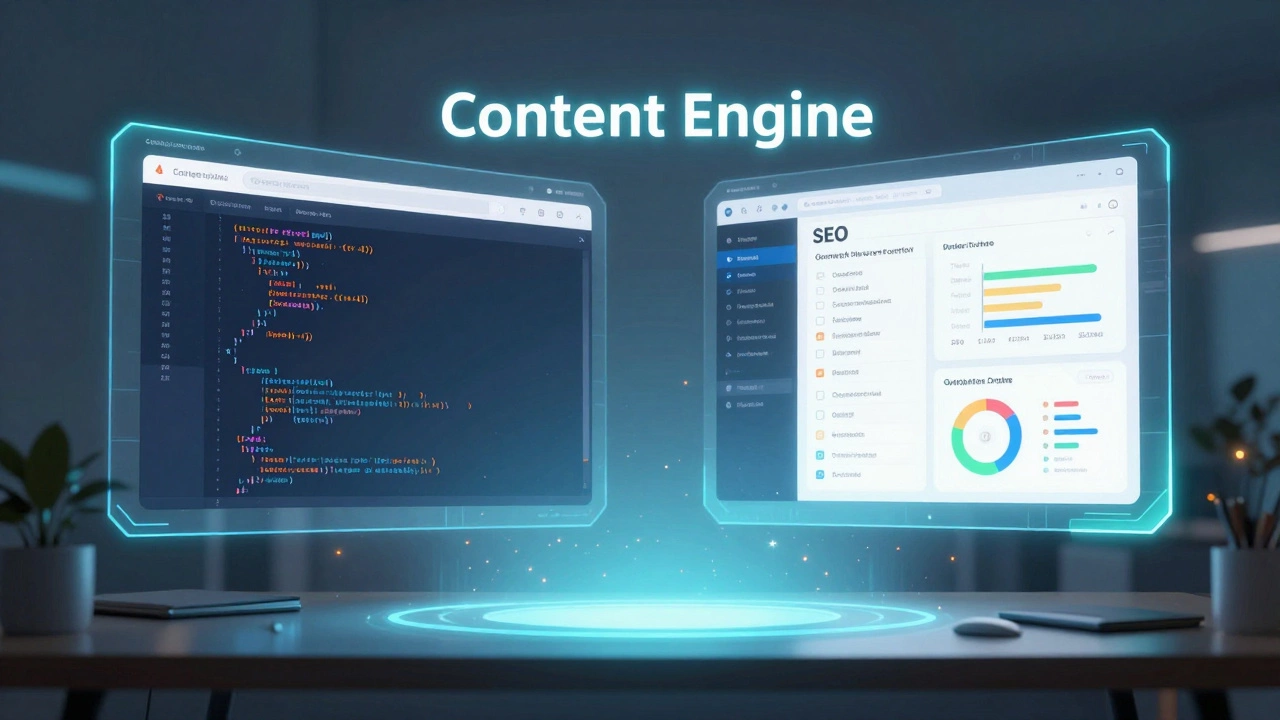
WordPress: The Content Engine
WordPress is a powerful open-source Content Management System (CMS) based on PHP and MySQL. From an SEO perspective, WordPress is essentially a cheat code for people who aren't developers. It handles the heavy lifting of URL structures, category management, and XML sitemaps automatically.
The real magic of WordPress lies in its ecosystem. Tools like Yoast SEO or Rank Math act as an on-page checklist. They remind you to add a meta description, check your keyword density, and optimize your slugs. For a marketer, this is a dream because it removes the need to touch a single line of code to implement a complex Schema Markup strategy. You can add JSON-LD data to your pages via a plugin in seconds, whereas in HTML, you'd be hand-coding the script tags.
But there is a catch. WordPress can get "fat." Between a heavy theme, ten different plugins, and a bloated database, your HTML vs WordPress for SEO comparison often comes down to PageSpeed Insights scores. If you don't know how to optimize a WordPress site-using caching, CDNs, and lightweight themes-you might find yourself fighting against the platform to get your load times under two seconds.
| Feature | Custom HTML | WordPress |
|---|---|---|
| Page Load Speed | Ultra Fast (Minimal requests) | Variable (Depends on optimization) |
| Content Updates | Slow (Manual editing) | Instant (Dashboard based) |
| Technical Control | Absolute (Full DOM control) | High (But limited by theme/plugins) |
| Metadata Mgmt | Manual coding | Automated via Plugins |
| Security | Very High (No DB to hack) | Medium (Requires active patching) |
The Technical Trade-off: Control vs. Velocity
If you are a developer building a portfolio or a small business site with five pages that rarely change, HTML is the way to go. You can optimize the Document Object Model (DOM) to be as shallow as possible, which helps search engine crawlers index your site more efficiently. You won't have "div soup" (nested containers inside containers) which often happens with WordPress page builders like Elementor or Divi.
On the flip side, if you are running a blog, a news site, or a large e-commerce store, WordPress is practically mandatory. SEO isn't just about technical speed; it's about Content Marketing. The ability to churn out three high-quality articles a week and have them automatically added to your RSS feed and sitemap is a massive advantage. Google loves fresh, relevant content. If the technical overhead of HTML prevents you from publishing, your SEO will suffer regardless of how fast the page loads.
Another critical factor is Responsive Design. While both can be mobile-friendly, WordPress themes often come with built-in responsiveness. In HTML, you have to build your media queries from the ground up. If you miss a breakpoint and your site looks broken on a Pixel 7, Google will penalize your mobile ranking instantly.
Common Pitfalls to Avoid
Many people assume that because WordPress is "built for SEO," they don't need to do anything. That's a mistake. A default WordPress installation often creates redundant categories or "tag clouds" that lead to Duplicate Content issues. You can end up with multiple URLs serving the same content, which confuses Google and splits your ranking power.
Conversely, those choosing the HTML route often forget about the basics. They focus so much on the code that they ignore the Internal Linking strategy. Without a CMS to suggest related posts or manage a sidebar of popular links, you have to manually map out every single link on every single page. If you forget to link your new page to your homepage, it might take much longer for Google to discover and index it.
The Hybrid Middle Ground
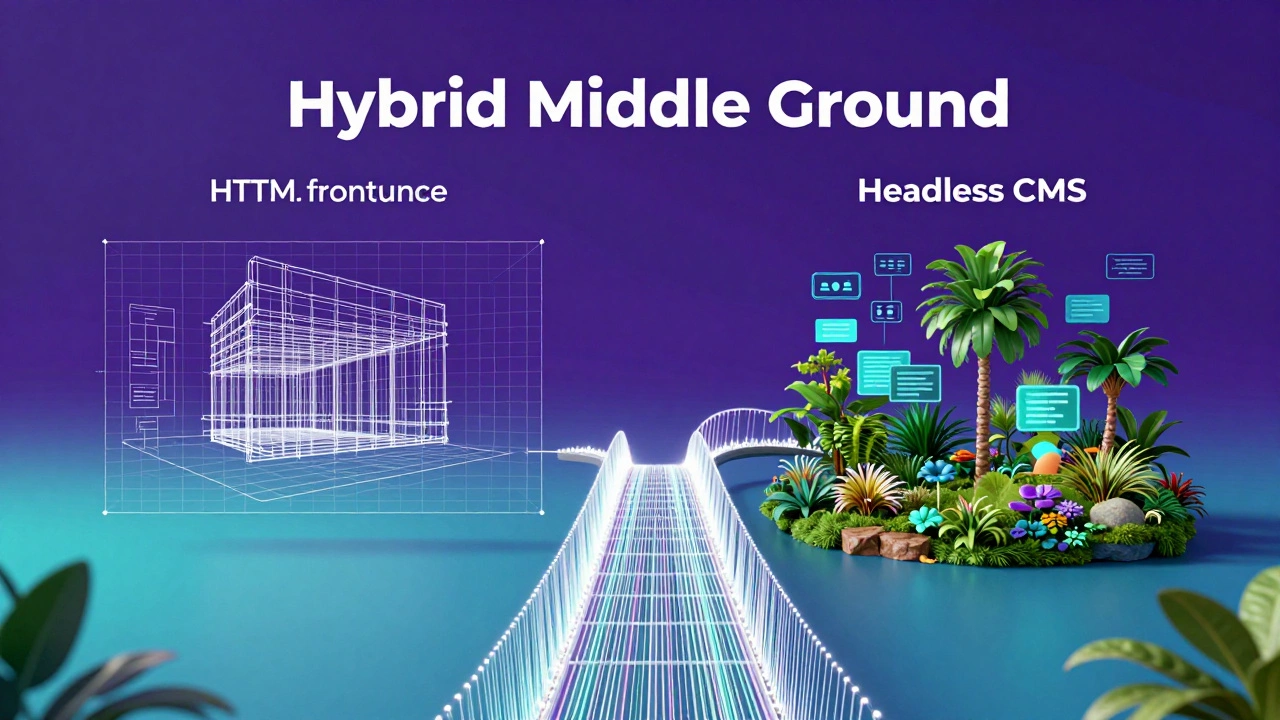
If you can't decide, there's a modern solution: Headless CMS. This is where you use a system like WordPress or Contentful to manage your text and images (the backend), but you use a framework like Next.js or Astro to render the frontend in static HTML. This gives you the "best of both worlds": the ease of a dashboard and the lightning speed of a static site. It's the gold standard for high-end SEO in 2026.
Does Google prefer HTML sites over WordPress?
Google doesn't care what tool you used to build your site. It cares about the final output. If your HTML site is fast and has great content, it will rank. If your WordPress site is fast and has great content, it will rank. The only "preference" is for speed and user experience, where HTML has a slight natural edge.
Can I make a WordPress site as fast as an HTML site?
Almost. By using a lightweight theme (like GeneratePress), a high-performance host, and a caching plugin (like WP Rocket), you can get your load times very close to static HTML. However, because WordPress still requires a database call to generate a page, there will always be a tiny amount of extra latency.
Is it harder to do on-page SEO with custom HTML?
Yes, it is more time-consuming. You have to manually write your title tags, meta descriptions, and Open Graph tags for every page. In WordPress, you just fill out a box in a plugin. For a 5-page site, this is easy. For a 500-page site, it's nearly impossible without automation.
Do WordPress plugins actually help with SEO?
Plugins don't "rank" you higher by magic. They simply make it easier to follow SEO best practices. They help you generate sitemaps, manage redirects (301s), and optimize your headings. The actual ranking comes from the quality of your content and the speed of your site.
What is the best choice for a beginner?
WordPress is the clear winner for beginners. The learning curve for custom HTML and CSS is steep, and the risk of making a technical error that hurts your SEO (like forgetting a mobile viewport tag) is much higher when you're coding from scratch.
Next Steps: Which Path Should You Take?
If you're a developer who wants a project that is a technical showcase and loads in under 500ms, stick with a static HTML approach or a static site generator. You'll have a cleaner codebase and a more secure site.
If you're a business owner or a blogger who needs to publish content daily to stay competitive, go with WordPress. Just make sure you invest in a quality hosting provider and keep your plugin count low to avoid the "bloat" trap. If you have the budget and a dev team, look into a Headless CMS to get the speed of HTML with the convenience of WordPress.