WordPress vs Webflow SEO Matchmaker
Answer the questions below to see which platform aligns best with your project requirements according to the article's analysis.
Your Recommendation
Why this match?
Select options above to generate your personalized platform recommendation.
You’ve got a new project. Maybe it’s a brochure site for a local plumber in Leeds, or maybe it’s a content-heavy blog aiming to crush competitors on search results. You’re staring at two logos: the familiar blue WordPress icon and the sleek, modern Webflow interface. One is open-source and powers over 40% of the web; the other is a closed ecosystem that promises design freedom without code. But here’s the million-dollar question: which one actually gets you ranked higher?
Most articles will tell you "it depends." That’s lazy advice. The truth is more nuanced. Both platforms can rank #1 if used correctly, but they fail differently. WordPress fails when you install too many plugins or pick a bloated theme. Webflow fails when you ignore its structural limitations or pay for plans that throttle your bandwidth. As someone who has migrated dozens of sites between these two, I can tell you that SEO isn’t just about keywords-it’s about architecture, speed, and maintainability.
The Core Difference: Open Source vs. Closed Ecosystem
To understand the SEO implications, you first need to grasp what these tools actually are. WordPress is a free, open-source content management system (CMS) built on PHP and MySQL. It gives you full control over your server, database, and file structure. You own the code. If you want to change how the header renders, you edit the PHP template files directly.
Webflow is a visual website builder and CMS hosted on Amazon Web Services (AWS). You don’t touch the backend code unless you export it (which breaks dynamic features). Webflow generates clean HTML, CSS, and JavaScript for you, but it operates within strict boundaries. You can’t install a plugin from an external repository because there isn’t one.
| Feature | WordPress | Webflow |
|---|---|---|
| Hosting | Self-hosted (you choose) | Managed (AWS CDN) |
| Code Control | Full access to PHP/HTML/CSS | Visual only (limited custom code) |
| Extensibility | 59,000+ Plugins | Native features + Integrations |
| Cost Model | Free software + Hosting costs | Subscription based ($14-$39/mo typical) |
Technical SEO: Speed and Core Web Vitals
Google cares about page experience. Specifically, they look at Core Web Vitals, which measure loading performance, interactivity, and visual stability. This is where the debate gets heated.
Webflow has a significant advantage out of the box. Because it hosts everything on AWS CloudFront, your site benefits from a global Content Delivery Network (CDN) automatically. Images are optimized, and the generated code is surprisingly clean compared to average WordPress themes. If you launch a standard Webflow site today, you’ll likely score green lights on Lighthouse immediately.
WordPress? It’s a blank slate. A default installation of WordPress with the "Twenty Twenty-Four" theme is fast. But most people install Elementor or Divi, add five analytics scripts, three chat widgets, and a heavy slider plugin. Suddenly, your Largest Contentful Paint (LCP) jumps to 4 seconds, and your ranking drops. To compete with Webflow’s speed, you need to be disciplined with WordPress. Use lightweight themes like GeneratePress or Astra, minimize plugins, and use a high-quality host like Kinsta or SiteGround.
Here’s a rule of thumb: If you have zero technical skills, Webflow guarantees better baseline performance. If you are a developer or willing to hire one, WordPress can achieve superior speed by stripping away unnecessary bloat.
On-Page SEO and Content Management
SEO lives and dies by content. How easy is it to publish, update, and optimize pages?
WordPress was literally built for blogging. Its editor (Gutenberg) allows for deep customization of headings, meta tags, and URL slugs. With the help of plugins like Yoast SEO or Rank Math, you get real-time feedback on keyword density, readability, and schema markup. You can even create complex landing pages with unique headers and footers without touching code.
Webflow’s CMS is powerful but different. It uses "Collections" instead of posts. For a simple blog, this works fine. You set up fields for Title, Body, Author, and Tags, and Webflow generates the pages. However, managing large-scale content archives can feel clunky. Filtering by multiple categories or creating dynamic archive pages requires setting up specific filter logic in the Designer, which takes time.
A major pain point for Webflow users is pagination. While Webflow added native pagination support recently, it’s not as flexible as WordPress’s query loops. If you have a blog with 500+ articles, navigating through archives in Webflow might require custom code hacks, whereas WordPress handles this natively.

Structured Data and Schema Markup
Schema markup helps search engines understand your content. Is this page a recipe? A product? An article? Adding structured data can earn you rich snippets-those star ratings and FAQ dropdowns that boost click-through rates.
In WordPress, this is trivial. Install a plugin, check a few boxes, and you’re done. Some plugins even allow you to visually map fields to schema types. It’s robust and automated.
Webflow doesn’t have a native schema generator. You must manually inject JSON-LD code into the Page Settings for every single collection item. Yes, every. single. one. There are third-party apps that integrate via API to automate this, but they cost extra money and add another layer of complexity. For small sites, manual entry is manageable. For e-commerce stores with hundreds of products, this becomes a maintenance nightmare unless you invest in automation tools.
The Plugin Trap vs. Integration Limits
WordPress’s greatest strength is also its biggest security risk. Need a contact form? There’s a plugin. Need multilingual support? There’s a plugin. Need advanced SEO controls? Another plugin. Each plugin adds HTTP requests, potential security vulnerabilities, and compatibility issues during updates.
Webflow forces you to do more with less. It has native forms, basic e-commerce, and localization features. If you need something outside those bounds, you often rely on integrations like Zapier or Make, or embed third-party widgets. This keeps the core site lighter but limits functionality. Want a complex membership area? In WordPress, you’d use MemberPress. In Webflow, you’d likely need to connect to Outseta or Circle, adding monthly fees and integration friction.
Which Should You Choose?
Let’s break this down by user type and business goal.
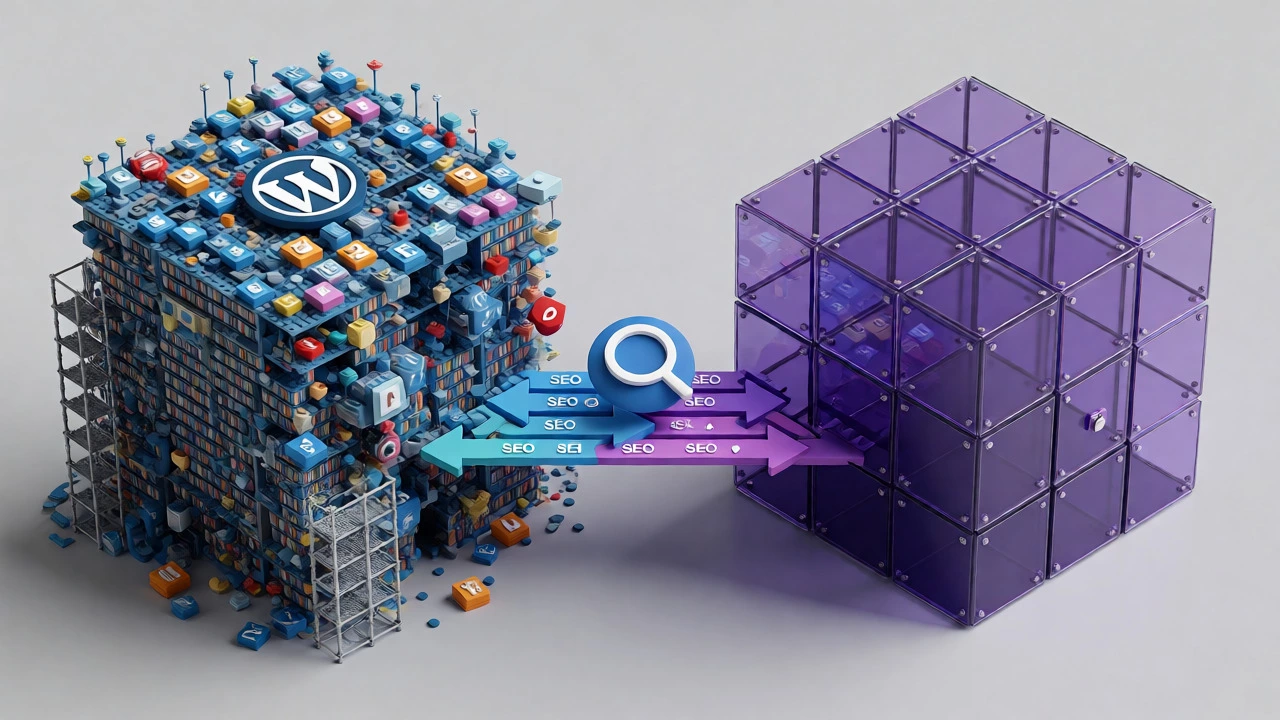
- Choose WordPress if: You plan to scale content massively (think news sites or large blogs), you need specific functionality not available elsewhere (like complex booking systems), or you already have a team of developers comfortable with PHP. It offers unlimited growth potential but requires active maintenance.
- Choose Webflow if: You are a designer-first brand, you value speed-to-launch, you want a secure, low-maintenance platform, and your site structure is relatively static. It’s ideal for portfolios, marketing sites, and startups that need to iterate quickly on design without breaking the backend.
Remember, neither tool makes you rank automatically. A poorly optimized WordPress site will lose to a well-optimized Webflow site, and vice versa. The winner is determined by how well you execute technical fundamentals: fast servers, clean code, relevant content, and authoritative backlinks.
Frequently Asked Questions
Is Webflow faster than WordPress for SEO?
Generally, yes, out of the box. Webflow’s hosting infrastructure and clean code generation provide excellent Core Web Vitals scores by default. WordPress can match or exceed this speed, but it requires careful selection of hosting, themes, and plugins to avoid bloat.
Can I migrate my SEO rankings from WordPress to Webflow?
Yes, provided you implement proper 301 redirects. When moving, ensure your URL structures remain identical or redirect old URLs to new ones. Keep your content intact and submit a new sitemap to Google Search Console after migration to preserve authority.
Does Webflow handle blog comments better than WordPress?
No. WordPress has native comment functionality that integrates deeply with spam filters like Akismet. Webflow does not have native comments; you must embed third-party solutions like Disqus or Hyvor Talk, which can impact load times and user engagement metrics.
Which platform is better for international SEO?
WordPress offers more flexibility with plugins like WPML or Polylang, allowing for complex language switching and hreflang tag management. Webflow now supports localization, but it is currently limited to translating text and images, lacking some advanced SEO features found in dedicated WordPress multilingual plugins.
Is Webflow good for e-commerce SEO?
For small to medium catalogs, yes. Webflow’s e-commerce setup is clean and fast. However, for large inventories requiring complex filtering, bulk editing, or advanced shipping rules, WooCommerce on WordPress remains more robust and scalable.