Free Hosting Selector
Find Your Perfect Free Hosting Option
Recommended Hosting Options
Want to put your website online but don’t want to spend a penny? You’re not alone. Thousands of people launch their first website every month-bloggers, students, small business owners, hobbyists-all using free hosting options. And yes, it’s still possible in 2026. No magic, no tricks. Just real tools that actually work without a credit card.
What free hosting really means
Free hosting doesn’t mean you’re getting a broken or slow service. It means someone else is covering the server costs so you can focus on building your site. Most free plans come with limits: limited storage, bandwidth, ads on your site, or no custom domain. But if you’re just starting out, those limits are fine. You don’t need 100GB of space or 10,000 visitors per day when you’re testing an idea.
Think of it like renting a studio apartment instead of a mansion. You get a roof, electricity, and a door. You can live there, decorate it, and even invite friends over. Later, if you outgrow it, you upgrade. That’s the smart way to start.
Best free hosting options in 2026
Not all free hosts are created equal. Some are outdated. Others slap ads all over your site. A few actually give you real control. Here are the top three that still work well today.
- GitHub Pages - Best for static sites (HTML, CSS, JavaScript). No database, no PHP. Perfect for portfolios, resumes, or documentation. You get a free
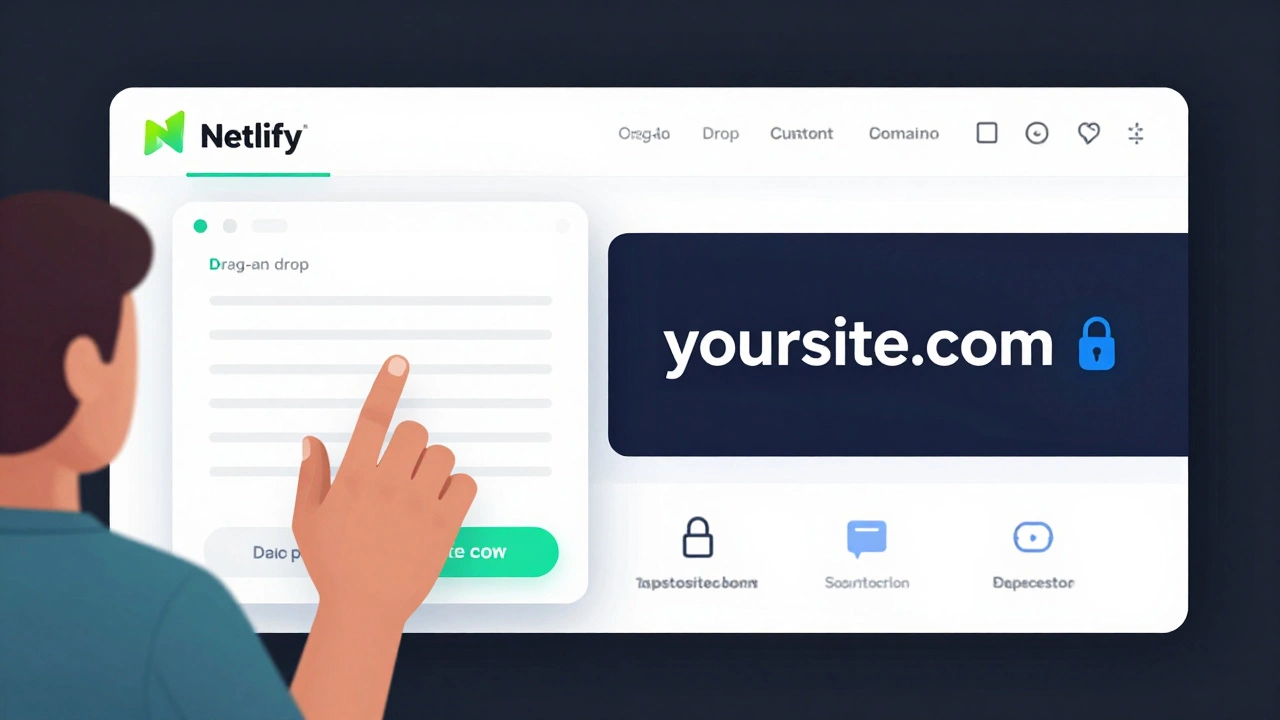
.github.iodomain. No ads. No upsells. Just clean, fast hosting. Used by developers worldwide, including Mozilla and Google’s open-source projects. - Netlify - Also for static sites, but with better tools. Drag and drop your files, or connect your GitHub repo. It auto-deploys when you push changes. Free plan includes a custom domain (like
yoursite.com), SSL, and forms. No ads. No hidden fees. Used by startups and solo devs. - 000webhost - One of the few free hosts that supports PHP and MySQL. Good for WordPress or simple dynamic sites. Comes with a free subdomain (
yourname.000webhostapp.com) and 300MB storage. Ads are minimal and only show on the free plan. Not as sleek as Netlify, but gets the job done.
Avoid services that force you to upgrade to remove ads or add features. If they’re pushing you to pay just to remove their logo, they’re not trustworthy. Stick with the ones above.
How to publish using GitHub Pages
Let’s say you built a simple website with HTML and CSS. Here’s how to get it live in under 10 minutes.
- Create a GitHub account if you don’t have one.
- Create a new repository. Name it exactly
yourusername.github.io(replaceyourusernamewith your GitHub username). - Upload your website files:
index.html,style.css, images, etc. - Go to Settings > Pages. Under "Source," select
mainbranch and/ (root). - Wait 1-2 minutes. Your site will be live at
https://yourusername.github.io.
That’s it. No server setup. No configuration. GitHub does all the work. And it’s reliable. GitHub handles millions of sites like this daily. No downtime. No maintenance.
What you can’t do on free hosting
Free plans have rules. Know them so you don’t get surprised.
- No email hosting - You can’t set up
[email protected]on free plans. Use Gmail or ProtonMail instead. - No custom domain (on some) - GitHub and Netlify let you use your own domain for free. Others force you to use their subdomain like
mysite.000webhostapp.com. - No backend code - You can’t run Node.js, Python, or PHP servers on GitHub Pages or Netlify. Only static files.
- Bandwidth limits - If your site gets too popular (say, over 100GB/month), it might go offline temporarily. That’s rare for personal sites.
If you need a contact form, database, or user logins, you’ll need to upgrade later. But for now? Static sites work great. Use Formspree or Netlify Forms to collect emails without a server.
Why free hosting is perfect for beginners
When you’re learning web development, money shouldn’t be a barrier. Free hosting lets you:
- Test ideas without risk
- Build a portfolio to show employers
- Learn how deployment works
- Get real feedback from real visitors
One student in Leeds built a local event guide for students using GitHub Pages. She shared it on her university’s Facebook group. Within two weeks, 3,000 people visited. She didn’t pay a cent. Now she’s using that site to apply for internships.
Free hosting isn’t a stepping stone. It’s a launchpad.

When to upgrade
You’ll know it’s time to upgrade when:
- You need your own domain (
yourbusiness.cominstead ofyourname.000webhostapp.com) - You want to add a contact form that actually works
- You’re getting more than 5,000 visitors a month
- You need to run a WordPress site or a database-driven app
When that happens, move to affordable paid hosting. Providers like Namecheap or A2 Hosting offer plans under £3/month. You get your own domain, email, and more power. But don’t rush. Stay on free hosting until you’re ready.
Common mistakes to avoid
People make the same errors over and over.
- Using a free host that doesn’t support HTTPS - Always pick one that gives you SSL (it’s free and automatic on GitHub and Netlify).
- Uploading huge images - Compress them first. A 5MB photo slows down your site. Use TinyPNG or Squoosh.
- Not testing on mobile - Free hosts work fine, but your site might look broken on phones. Always check.
- Forgetting to update your site - A static site doesn’t update itself. If you change content, you must re-upload. Set up automatic deployment with GitHub Actions if you’re serious.
Also, never use free hosting for anything serious like selling products or collecting payments. Use a proper e-commerce platform like Shopify or WooCommerce instead.
Final checklist: Are you ready to publish?
Before you hit upload, ask yourself:
- Is my site just HTML, CSS, and JavaScript? → Go with GitHub Pages or Netlify.
- Do I need PHP or a database? → Try 000webhost.
- Do I want my own domain? → Netlify or GitHub Pages (both support custom domains for free).
- Am I okay with a subdomain like
mysite.github.io? → Yes? Then you’re good to go. - Have I tested my site on mobile and desktop? → If not, fix that first.
If you answered yes to all, publish it today. Don’t wait for "perfect." Just launch. The internet doesn’t care if you’re new. It just wants to see what you built.
Can I use my own domain name with free hosting?
Yes, but only with certain providers. GitHub Pages and Netlify allow you to connect a custom domain (like yoursite.com) for free. You just need to buy the domain separately (around £5-£10/year from Namecheap or Porkbun). Other free hosts like 000webhost only give you a subdomain (e.g., yoursite.000webhostapp.com) unless you upgrade.
Is free hosting safe for my website?
Yes, if you use trusted providers like GitHub Pages or Netlify. They offer SSL encryption, regular backups, and high uptime. Avoid obscure hosts that don’t use HTTPS or have poor reviews. Free doesn’t mean insecure - but always check if your site shows the padlock icon in the browser address bar.
Can I make money from a free-hosted website?
Technically yes, but it’s risky. Free hosts like 000webhost may place their own ads on your site, which could conflict with your own ads. Also, if your site earns too much traffic, they might shut it down. For monetization, upgrade to a paid plan or switch to a platform like WordPress.org with affordable hosting. Stick to free hosting for learning and testing.
Do I need to know coding to use free hosting?
Not always. Tools like Netlify let you drag and drop files. But if you want full control, you’ll need to understand basic HTML and how to upload files. If you’re using WordPress or a website builder, you can avoid code entirely. But for the fastest, most reliable free option - GitHub Pages - you’ll need to work with files and folders.
What happens if my free site gets too popular?
Most free hosts have bandwidth limits. If your site hits 100GB of traffic per month (which is a lot for a personal site), it might go offline temporarily. GitHub Pages and Netlify are generous - they rarely block sites unless you’re abusing the system. If you’re getting consistent traffic over 5,000 visitors/month, it’s time to upgrade to a paid plan. But don’t worry - most beginners never hit that limit.