Web Developer Job Timeline Calculator
Your Learning Plan
Key Insights
Based on industry data and the author's experience:
-
5 projects Required
-
GitHub proficiency Required
-
Responsive design Required
-
JavaScript fundamentals Required
You don’t need a computer science degree. You don’t need to have worked in tech before. You don’t even need to know what HTML is right now. But you do need to be willing to build something - every single day - even if it’s tiny. That’s the real secret to becoming a web developer with no experience.
Start with the basics, not the hype
Everyone talks about React, Node.js, or AI-powered tools. Ignore that for now. The foundation hasn’t changed in 20 years: HTML, CSS, and JavaScript. These are the bricks. Everything else is built on top.
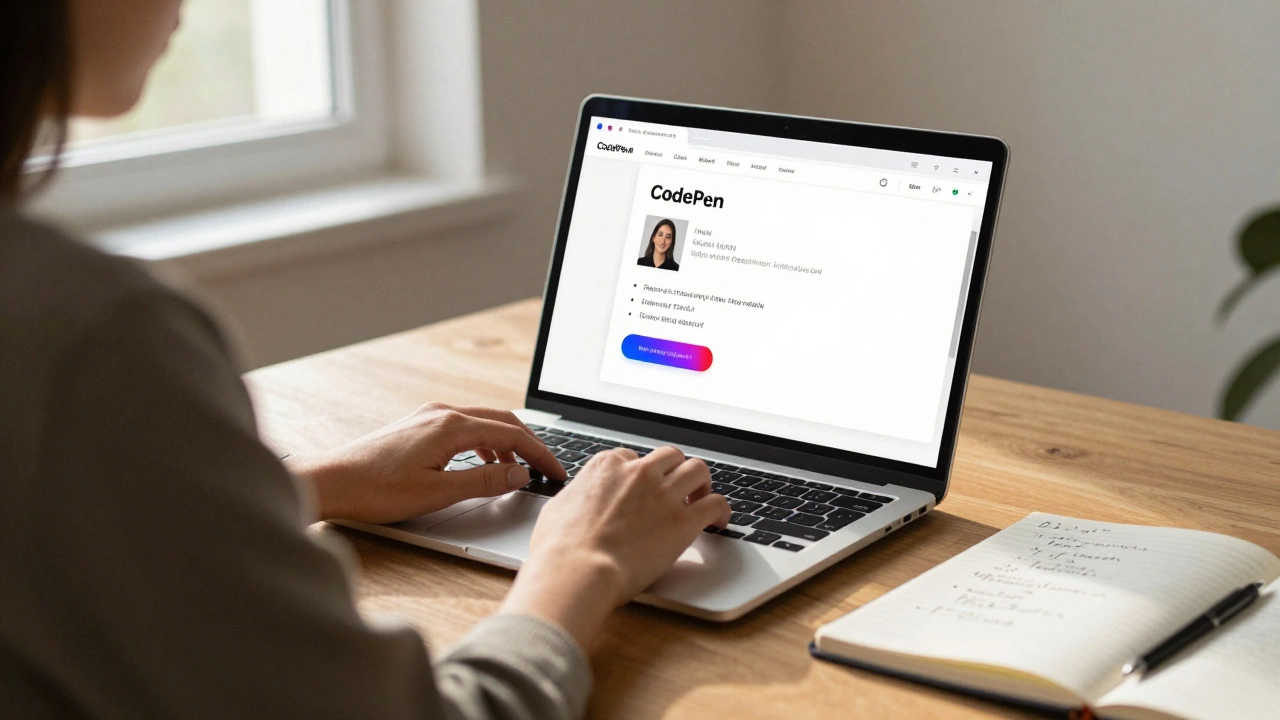
HTML structures your page. CSS styles it. JavaScript makes it interactive. That’s it. Spend your first week doing nothing but building simple pages - a personal bio, a recipe card, a fake product landing page. Use free tools like CodePen or Replit. No downloads. No setup. Just open your browser and start typing.
Here’s what a day one project looks like: a page with your name, a photo, three bullet points about you, and a button that changes color when you click it. Done. That’s your first website. It’s ugly. It’s basic. But it’s yours. And you built it.
Build projects, not portfolios
Most guides tell you to make a portfolio. That’s backwards. You don’t build a portfolio to get hired. You build projects to learn how to solve real problems.
Here’s a realistic progression:
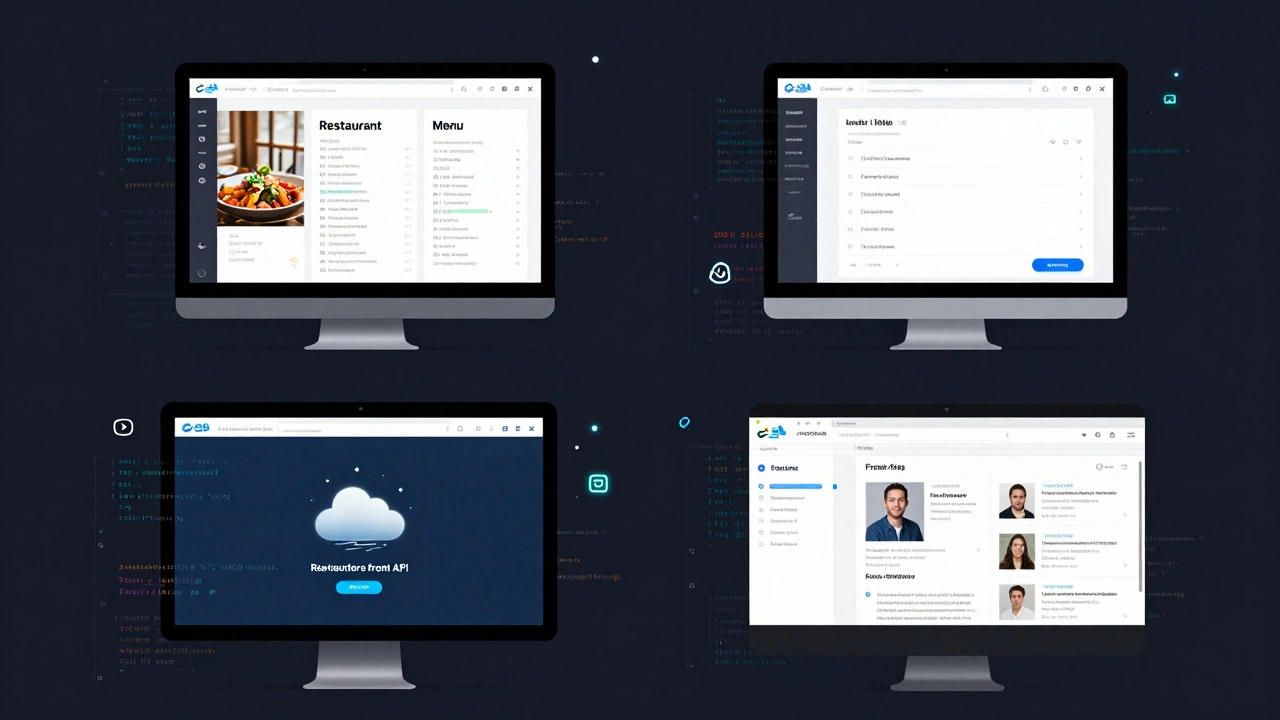
- Static page (HTML + CSS): a restaurant menu
- Interactive page (add JavaScript): a to-do list that saves items to your browser
- Dynamic page: a weather app that pulls data from a free API
- Full stack: a simple blog where you can write posts and they show up on the page
Each one takes 3-7 days. Don’t rush. Don’t skip. Each project teaches you something new. The weather app? You learn about APIs, JSON, and error handling. The blog? You learn how data flows between front-end and back-end.
When you finish four projects like this, you’ll have more real skills than someone who’s watched 50 YouTube tutorials.
Learn JavaScript deeply - not just snippets
JavaScript is the engine. You can’t fake it. You can’t copy-paste your way through it. You need to understand how variables work, how functions return values, how loops handle arrays.
Here’s a simple exercise: write a function that takes a list of numbers and returns only the even ones. Do it without Google. Then do it again without looking at your old code. Repeat until you can do it in under a minute.
Then try this: build a calculator that adds, subtracts, multiplies, and divides. No libraries. Just pure JavaScript. Make it work on a webpage. If you can do that, you’ve passed the first real test.
Most beginners quit here because they think they need to learn React next. They don’t. They need to understand how JavaScript handles events, conditions, and data. That’s what employers test in entry-level interviews.
Use free resources - no paid courses needed
You don’t need to spend £500 on a Udemy course. You don’t need a bootcamp. You need consistency.
Here are the only free resources you need:
- freeCodeCamp - complete the Responsive Web Design and JavaScript Algorithms certifications. They’re structured, project-based, and accepted by employers.
- MDN Web Docs - the official documentation. It’s clear, accurate, and updated regularly. Bookmark it.
- The Odin Project - a full curriculum from HTML to databases. It’s project-heavy and community-driven.
- YouTube: Kevin Powell - his videos on CSS are the best in the business. Watch one every week.
Stick to these. Don’t jump between 10 different courses. You’ll get overwhelmed. Pick one path. Follow it. Finish it.
Get comfortable with GitHub
GitHub isn’t just for coders. It’s your resume. Every project you build should be pushed to GitHub. Not because you need to show off. But because it proves you can use version control - a skill 90% of entry-level applicants skip.
Here’s how to start:
- Create a GitHub account.
- After each project, create a new repository.
- Write a simple README.md file: “This is a to-do list app built with HTML, CSS, and JavaScript.”
- Push it. That’s it.
After five projects, your GitHub will look like this: five clean repos, each with a short description, and commits showing daily progress. That’s more than most applicants have.
Apply for junior roles - even if you’re not “ready”
You’ll hear: “You need experience to get experience.” That’s a lie.
Look for titles like:
- Junior Web Developer
- Frontend Intern
- Web Support Assistant
- Entry-Level Developer
Filter for companies that don’t require a degree. Small businesses, startups, and nonprofits often hire this way. In the UK, many local agencies need someone to fix WordPress sites or update basic HTML pages. That’s your foot in the door.
Your application doesn’t need a fancy CV. Just say this:
“I’ve built five live websites from scratch using HTML, CSS, and JavaScript. I’ve learned how to debug code, use GitHub, and solve problems independently. I’m eager to learn and contribute.”
Attach your GitHub link. That’s your portfolio. That’s your proof.
What you’ll learn in your first 6 months
By month 2: You can build a responsive site that works on phone and desktop.
By month 3: You can make a form that validates user input and saves data locally.
By month 4: You can fetch data from a public API and display it dynamically.
By month 5: You can explain how the DOM works and why your code breaks when you forget a semicolon.
By month 6: You’ve applied to 15 jobs. You’ve had 3 interviews. You got one offer - part-time, £15/hour, remote. You took it.
That’s not magic. That’s momentum.
Common mistakes (and how to avoid them)
- Waiting to be “ready” - There’s no finish line. You learn by doing. Start now.
- Comparing yourself to devs with 5 years’ experience - They started somewhere. You’re on day one. That’s fine.
- Ignoring CSS - Most beginners focus on JavaScript. But 70% of junior roles need someone who can make sites look good. Learn flexbox. Learn grid. Learn responsive design.
- Not asking for help - Join free communities like r/webdev on Reddit or the freeCodeCamp Discord. Ask questions. You’ll get answers.
- Building for perfection - Your first site will be messy. Your fifth will be better. Your tenth will be solid. That’s the path.
What comes next
Once you land your first job, you’ll start learning server-side stuff - maybe Node.js, maybe Python. Maybe you’ll dive into databases like PostgreSQL. But that’s later.
Right now, your only job is to build. One project. Then another. Then another. Keep going. Don’t wait for motivation. Build when you’re tired. Build when you’re unsure. Build because you know that in six months, you won’t be the person with no experience anymore. You’ll be the person who did it.
Can I become a web developer without a degree?
Yes. Most entry-level web developer jobs in the UK don’t require a degree. Employers care more about your ability to build working websites than your academic background. Companies like Just Eat, Skyscanner, and local agencies regularly hire self-taught developers who can show a portfolio of real projects.
How long does it take to get a job with no experience?
Most people land their first role between 4 and 8 months if they build one project per week and apply consistently. It’s not about speed - it’s about showing up. The people who get hired are the ones who keep building, even when it’s hard.
Do I need to learn Python or PHP?
Not right away. Start with HTML, CSS, and JavaScript. Once you’re comfortable with front-end development, you can explore back-end languages like Python (Django) or PHP (WordPress). Many junior roles focus only on front-end work. You can learn back-end later.
Is it too late to start at 30, 40, or 50?
No. Web development is one of the most accessible tech careers for career changers. In Leeds alone, over 40% of junior web dev hires in 2025 were career switchers - from teachers, nurses, and retail workers. Age doesn’t matter. Consistency does.
What’s the difference between front-end and full-stack?
Front-end developers build what users see - buttons, layouts, animations. Full-stack developers handle both front-end and back-end (server, databases, APIs). As a beginner, start with front-end. It’s simpler, faster to learn, and easier to land a job with. You can become full-stack later.