Website Hosting Cost Calculator
Find Your Perfect Hosting Plan
Answer these questions to get a customized estimate based on your website needs
Your Hosting Recommendation
Recommended Hosting Type
Monthly Cost Range
Best For
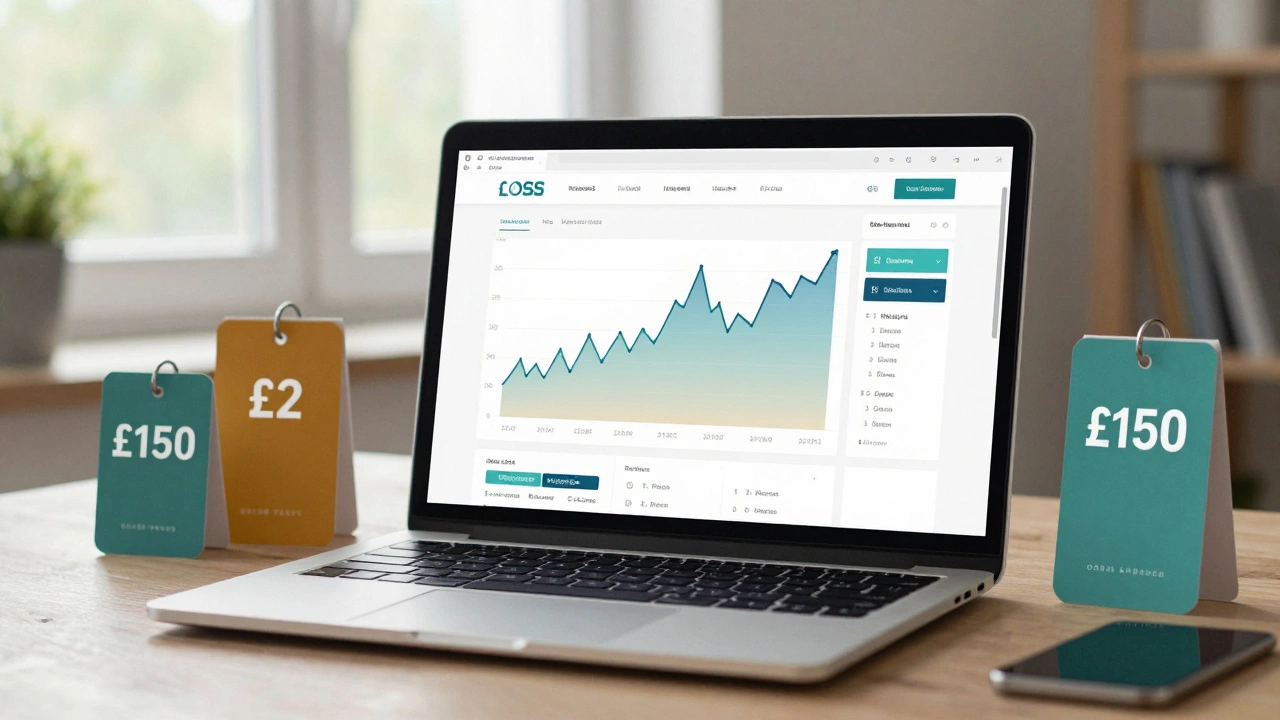
When you're starting a website, one of the first questions you ask is: how much should I pay to host a website? It’s not just about finding the cheapest option-it’s about paying the right amount for what you actually need. Too little, and your site crashes under traffic. Too much, and you’re throwing money away. The truth? You could pay anywhere from £2 to £150 a month, depending on what you’re building.
What Kind of Website Are You Building?
The cost of hosting isn’t one-size-fits-all. A blog, an online store, and a corporate site all need very different things. If you’re just testing an idea, you don’t need enterprise-grade servers. If you’re selling 500 products a day, you can’t rely on a £1/month plan.
Let’s break it down by real-world use cases:
- Personal blog or portfolio: You’re sharing thoughts, photos, or your resume. No payments, no plugins, no heavy traffic. You need basic storage and enough bandwidth for a few hundred visitors a month.
- Small business site: You have a contact form, an about page, maybe a blog. You might get 1,000-5,000 visitors a month. You need decent speed and reliability.
- Ecommerce store (under 1,000 sales/month): You’re selling products. You need SSL, payment gateways, database support, and room to grow. Traffic spikes during sales can crash weak hosts.
- High-traffic site or SaaS app: You’re running a tool, a membership site, or a platform with 10,000+ users. You need dedicated resources, security, and 24/7 support.
Shared Hosting: The Entry Point
Most people start here. Shared hosting means your website lives on a server with dozens-or hundreds-of other sites. It’s cheap, easy, and fine for beginners.
Prices range from £1.99 to £7.99 per month. Providers like Hostinger, Namecheap, and SiteGround offer plans in this range. You get:
- 10-50 GB SSD storage
- Unlimited bandwidth (on paper)
- Free SSL certificate
- One-click WordPress install
- Basic email accounts
But here’s the catch: if one site on that server gets hacked or overloaded, everyone else slows down. It’s like living in an apartment building where the neighbor’s party ruins your sleep. For a personal blog? Fine. For a business site? Risky.
Real-world example: A friend in Leeds launched a small bakery site on a £2.99/month plan. After a viral Instagram post, traffic jumped from 200 to 8,000 visitors in 3 hours. The site went down for 12 hours. She lost £3,000 in sales. She switched to a VPS the next week.
Virtual Private Server (VPS): When You Outgrow Shared
Once your site starts growing, shared hosting feels like a bicycle trying to keep up with a car. That’s where VPS comes in.
A VPS gives you your own slice of a server. You get dedicated CPU, RAM, and storage-even if it’s virtual. No more sharing resources with random strangers.
Prices: £10 to £35 per month. Providers like DigitalOcean, Linode, and AWS Lightsail offer solid options. You’ll get:
- 2-8 GB RAM
- 50-200 GB SSD
- Root access (you can install anything)
- Better speed and uptime
- Scalable resources
Why upgrade? Because speed = sales. A 1-second delay in loading can drop conversions by 7%. That’s not theory-it’s from Amazon’s own research. If your site feels sluggish, visitors leave. And they don’t come back.
For a small ecommerce site with 1,000-5,000 monthly visitors, a £15/month VPS is often the sweet spot. You get room to grow, better security, and no more crashes from traffic spikes.
Dedicated Hosting: For Big Players
If you’re running a marketplace, a SaaS product, or a site with 50,000+ visitors a month, you’re past VPS. Dedicated hosting means you rent an entire physical server. No sharing. No limits.
Cost: £80 to £150+ per month. Providers like OVH, Hetzner, and AWS EC2 offer these. You’ll get:
- 16-64 GB RAM or more
- 1-4 TB SSD
- Full control over hardware
- Enterprise-grade security
- 24/7 technical support
This isn’t for beginners. It’s for teams with developers who know how to manage servers, monitor performance, and handle backups. If you don’t have a tech team, you’ll spend more time fixing things than running your business.

Managed Hosting: Pay for Peace of Mind
What if you want the power of a VPS or dedicated server but don’t want to manage it? That’s where managed hosting comes in.
Companies like Kinsta, WP Engine, and Cloudways take care of server updates, security patches, caching, and backups. You focus on content. They handle the tech.
Prices: £25 to £100+ per month. For example:
- Kinsta’s Starter plan: £29/month (1 site, 25k visits/month)
- WP Engine’s Startup plan: £30/month (1 site, 25k visits/month)
- Cloudways’ DigitalOcean plan: £14/month (with managed control panel)
Managed hosting is worth it if:
- You’re not tech-savvy
- You run a business that can’t afford downtime
- You want faster load times without tweaking server settings
One bakery owner in Manchester switched from shared hosting to Kinsta. His site load time dropped from 4.2 seconds to 1.1 seconds. Sales increased by 22% in two months. He didn’t touch a single line of code.
Hidden Costs You Can’t Ignore
Many hosting plans look cheap-but they’re not. Watch out for:
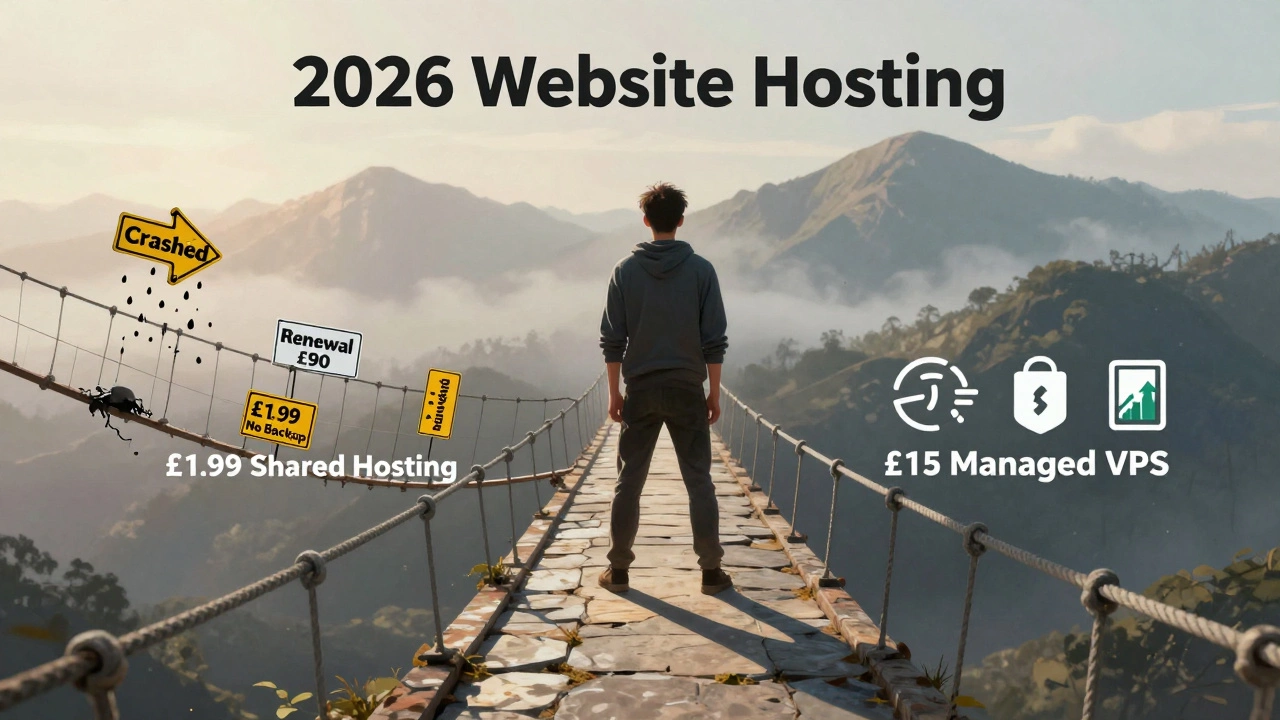
- Renewal prices: That £1.99/month deal? It jumps to £12.99 after the first year. Always check renewal rates.
- Bandwidth overages: Some providers charge £5-£10 per extra 100GB. If you run videos or downloads, you’ll hit limits fast.
- SSL certificates: Most include them now, but older plans charge £10-£20/year.
- Backups: Free backups? Rare. Most charge £5-£15/month for automated backups.
- Domain registration: Your domain (like yoursite.com) costs £5-£15/year separately. Don’t forget it.
One person in Leeds signed up for a £1.99/month plan. After 11 months, they got a £90 renewal bill. They didn’t even realize their plan had auto-renewed. Always read the fine print.
What You Should Pay Right Now
Here’s a simple guide based on your situation:
| Website Type | Recommended Hosting | Monthly Cost |
|---|---|---|
| Personal blog, portfolio | Shared Hosting | £2-£7 |
| Small business site (5k visits/month) | VPS or Managed WordPress | £10-£30 |
| Ecommerce (1k-5k sales/month) | Managed VPS | £25-£60 |
| High-traffic site or app (10k+ visits) | Dedicated or Cloud | £80-£150+ |
Most people overpay or underpay. If you’re just starting out, go with shared hosting. But plan to upgrade within 6-12 months. Don’t wait until your site crashes.
How to Avoid Being Scammed
There are hosting companies that make money by tricking you into renewing. They advertise crazy-low prices, then hide the real cost in small print.
Do this before you sign up:
- Search “[Provider Name] renewal price” on Google.
- Check Trustpilot and Reddit reviews-not just the homepage.
- Look for uptime guarantees: 99.9% is standard. Anything less? Red flag.
- Ask if they offer free migrations. If you switch hosts later, you don’t want to pay £50 to move your site.
- Use a credit card, not PayPal. It gives you chargeback rights if they disappear.
One UK freelancer paid £300 to a hosting company that vanished after 3 months. His site went offline. He lost 20 clients. He didn’t have a backup. Always have one.
What Happens If You Skip Hosting?
You can’t run a website without hosting. It’s like trying to open a shop without a building. You might think “I’ll use a free service,” but free hosting comes with ads, no custom domain, and zero support. If it goes down, you’re out of luck.
And if you don’t pay? Your site disappears. Your domain expires. Your customers vanish. No warning. No second chance.
Hosting isn’t optional. It’s the foundation. Pay enough to keep it running. Don’t treat it like a subscription you can cancel when times are tight.
Final Answer: How Much Should You Pay?
For most people starting out: £5-£15 per month.
That’s enough for reliable shared hosting or a basic VPS. It’s not the cheapest option-but it’s the smartest. You get speed, security, and room to grow. And if you pick a provider with good support, you’ll sleep better at night.
Don’t chase the lowest price. Chase the right fit. Your website is your digital storefront. Would you rent a leaky, noisy shop for £100 a year? Probably not. So why host your website that way?