

Front End vs Backend: Learning Path Quiz
Answer these 3 questions to discover which development path suits your brain best.
Recommended First Step:
You’re staring at a blank code editor. The cursor blinks. You want to build websites, but the roadmap looks like a tangled mess of acronyms. React? Node.js? SQL? CSS Grid? Everyone tells you something different. One tutorial says start with Python because it’s logical. Another screams that HTML is the only way to go because you need to see results fast.
So, which one do you pick first? Front end or backend?
If I had to give you a single answer right now, it would be this: **Start with front end.**
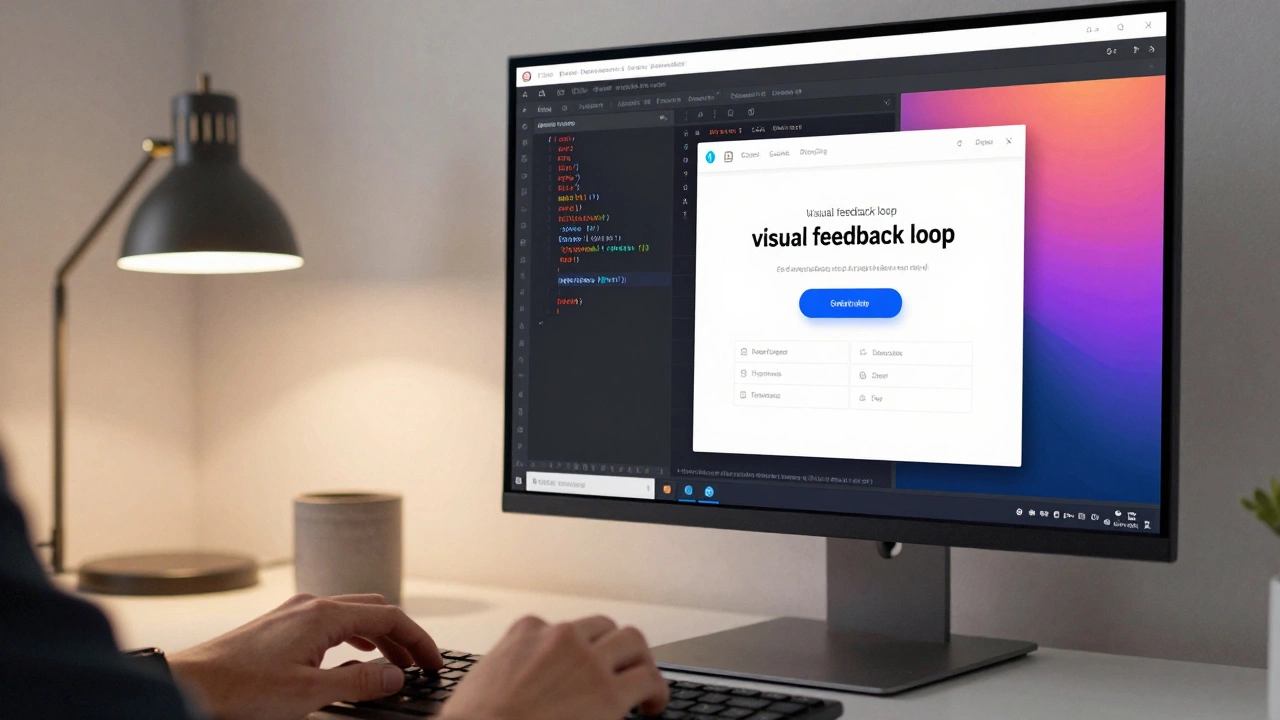
But don’t take my word for it without understanding why. The "right" path depends on what kind of problems you enjoy solving and how your brain prefers to process information. Let’s break down exactly what each side involves, why the visual feedback loop matters so much for beginners, and how to structure your learning so you don’t burn out before you write your first line of real code.
The Visual Feedback Loop: Why Front End Wins for Beginners
Learning to code is hard. It requires a new way of thinking. If you spend your first three months writing logic that runs on a server and returns invisible data structures, you might quit. That’s not a judgment on your intelligence; it’s just human psychology.
Front-end development is the practice of building the parts of a website or application that users interact with directly in their browser. This includes layout, colors, animations, buttons, and forms. When you change a value in your CSS file and refresh the page, you see the button turn blue instantly. You tweak a margin, and the text moves. This immediate cause-and-effect relationship is powerful.
It builds confidence. You feel like you are creating something tangible. For most people, seeing a pretty interface appear is the fuel that keeps them going when they hit a syntax error later on.
Consider the core technologies here:
- HTML (HyperText Markup Language): The skeleton of every webpage. It’s not technically a programming language, but it’s the foundation. You learn semantic structure-headings, paragraphs, lists.
- CSS (Cascading Style Sheets): The skin and bones. It handles design, spacing, and responsiveness. Modern CSS is incredibly powerful, allowing complex layouts without heavy JavaScript frameworks.
- JavaScript (JS): The muscle and nervous system. This is where things get interactive. Clicking a button, fetching data from an API, animating a menu-all JS.
By starting here, you learn the basic vocabulary of the web. Even if you switch to backend later, you’ll understand what the frontend expects from your APIs. You won’t be guessing what a JSON response should look like; you’ll have built the thing that consumes it.
The Logic-First Approach: Making the Case for Backend
Not everyone loves moving pixels around. Some people find CSS frustrating because of its quirks (why does `flexbox` behave differently in Safari?). If you are someone who enjoys puzzles, databases, and pure logic, the backend might actually be more satisfying for you.
Backend development is server-side programming that manages the database, server, and application logic behind the scenes. Users never see this code directly. They only see the result of it working correctly.
When you start with backend, you focus on:
- Data Structures: How to store user profiles, product inventories, or blog posts efficiently.
- Security: Authenticating users, protecting against SQL injection, managing sessions.
- APIs (Application Programming Interfaces): Creating endpoints that send data to the frontend.
Languages popular for backend include Python, Node.js (which uses JavaScript), Ruby, and PHP. Python, for example, reads almost like plain English. If you struggle with the abstract nature of UI design, Python’s simplicity can be a lifesaver. You write a script to sort a list of numbers, run it, and see the output in the console. It’s clean, logical, and predictable.
However, there is a risk. Without a visual interface, progress feels slower. You might spend weeks setting up a local server environment, configuring a database, and writing authentication logic, only to realize you have no idea how to display that data to a user. You become a backend developer who can’t show off their work easily.
The Hybrid Reality: Full Stack Development
Let’s address the elephant in the room. Most jobs today aren’t strictly "frontend" or "backend." They are full stack. Even specialized roles require overlap. A frontend dev needs to know how to fetch data from an API. A backend dev needs to understand how CORS headers work so the frontend can actually talk to the server.
In 2026, the line is blurrier than ever thanks to tools like Next.js, Remix, and SvelteKit. These frameworks allow you to write code that runs both on the server and in the browser seamlessly. But even with these modern tools, you still need to understand the fundamentals of both sides.
Think of it like cooking. Frontend is plating the food-making it look appetizing and arranging it nicely. Backend is the kitchen-chopping ingredients, controlling the heat, and ensuring the recipe is followed correctly. You can be a great chef without being a pastry chef, but knowing how the kitchen works helps you plate better.
| Feature | Front End | Back End |
|---|---|---|
| Primary Focus | User Interface (UI) & Experience (UX) | Server Logic, Database, Security |
| Core Languages | HTML, CSS, JavaScript | Python, Java, Node.js, PHP, Go |
| Feedback Speed | Instant (Visual) | Delayed (Console Logs, DB Queries) |
| Key Skills | Design sense, Responsiveness, Accessibility | Algorithmic thinking, Data modeling, Security |
| Best For | Creative thinkers, visual learners | Logical thinkers, problem solvers |
How to Decide: A Self-Assessment Checklist
Still unsure? Ask yourself these three questions. Your answers will point you in the right direction.
- Do you care about design? If you enjoy tweaking fonts, choosing color palettes, and making sure things look good on mobile phones, start with frontend. If you think design is boring and prefer organizing data, skip to backend.
- How do you handle frustration? Frontend debugging often involves visual inspection tools (like Chrome DevTools). Backend debugging involves reading logs and tracing logic errors. Which sounds less painful?
- What is your goal? Do you want to build a portfolio site quickly? Frontend. Do you want to build a complex SaaS platform with user accounts and payments? You’ll eventually need both, but starting with backend logic might help you plan the architecture better.
A Practical Learning Roadmap for 2026
Here is a realistic path that balances both worlds without overwhelming you. This isn’t about mastering everything; it’s about building competence.
Phase 1: The Foundation (Weeks 1-4)
Stick to HTML and CSS. Build static pages. Clone the homepage of a site you like. Learn Flexbox and Grid. Don’t touch JavaScript yet. Just make things look right. This teaches you the DOM (Document Object Model), which is crucial for everything else.
Phase 2: Adding Interactivity (Weeks 5-8)
Introduce vanilla JavaScript. No frameworks. Learn how to select elements, listen for clicks, and manipulate the DOM. Build a simple to-do list app. Save data to LocalStorage. This bridges the gap between static design and dynamic behavior.
Phase 3: Understanding the Server (Weeks 9-12)
Now, peek into the backend. Use a lightweight framework like Express.js (if you stuck with JS) or Flask (if you tried Python). Build a simple API that returns a list of jokes or weather data. Connect your frontend to this API using `fetch()` or `axios`. Suddenly, you see how the two sides talk to each other.
Phase 4: Specialization (Month 4+)
At this point, you’ve tasted both. Choose your lane. If you loved the API part, dive deeper into databases (SQL vs NoSQL) and server security. If you loved the UI part, learn a framework like React, Vue, or Svelte. Then, circle back to fill in the gaps on the other side.

Common Pitfalls to Avoid
I’ve seen many developers stall because of these mistakes. Don’t let them happen to you.
- Tutorial Hell: Watching videos without coding along. You must type the code. Break it. Fix it. Muscle memory matters.
- Framework Fatigue: Trying to learn React before you understand JavaScript closures. Frameworks change; fundamentals don’t. Master the basics first.
- Ignoring Version Control: Learn Git early. Commit your code daily. It’s not optional in professional development.
- Perfectionism: Your first website will look ugly. That’s fine. Ship it. Iterate. Done is better than perfect.
Final Thoughts: It’s Not a Binary Choice
You don’t have to commit to one side forever. The best developers are T-shaped: deep expertise in one area, but broad enough knowledge in others to collaborate effectively. Starting with frontend gives you the quickest win and the most visible progress. Starting with backend gives you a stronger grasp of logic and data.
My advice? Start with frontend. Get hooked by the visuals. Then, pull back the curtain and see how the magic happens on the server. You’ll be a better developer for having walked both paths.
Is it harder to learn frontend or backend?
It depends on your background. Frontend has a lower barrier to entry because you see immediate results, but mastering responsive design and cross-browser compatibility can be tricky. Backend has a steeper initial learning curve due to concepts like servers, databases, and security, but once you grasp the logic, it tends to be more consistent across languages.
Can I learn both frontend and backend at the same time?
Technically yes, but it’s not recommended for absolute beginners. Context switching between UI styling and server logic can lead to cognitive overload. It’s better to master one side first, then expand. However, using a unified framework like Next.js allows you to touch both sides simultaneously after you have some foundational knowledge.
Which pays more: frontend or backend developer?
Salaries are generally comparable, but backend roles sometimes command slightly higher salaries in enterprise environments due to the complexity of system architecture and security responsibilities. However, senior frontend engineers specializing in performance optimization or complex state management also earn top-tier salaries. Location and company size matter more than the specific role.