

When you start building a website, WordPress, a free, open-source content management system that powers over 43% of all websites. Also known as WP, it lets anyone create a professional site without touching code. You don’t need to be a tech expert. You don’t need to hire a developer. You just need to know where to click.
What makes WordPress so popular for beginners is how it handles the hard stuff. It automatically makes your site look good on phones and tablets — that’s responsive web design. It lets you install ready-made designs called themes with one click. And you can add features like contact forms, online stores, or newsletters using plugins. No coding. No guesswork. Just drag, drop, and publish.
Most people start with WordPress because they want control — not complexity. You want to update your own blog. Sell your own products. Show off your portfolio. WordPress gives you that power without the headache. It’s used by small businesses, bloggers, freelancers, and even big brands. If you’re wondering if it’s worth learning in 2025, the answer is yes. It’s not going anywhere. It’s getting better. And it’s still the easiest way to get online.
You’ll find posts here that cut through the noise. No fluff. No jargon. Just clear answers: How do you install WordPress? What’s the difference between a theme and a plugin? Can you really build a store without knowing PHP? What’s the fastest way to get your first page live? We cover all of it. You’ll learn what actually matters — and what you can ignore.
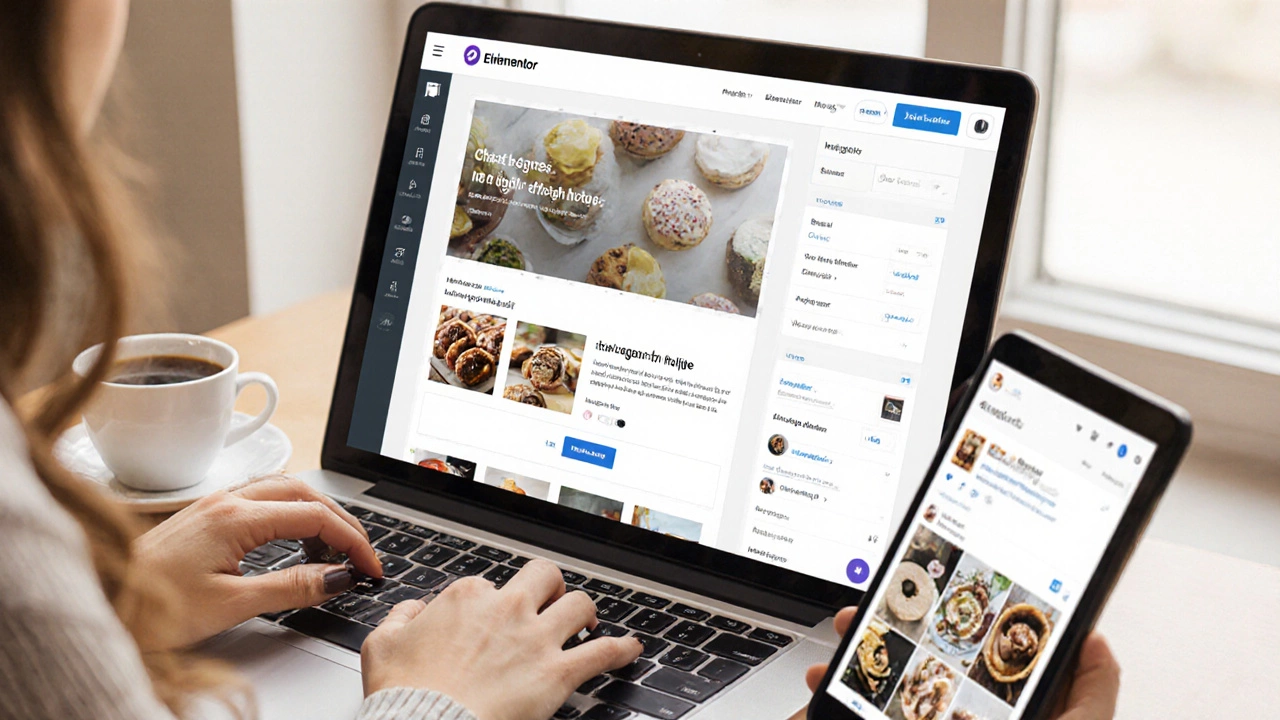
You don't need to code to use WordPress - most users don't. But knowing a little CSS or PHP can save you time and money. Here's what you can do without code, and when it helps to learn just a bit.
Read More