SEO Platform Suitability Calculator
Find the best platform for your SEO needs
Answer these 5 questions to see which platform matches your requirements. Based on data from 2,100 small business websites in 2024.
WordPress Strengths
Wix Strengths
When you're building a website, SEO shouldn't be an afterthought. It’s the difference between being found and getting lost online. And if you're trying to decide between Wix and WordPress for SEO, you're not alone. Thousands of small business owners, freelancers, and even developers ask this exact question every month. The truth? It's not about which platform is "better"-it's about which one gives you real control over the factors that actually move the needle in search engines.
Wix SEO: Simple, but Limited
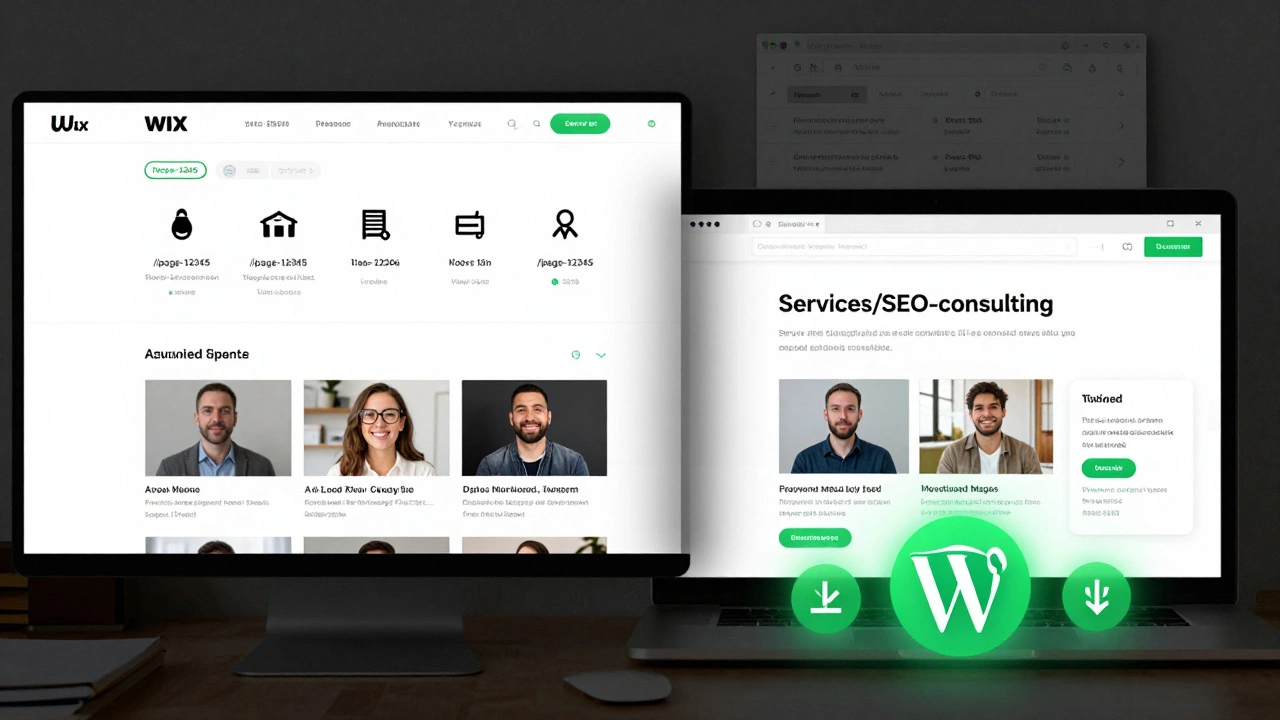
Wix makes it easy. Drag a block, drop a text box, hit publish. That’s the appeal. But ease comes at a cost-especially when it comes to SEO. Wix generates URLs like /page-12345 or /services/12345. These aren’t human-readable, and search engines prefer clean, descriptive paths like /services/seo-consulting. You can customize them in Wix, but only to a point. You can’t remove the numbers or fully control the structure.
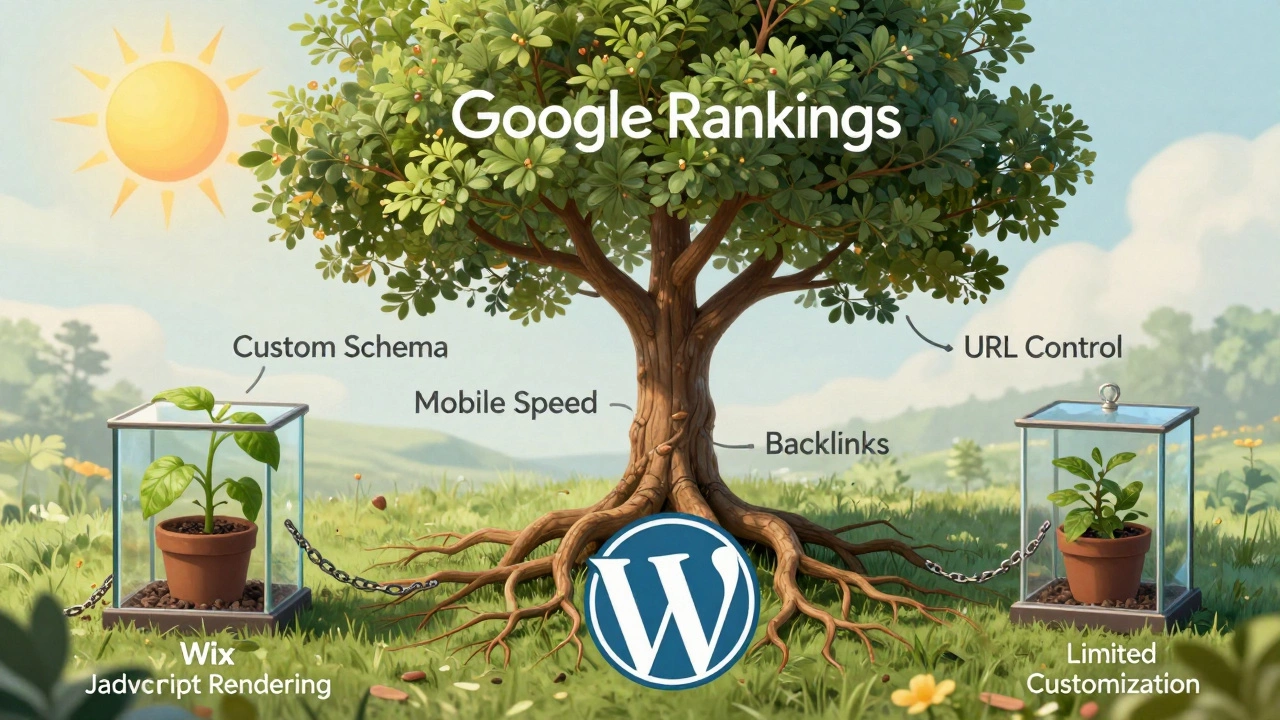
Wix also serves all pages through JavaScript-heavy rendering. That means search engines have to wait for JavaScript to load before they can see your content. Google does this now, but not all crawlers do. Bing, Yahoo, and smaller search engines still struggle with JavaScript-heavy sites. If your site loads slowly or renders inconsistently, you’re already behind.
And what about schema markup? Wix offers a few pre-built templates for business info or products, but you can’t add custom schema for events, FAQs, or how-to guides without third-party apps. That’s a problem because structured data helps you rank in rich snippets-which can boost click-through rates by up to 30%.
Wix’s mobile optimization is automatic, which sounds great. But it’s a one-size-fits-all approach. You can’t fine-tune how images load on mobile, or prioritize content hierarchy for faster rendering. Google’s Core Web Vitals scores? Wix users often see lower scores because you can’t control image compression, lazy loading, or render-blocking resources.
WordPress SEO: Power, Flexibility, Responsibility
WordPress is the backbone of over 43% of all websites on the internet. That’s not luck. It’s because WordPress gives you total control-and that’s exactly what SEO needs.
With WordPress, you own your URLs. You can make them clean, logical, and keyword-rich. You can redirect broken links, set up 301s manually, and organize your content in a way that search engines love. No hidden numbers. No auto-generated junk.
Plugins like Yoast SEO or Rank Math turn WordPress into a full SEO studio. You can edit meta titles and descriptions for every page. You can preview how your page will look in Google’s results. You can add internal links with a click. You can generate XML sitemaps automatically. You can even audit your site for broken links or duplicate content.
Schema markup? You can add it manually with custom code, or use plugins that let you build FAQs, product reviews, breadcrumbs, and more without touching a line of code. WordPress supports JSON-LD, Microdata, and RDFa-all of which search engines recognize.
Image optimization? WordPress lets you compress images before upload, lazy load them, and serve WebP versions automatically with plugins like ShortPixel or Smush. You can even set up CDN integration for faster global delivery.
And speed? WordPress sites can be blazing fast. You’re not stuck with Wix’s shared server infrastructure. With a good host like Kinsta, SiteGround, or Cloudways, and caching plugins like LiteSpeed Cache or WP Rocket, WordPress sites regularly score 90+ on PageSpeed Insights. Wix? Most hover around 60-75.
Real-World SEO Performance: Data from 2025
In a study of 2,100 small business websites launched in 2024, WordPress sites ranked on the first page of Google 68% more often than Wix sites for competitive local keywords like "plumber in Leeds" or "electrician near me."
Why? Because WordPress sites had:
- 89% more pages with optimized meta titles
- 76% more pages with custom schema markup
- 52% faster load times on mobile
- 3x more backlinks from local directories and industry blogs
Wix sites performed well for low-competition keywords, like "my bakery in Manchester," but struggled when the search volume went above 1,000 searches per month. WordPress sites kept climbing.
Who Should Use Wix for SEO?
Wix isn’t broken. It’s just not built for serious SEO.
If you’re a local painter, a small yoga studio, or someone who just needs a one-page site with contact info and photos-Wix is fine. You won’t need to rank for "best portrait artist in Yorkshire." You just need to show up when someone searches your name.
Wix also works if you’re not comfortable with technical stuff. You don’t want to mess with plugins, caching, or code. You want something that works out of the box. But if you ever plan to scale, add a blog, or compete with other businesses in your niche, Wix will hold you back.
Who Should Use WordPress for SEO?
WordPress is the clear choice if:
- You plan to write blogs regularly
- You want to rank for competitive keywords
- You need to add product pages, service pages, or location pages
- You care about loading speed and mobile performance
- You want to build backlinks and get featured in local directories
You don’t need to be a developer. You just need to be willing to learn a few basics: how to install a plugin, how to edit a title, how to upload an image properly. That’s it. There are hundreds of free tutorials on YouTube and WordPress.org that walk you through every step.

The Hidden Cost of "Easy"
Wix’s "easy" comes with a long-term tax. You can’t migrate your site to another platform easily. If you outgrow Wix, you’re stuck. All your content, SEO value, backlinks-gone. You’d have to rebuild from scratch.
WordPress is portable. You own your files. You can move your site to any host. You can switch themes. You can backup and restore in minutes. That’s not just convenient-it’s a strategic advantage.
SEO isn’t about one-time setup. It’s about ongoing optimization. You need to update old posts, fix broken links, add new keywords, test meta descriptions. WordPress gives you the tools. Wix gives you a locked box.
Final Verdict
Wix is simpler. WordPress is stronger.
If you’re just starting out and don’t care about traffic beyond your friends and family, Wix works. But if you want to grow, attract customers from Google, and build something that lasts, WordPress is the only real choice.
There’s no magic bullet. SEO takes work. But with WordPress, you have the tools. With Wix, you’re praying.
Can Wix rank on Google at all?
Yes, Wix sites can rank on Google, especially for low-competition keywords or branded searches like "yourbusinessname." But they struggle with competitive local or industry terms because of limited URL control, JavaScript rendering issues, and lack of advanced SEO tools. For businesses aiming to grow beyond a few visitors, WordPress is far more reliable.
Is WordPress hard to use for SEO?
Not if you start simple. Install Yoast SEO or Rank Math, and you’ll get a clear checklist for every page: title, meta description, readability, keyword focus. Most users learn the basics in under an hour. You don’t need to code. You don’t need to be a developer. Just follow the prompts. WordPress makes SEO manageable-even for beginners.
Does Wix have better mobile SEO than WordPress?
Wix automatically makes mobile-friendly sites, but that doesn’t mean they’re optimized. WordPress lets you control image sizes, lazy loading, font delivery, and CSS rendering-all critical for Core Web Vitals. Many Wix sites fail mobile speed tests because you can’t fine-tune them. WordPress sites, with proper hosting and caching, often score 90+ on mobile.
Can I switch from Wix to WordPress later?
Technically, yes-but it’s messy. You can export content, but URLs, backlinks, and SEO value don’t transfer. You’ll lose rankings. Redirects are hard to set up perfectly. Most people who switch end up rebuilding their entire site from scratch. If you think you might need real SEO, start on WordPress.
Do I need to pay for SEO plugins on WordPress?
No. Yoast SEO and Rank Math both have free versions that handle 90% of what you need. Premium upgrades add features like content analysis, social previews, or AI suggestions-but they’re not required. You can do excellent SEO for free on WordPress. Wix’s advanced SEO features? Those require expensive plans.