
Self-Hosting Cost & Readiness Calculator
Pick how you'd host your site, then adjust the numbers to see your real monthly cost and what you still need to set up.
You’ve built a cool portfolio site or a small business page. Now you need it online. But instead of paying $10 a month to a big provider, you’re wondering if you can just use the old laptop in your closet or a cheap server you bought on eBay. Can you really host your own website? Yes, but it’s not as simple as plugging in a USB drive.
Hosting your own website means taking control of the server where your files live. It gives you total freedom over speed, security, and customization. However, it also means you become the IT department. If the server crashes at 3 AM, no one else is fixing it. This guide walks you through the realistic options, from using a home computer to renting a virtual private server (VPS), so you can pick the path that fits your budget and technical comfort level.
Quick Summary / Key Takeaways
- Website hosting requires a server with a static IP address to be reliably accessible by visitors.
- Home servers are free but risky due to power outages, ISP blocks, and lack of redundancy.
- VPS hosting offers a balance of control and reliability for about $5-$10 per month.
- You need a domain name, DNS records, and a web server software like Nginx or Apache.
- Security is your responsibility; unpatched servers are prime targets for hackers.
Understanding the Basics of Self-Hosting
At its core, Website Hosting is the service of storing files on a computer connected to the internet so others can access them via a browser. When you type a URL, your browser sends a request to a specific IP address. The server at that address looks for your HTML, CSS, and images, then sends them back to you. To do this yourself, you need three things: hardware (a computer), software (web server program), and network access (internet connection).
The biggest hurdle isn't the software-it's the network. Most home internet connections use Dynamic IP addresses. This means your public IP changes every few days or when you reboot your router. If your IP changes, your website breaks unless you have a workaround. Additionally, many Internet Service Providers (ISPs) block port 80 (HTTP) and port 443 (HTTPS) on residential lines because they don't want you running a business from your living room. You’ll need to check if your ISP allows inbound traffic on these ports before buying any hardware.
Option 1: Using a Home Server
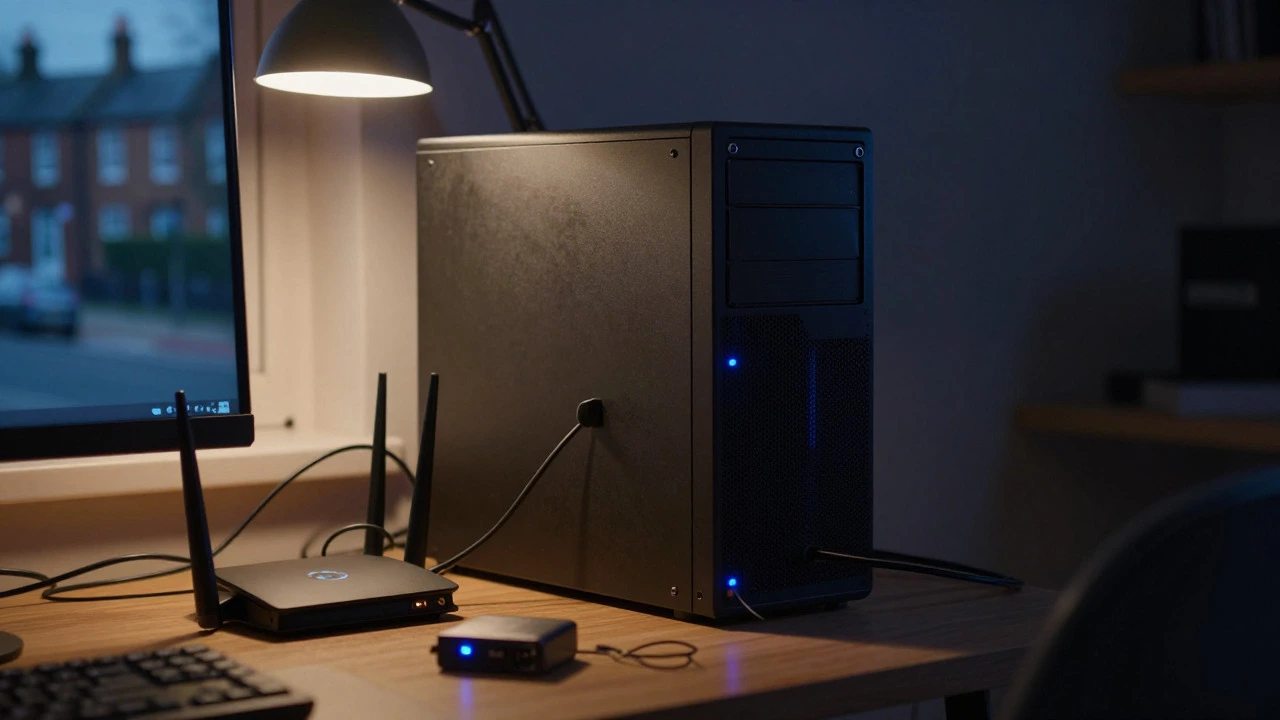
This is the most common interpretation of "hosting my own website." You take an old PC, install Linux, set up a web server, and point your domain to your home IP. It costs nothing in monthly fees, only electricity.
Pros:
- Zero monthly hosting fees.
- Full control over hardware upgrades.
- Data stays local, which some people prefer for privacy.
- Single point of failure: If your power goes out, your site is down.
- Dynamic IP issues require DDNS (Dynamic DNS) services like No-IP or DynDNS.
- Upload speeds are often slower than download speeds, making site updates painful.
- ISP might throttle bandwidth or block ports without warning.

Option 2: Virtual Private Server (VPS)
If home hosting feels too fragile, a VPS is the sweet spot. A VPS is a slice of a physical server dedicated to you. It acts like a real computer but lives in a professional data center. Providers like DigitalOcean, Linode, or Hetzner offer plans starting around $4-$6 per month.
Unlike shared hosting, where you share resources with hundreds of other sites, a VPS gives you root access. You can install anything you want. Unlike a dedicated server, you don’t pay for the whole machine. For most personal projects, blogs, or small business sites, a VPS with 1GB RAM and 1 CPU core is plenty.
The main advantage here is reliability. Data centers have redundant power, cooling, and high-speed fiber connections. Your uptime will likely exceed 99.9%. You still manage the operating system, but you don’t worry about your house losing power or your neighbor hogging the internet.
Choosing the Right Web Server Software
Once you have your server (home or VPS), you need software to serve the pages. The two main contenders are Nginx and Apache.
| Feature | Nginx | Apache |
|---|---|---|
| Performance | High, handles concurrent requests efficiently | Good, but uses more memory per connection |
| Configuration | Simple, concise syntax | Complex, verbose .htaccess files |
| Modularity | Compiled modules, harder to add later | Dynamic loading, easy to add plugins |
| Best For | Static sites, reverse proxies, high traffic | LAMP stack, legacy PHP applications |
For new projects, Nginx is generally preferred. It’s faster and uses less memory. If you’re running WordPress or other PHP-based CMS, you’ll pair Nginx with PHP-FPM. Apache is older and has a steeper learning curve, but it’s very stable and widely documented. Both work fine; pick the one whose documentation makes sense to you.
Setting Up Your Domain and DNS
Your server has an IP address, but humans remember names. You need a domain name (e.g., yoursite.com). Buy one from a registrar like Namecheap, Cloudflare, or GoDaddy. Prices vary, but expect to pay between $10 and $15 per year for a standard .com domain.
After buying the domain, you need to configure DNS (Domain Name System) records. This tells the internet where to find your server.
- A Record: Points your domain to your server’s IPv4 address. If you’re using a home server with a dynamic IP, you’ll use a DDNS provider to update this automatically.
- AAAA Record: Points your domain to your server’s IPv6 address. More reliable for home users since IPv6 IPs rarely change.
- CNAME Record: Creates aliases, like www.yoursite.com pointing to yoursite.com.
Security: The Part Everyone Skips
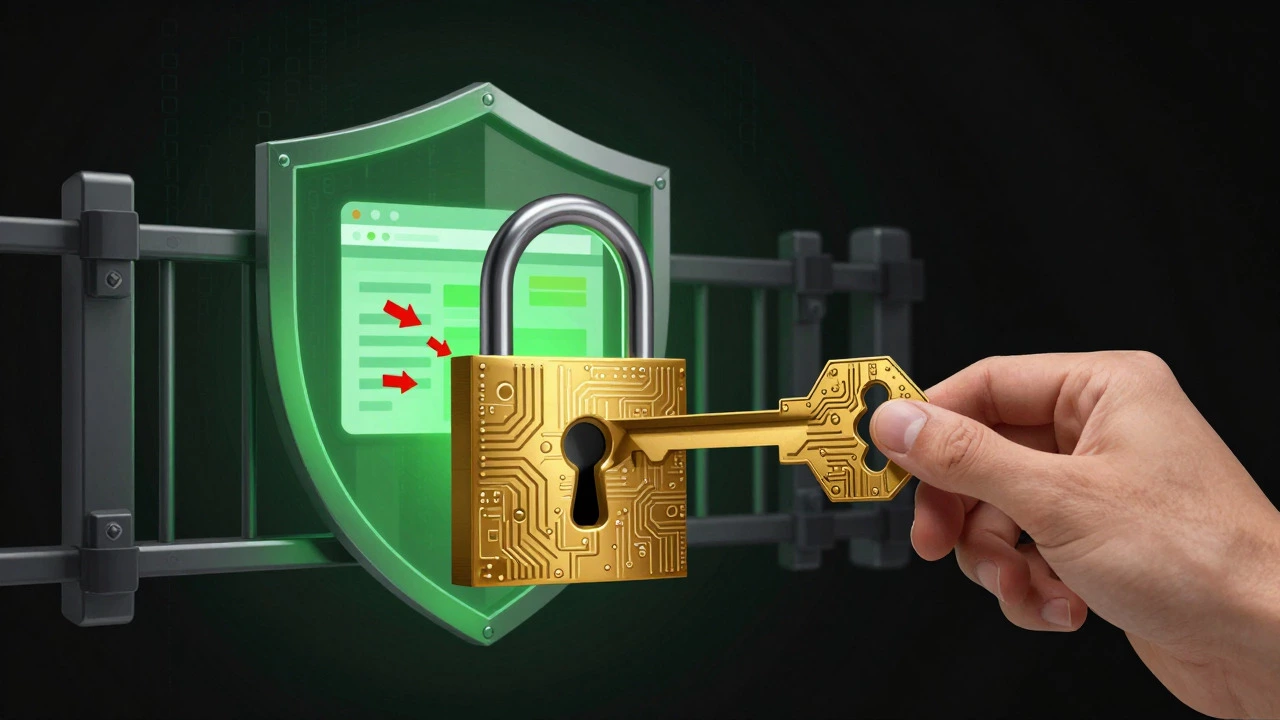
When you host your own website, you are the security team. On shared hosting, the provider patches vulnerabilities. On your own server, if you forget to update your OS, you’re vulnerable. Here are non-negotiable steps:
- Use SSH Keys: Disable password login for SSH. Use key-based authentication only.
- Firewall: Install UFW (Uncomplicated Firewall) on Ubuntu/Debian or firewalld on CentOS/RHEL. Allow only ports 22 (SSH), 80 (HTTP), and 443 (HTTPS).
- SSL Certificates: Use Let’s Encrypt to get free SSL certificates. This encrypts traffic between visitors and your server. Run `certbot` to automate renewals.
- Regular Backups: Use rsync or rclone to back up your files to a cloud storage service like Backblaze B2 or Wasabi. Test restoring them occasionally.
- Update Regularly: Set up unattended-upgrades on Linux to patch critical security bugs automatically.
Common Pitfalls to Avoid
New self-hosters often make the same mistakes. Avoid these:
- Ignoring Bandwidth Limits: Some VPS providers cap transfer. Check your plan. If you stream video, you’ll hit limits fast.
- No Monitoring: Install tools like Netdata or Grafana to monitor CPU, RAM, and disk usage. Don’t wait until the site is slow to notice a problem.
- Running Everything as Root: Create a regular user account for daily tasks. Only use sudo when necessary.
- Forgetting Time Zones: Set your server’s timezone correctly. Logs and cron jobs depend on it.
Frequently Asked Questions
Is it cheaper to host my own website?
Not always. A home server saves money on hosting fees but costs electricity. A VPS costs $5-$10/month but includes backup power and high-speed internet. If you value convenience and reliability, a VPS is often worth the cost. If you enjoy tinkering and have spare hardware, home hosting can be nearly free.
Can I host multiple websites on one server?
Yes. Both Nginx and Apache support virtual hosts, allowing you to serve multiple domains from one IP address. Just create separate folders for each site and configure the server to route requests based on the Host header.
Do I need a static IP address?
Ideally, yes. A static IP never changes, making DNS setup easy. If you have a dynamic IP, use a DDNS service to update your DNS records automatically whenever your IP changes. Many ISPs offer static IPs for an extra monthly fee, which is usually cheaper than the hassle of DDNS.
What happens if my home server crashes?
Your website goes offline until you fix it. This could take minutes or days depending on the issue. To mitigate this, use a UPS for power cuts, set up automated backups, and consider a failover setup where a second server takes over if the primary fails. For most hobbyists, accepting downtime is acceptable.
Is self-hosting secure enough for a business?
It can be, but only if you maintain it rigorously. You need SSL, firewalls, regular updates, and backups. One mistake can expose customer data. For mission-critical businesses, managed hosting or a VPS with monitoring is safer. For small personal brands, self-hosting is fine if you follow best practices.