

GoDaddy Website Cost Calculator
Select your plan and needs to see the estimated Year 1 vs. Year 2+ costs. Remember: The advertised price is rarely the final price.
Year 1 Estimated Cost
*Includes introductory rates and first-year free domain (if applicable).
Year 2+ Recurring Cost
*Assumes standard renewal rates (~20% increase on base, full price on add-ons).
Select a plan and click Calculate to see the breakdown.
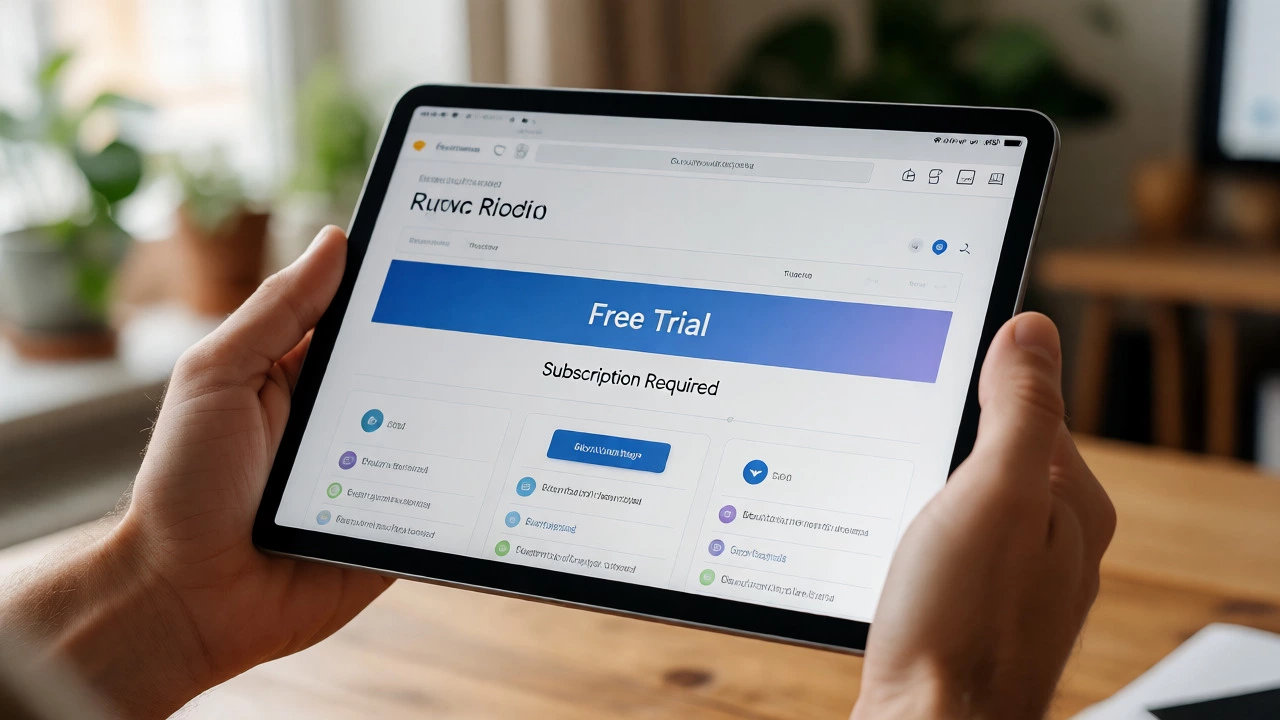
You see the ad: "Build your website for free." It sounds too good to be true, and in many ways, it is. If you are asking Do I get a free website with GoDaddy?, the short answer is no-not permanently. You might get a free domain name or a free trial period, but the actual website builder service almost always costs money after the initial setup phase. This distinction trips up a lot of people who just want to get online quickly without committing to a monthly subscription right away.
Let’s clear up the confusion around what "free" actually means in the context of GoDaddy is a popular American internet company that provides domain registration, web hosting, and website building services. We will look at their current pricing models, what you actually get for your money, and where those hidden fees might pop up when you least expect them.
The Reality of "Free" Websites on GoDaddy
When companies say a website is free, they usually mean one of three things: a free trial, a free subdomain, or a free domain with a paid plan. GoDaddy primarily uses the last two methods. You won’t find a truly free, permanent hosting plan from them like some other providers offer (looking at you, WordPress.com or Wix).
If you sign up for GoDaddy’s Website Builder is a drag-and-drop tool that allows users to create websites without coding knowledge, you typically start with a free trial. This trial lasts anywhere from 14 to 30 days, depending on the current promotion. During this time, you can build your site, add pages, and test features. But here is the catch: once the trial ends, you must pay to keep your site live. If you don’t pay, your site goes offline, and you lose access to edit it unless you reactivate the account.
Another common misconception involves the free domain name. GoDaddy often bundles a free .com domain is a top-level domain used by millions of websites worldwide with their annual hosting or website builder plans. However, this "free" domain is only free for the first year. In year two, you will be charged the standard renewal rate, which is significantly higher than the introductory price. So, while you save money upfront, you are locking yourself into a recurring cost.
Breaking Down GoDaddy’s Pricing Tiers
To understand if GoDaddy is worth it, you need to look past the marketing headlines and check the actual price tags. Their pricing structure changes frequently, but as of late 2026, they generally offer four main tiers for their Website Builder. These tiers dictate not just the cost, but also essential features like e-commerce capabilities and SEO tools.
| Plan Name | Approx. Monthly Cost (Annual Billing) | Key Features | Best For |
|---|---|---|---|
| Basic | $9.99 - $11.99 | 5 Pages, Basic SEO, SSL Certificate | Hobbyists, Simple Portfolios |
| Deluxe | $14.99 - $16.99 | Unlimited Pages, Booking Tools, Better SEO | Small Businesses, Service Providers |
| Standard | $24.99 - $26.99 | E-commerce (Up to 50 products), Email Marketing | Small Online Stores |
| Premium | $39.99+ | Advanced E-commerce (Up to 500 products), Professional Email | Growing Retail Brands |
Notice that even the cheapest plan isn't free. The "Basic" plan removes ads from your site, which is a nice perk, but it doesn't give you unlimited storage or advanced integrations. If you want to sell products, you immediately jump to the Standard tier, doubling your monthly spend. This is where many beginners get sticker shock. They think they are paying for a simple brochure site, but they end up needing more power, forcing an upgrade.
Hidden Costs You Need to Watch Out For
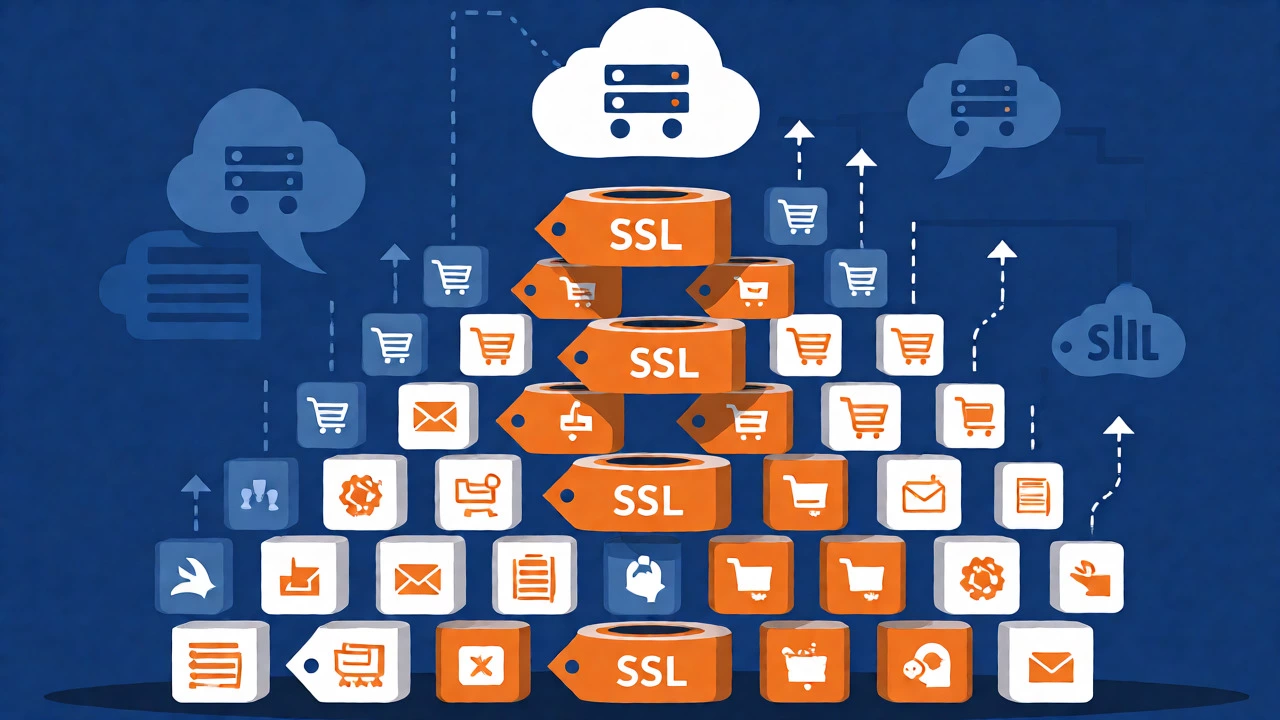
The advertised price is rarely the final price. GoDaddy, like many large hosting providers, makes money through add-ons. When you go through the checkout process, you will likely see checkboxes for extra services. Some are useful; others are overpriced conveniences.
- Professional Email: Many plans include a limited number of email accounts (e.g., 10 emails). If you need more, you pay per user, per month. Alternatively, you can use Google Workspace or Microsoft 365, which might offer better value and reliability.
- SSL Certificates: Most modern plans include a free SSL certificate (the padlock icon in your browser). However, older or very basic shared hosting plans sometimes charge for premium SSLs. Always verify this is included before buying.
- Domain Privacy: When you register a domain, your personal contact info (name, address, phone) is public by default. GoDaddy charges for "Domain Privacy" to hide this. While ICANN rules have changed how much info is visible, many users still prefer this privacy layer. Check if it's bundled in your specific plan.
- Renewal Rate Hikes: This is the big one. That $4.99 domain you bought? It renews at $18-$20. That $9.99 website builder? It might renew at $12.99 or higher after the first year. Budget for the second-year price, not the first-year teaser rate.
Another sneaky cost is support. GoDaddy offers phone and chat support, but it can be inconsistent. If you run into a technical issue, you might spend hours on hold or get transferred between departments. While the support itself is "included," the time you lose is a real cost. For critical business sites, this downtime translates directly to lost revenue.
Alternatives to Consider Before Buying
If GoDaddy’s pricing feels steep for what you’re getting, you aren’t alone. Several competitors offer similar ease of use, sometimes with more generous free tiers or better value packages.
Wix is a cloud-based web development platform that allows users to create HTML5 websites and mobile sites through the use of online drag and drop tools is GoDaddy’s biggest rival in the DIY space. Wix offers a genuinely free plan that lets you build a site indefinitely, though it displays Wix ads and uses a clunky subdomain (yourname.wixsite.com). If you buy a domain, Wix’s paid plans often include more design flexibility and app integrations than GoDaddy.
Squarespace is a website builder known for its sleek, award-winning templates and integrated e-commerce features targets a slightly different audience. It’s more expensive, starting around $16/month, but the design quality is superior out of the box. If aesthetics matter most to you-say, for a photography portfolio or high-end boutique-Squarespace often delivers a more polished look with less effort than GoDaddy.
For those willing to climb a small learning curve, WordPress.org is a free, open-source content management system written in PHP paired with MySQL or MariaDB database combined with affordable hosting (like SiteGround or Bluehost) can be cheaper long-term. You pay for hosting ($3-$10/month) and a theme/plugin stack, but you own your data completely. No vendor lock-in. This option requires more maintenance but gives you total control.

Who Should Actually Use GoDaddy?
So, is GoDaddy bad? Not necessarily. It depends on your priorities. GoDaddy excels at simplicity and bundling. If you want to buy a domain, set up email, and launch a simple website all under one roof without juggling multiple logins, GoDaddy’s ecosystem is convenient. Their dashboard is designed for non-technical users who just want things to work.
It’s particularly good for local businesses that need a quick online presence. A plumber in Leeds or a bakery in London can get a functional site with booking forms up in an afternoon. The customer support, while hit-or-miss, is available 24/7 via phone, which is rare among tech-first competitors like Squarespace or Shopify.
However, if you are scaling an e-commerce store, GoDaddy’s builder might feel restrictive. Their checkout processes and inventory management are basic compared to specialized platforms like Shopify. If you anticipate growing beyond 50-100 products, you might outgrow GoDaddy quickly and face a painful migration later.
Final Verdict: Is It Worth the Money?
GoDaddy does not give you a free website forever. You get a free trial or a free domain for one year, but you will pay monthly or annually to keep your site live. The value proposition hinges on convenience. You are paying for the integration of domains, hosting, and builder tools in a single interface.
If you are a beginner who hates technical details and wants to get online fast, GoDaddy is a solid choice despite the upsells. Just read the fine print on renewal rates. If you are budget-conscious or design-focused, compare their quotes against Wix or Squarespace before hitting buy. And if you want full control and lower long-term costs, consider self-hosted WordPress instead.
Is GoDaddy really free?
No, GoDaddy is not free. They offer free trials for their website builder and sometimes bundle a free domain name for the first year with paid hosting plans. After the trial or the first year, you must pay standard subscription fees to keep your website online.
What happens if I stop paying for my GoDaddy website?
If you stop paying, your website will go offline. GoDaddy typically retains your data for a grace period (often 30-90 days), allowing you to reactivate the account and restore your site. After that period, your data may be permanently deleted.
Does GoDaddy include email hosting?
Some higher-tier website builder plans include a limited number of professional email accounts. Lower-tier plans often do not, requiring you to purchase email separately or integrate with third-party services like Google Workspace or Microsoft Outlook.
Can I move my website away from GoDaddy later?
Yes, you can transfer your domain name to another registrar easily. However, moving the actual website content built on GoDaddy's proprietary builder can be difficult because it does not export to standard formats like HTML or WordPress. You may need to rebuild the site manually on a new platform.
Are there hidden fees with GoDaddy?
Common additional costs include domain privacy protection, premium SSL certificates (on older plans), professional email subscriptions, and higher renewal rates after the first promotional year. Always check the renewal price before signing up.