

A dynamic website, a site that generates content on-the-fly using server-side code and databases rather than serving static HTML files. Also known as interactive website, it’s what powers everything from your online store to your bank’s login portal. Unlike static sites that show the same content to everyone, a dynamic website changes what you see based on who you are, what you click, or even the time of day. Think of it like a live conversation instead of a printed brochure.
Behind the scenes, a dynamic website, a site that generates content on-the-fly using server-side code and databases rather than serving static HTML files. Also known as interactive website, it’s what powers everything from your online store to your bank’s login portal. relies on tools like PHP, a server-side scripting language that’s still powering over 77% of websites in 2025, especially for content-heavy platforms like WordPress. and JavaScript, the language that runs in your browser to make pages respond instantly to clicks, forms, and scrolls. These aren’t just buzzwords—they’re the gears that make your shopping cart update without reloading, your profile page pull your real data, or your blog show new posts as they’re published. You don’t need to code them yourself, but understanding how they work helps you ask the right questions when hiring a developer or choosing a platform.
Most people think a website is just a design. But if it’s not pulling data, responding to users, or updating in real time, it’s just a picture. A dynamic website is alive. It adapts. It learns. It grows. That’s why businesses that want to scale—whether they’re selling products, collecting leads, or offering services—can’t afford to stick with static pages anymore. The posts below break down exactly how this works in practice: from why PHP still holds its ground, to how JavaScript makes pages feel instant, to what happens when you mix in responsive design so it works on phones, tablets, and desktops alike. You’ll find real stories from developers, clear comparisons between tools, and no-fluff answers about what actually matters when building or choosing a site that works.
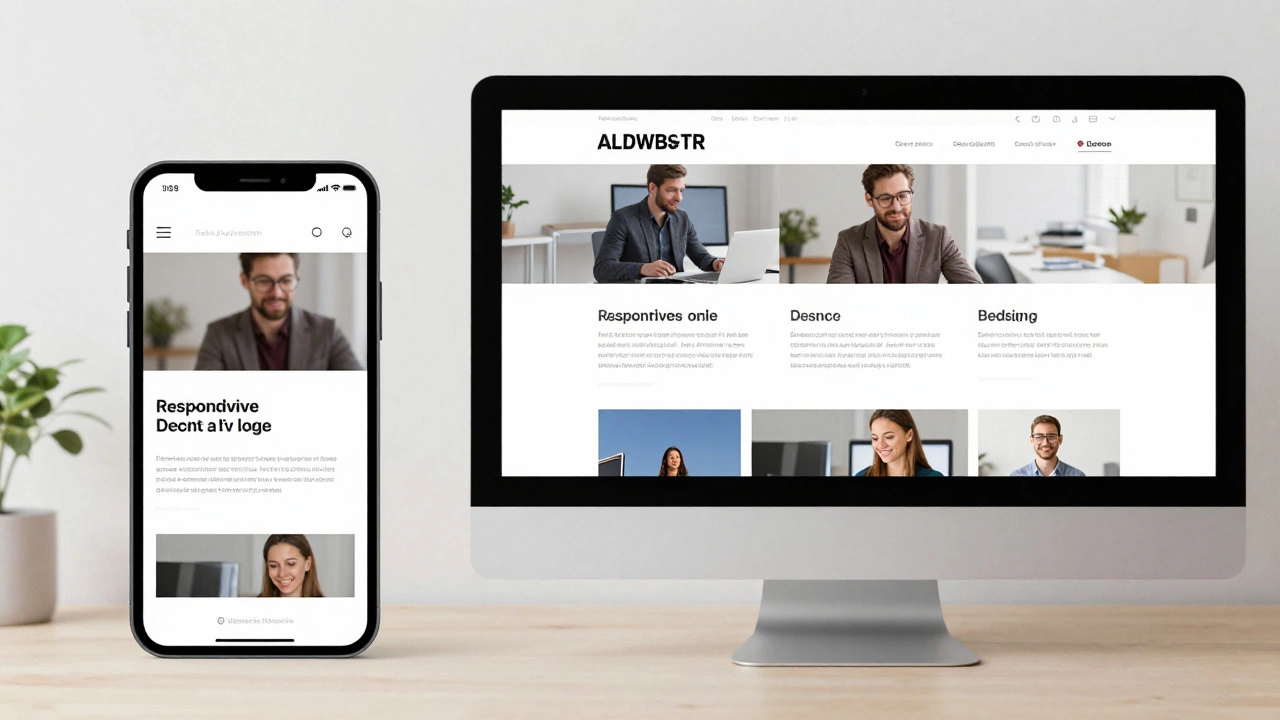
Responsive websites adjust layout for screen size; dynamic websites change content based on user or context. Learn how they differ and which one your project needs.
Read More