

When you visit a website and see something that changes based on who you are—like personalized product suggestions, location-based offers, or a menu that shifts on mobile—that’s dynamic content, web content that changes in real time based on user data, device type, or server-side logic. Also known as adaptive content, it’s what makes modern websites feel alive, not like digital brochures. Static pages show the same thing to everyone. Dynamic content knows you. It remembers your last visit. It adapts to your screen size. It loads faster on your phone and shows different images on your desktop.
This isn’t magic—it’s built with tools you’re already familiar with. JavaScript, a scripting language that runs in the browser and lets websites respond to clicks, scrolls, and inputs is the most common engine behind it. But behind the scenes, CMS platforms, like WordPress or Shopify, that pull data from databases to generate pages on the fly do the heavy lifting. You don’t need to code it all yourself. Even if you use a website builder, chances are it’s serving dynamic content—showing your latest blog posts, updating inventory, or changing the hero image based on the time of day.
Dynamic content isn’t just about fancy animations. It’s about relevance. A visitor from London sees different pricing than someone in Manchester. A returning customer sees a login prompt, not a signup form. A mobile user gets a simplified layout. This isn’t guesswork—it’s data-driven design. And it’s not optional anymore. Google rewards sites that load fast and serve the right content to the right user. If your site looks the same on every device and to every visitor, you’re losing clicks, conversions, and trust.
What you’ll find below are real-world breakdowns of how dynamic content works in practice. You’ll see how Python powers backend logic behind the scenes, how PHP still runs millions of sites that serve personalized content, and why JavaScript isn’t just for buttons—it’s the heartbeat of modern web experiences. You’ll learn when you need to code, when you don’t, and how tools like Figma or WordPress fit into the bigger picture. This isn’t theory. These are the tools and decisions real developers and designers make every day to build websites that actually work for people.
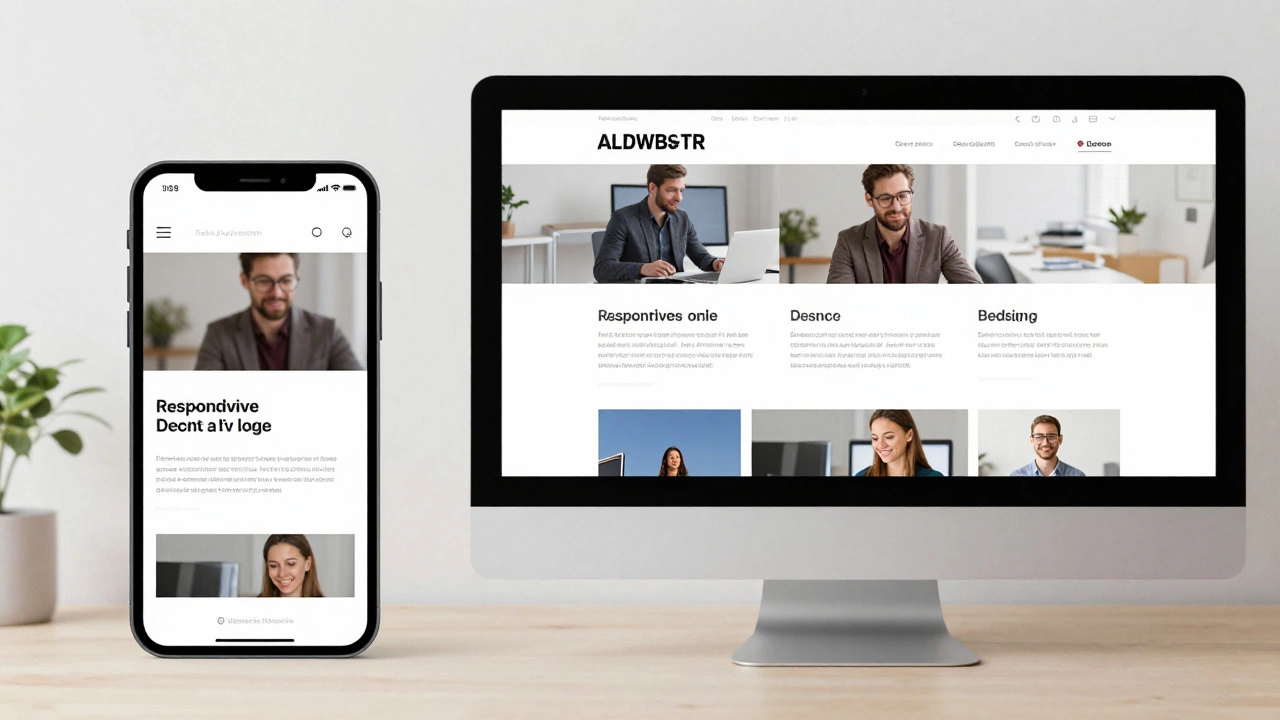
Responsive websites adjust layout for screen size; dynamic websites change content based on user or context. Learn how they differ and which one your project needs.
Read More